Tag: 🛠️Tools

  • Best Text-to-Carousel AI Tools for Social Media

    Revolutionize your social media strategy with AI-driven text-to-carousel solutions, the next generation of tools that help transform simple concepts into sophisticated swipeable stories that grab attention. The new platforms use the latest language models along with design intelligence to automatically generate multi-slide carousels with a simple prompt, in which each frame is engineered for engagement, clarity, and consistency with the brand. Effortlessly create powerful narratives and attention-grabbing visuals, along with editable calls to action, utilizing design skills. Advanced automatic selection of layouts, dynamic adaptation of the content, and seamless integration with worldwide known social platforms empower creators and marketers to enrich their outreach and impact interaction.

    Tool AI Copywriting Real-Time Collaboration Custom Fonts Stock Library Access Video Support Brand Kit Integration Content Scheduling Mobile App Available
    aiCarousels Yes No Yes Yes No Yes No No
    Piktochart Yes Yes Yes Yes No Yes No No
    Predis.ai Yes No Yes Yes Yes Yes Yes Yes
    Simplified Yes Yes Yes Yes Yes Yes Yes Yes
    SuperCarousels Yes No Yes Yes No Yes No No
    Contentdrips Yes No Yes Yes No Yes No Yes
    CarouselMaker No No Yes Limited No Yes No No
    PostNitro Yes No Yes Limited No Yes No No
    DocHipo Yes Yes Yes Yes No Yes No No
    Appy Pie Yes No Yes Yes No Yes No Yes

    aiCarousels

    WEBSITE www.aicarousels.com
    Rating 4.0
    Free Trial Yes
    Best For Social media creators and marketers wanting fast, AI-assisted carousel generation (LinkedIn, Instagram, TikTok) without design skills.
    aiCarousels - Best Text-to-Carousel AI Tools for Social Media
    aiCarousels – Best Text-to-Carousel AI Tools for Social Media

    aiCarousels provides an innovative paradigm shift in social media content creation by converting topics, texts, URLs, videos, or PDFs directly into eye-catching carousels for LinkedIn, Instagram, or TikTok. Powered by an AI writing assistant, create appealing titles, descriptions, and calls to action; use intuitive drag-and-drop editing, resizing elements automatically, and customize templates to maintain brand consistency and professional design in no time. The very ample resource library is made dynamic with images and videos, immediate export options (PDF/JPG), and instant caption-making to ensure that creators save time to increase engagement; thus, it emerges amongst other marketers and businessmen who would wish to have carousel posts that have less effort yet with a high impact.

    Pros

    • The interface is user-friendly
    • Multiple platforms are supported (LinkedIn, Instagram, TikTok).
    • Templates and branding can be customized.

    Cons

    • Advanced features fall under the Pro plan.
    • No video carousel creation.

    Pricing

    aiCarousels offers custom pricing; contact them for a quote.

    WEBSITE www.piktochart.com
    Rating 4.5
    Free Trial Yes
    Best For Social media and marketing teams looking to generate branded, AI‑assisted carousel posts quickly for LinkedIn, Instagram, Facebook, or presentations.
    Piktochart’s AI Carousel Make - Best Text-to-Carousel AI Tools for Social Media
    Piktochart’s AI Carousel Make – Best Text-to-Carousel AI Tools for Social Media

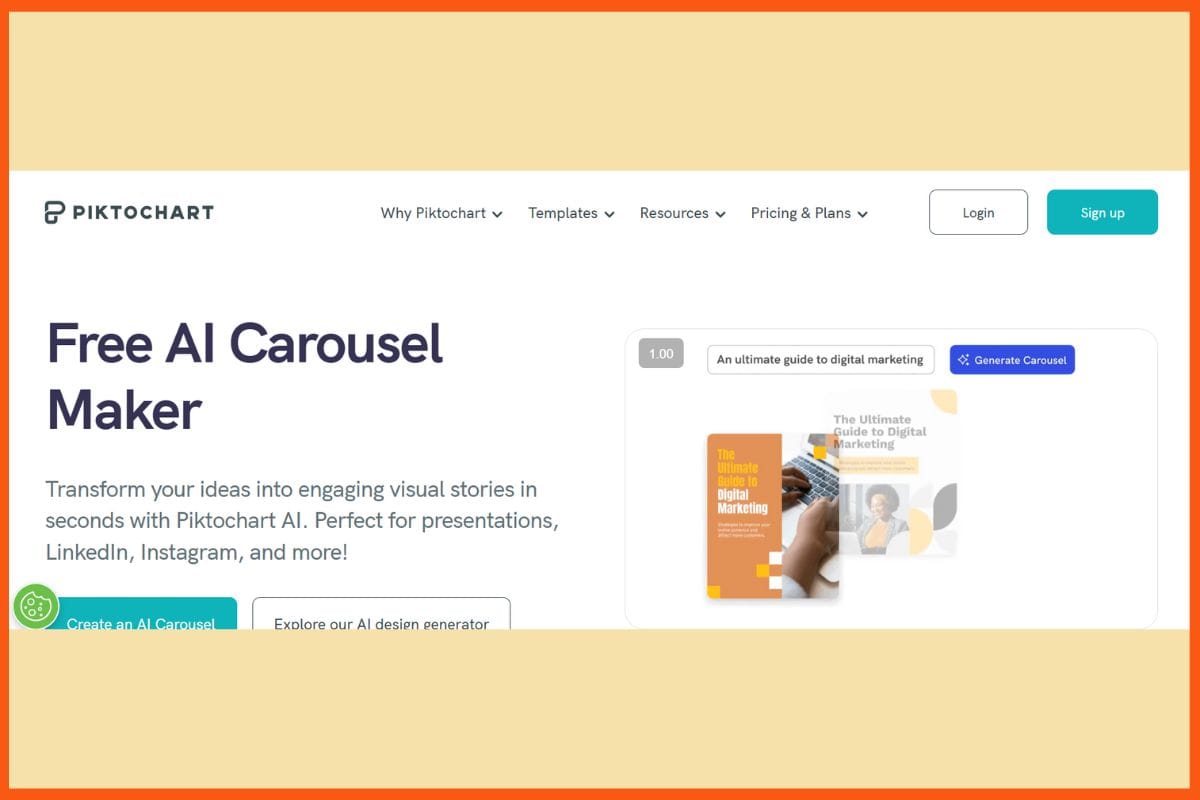
    Piktochart’s AI Carousel Make, an intelligent and convenient tool that can turn simple ideas or notes into designs with beautiful, swipeable carousels. Doesn’t matter if you don’t know design. Piktochart’s AI will write engaging copy for you, find clean layouts for you, and create multifaceted designs for you to experience consistent branding. Just drag and drop into their easy editor. Besides, you get access to thousands of pre-designed templates, icons, and images for a sleek look and consistency across posts. While offering batch exporting, fast resizing, and easy sharing, this high-value tool is designed for every creator and marketer to post at speed, spark engagement, and keep their online presence strong–all without the design headaches.

    Pros

    • Collaboration in real time
    • Export in multiple formats – PDF, PPTX, and PNG
    • Text and design suggestions powered by artificial intelligence

    Cons

    • Premium Templates are available on paid plans
    • Free plan includes a Piktochart watermark

    Pricing

    Plan Pricing
    Pro $29/member/month
    Business $49/member/month
    Enterprise Custom Pricing

    Top AI Tools for Social Media in 2025: Boost Your Social Media Strategy
    Discover the best AI Tools for Social Media in 2025. These tools are designed to save you time, boost your engagement, and help you make data-driven decisions.


    Predis.ai

    WEBSITE www.predis.ai
    Rating 4.0
    Free Trial Yes
    Best For Social media managers, agencies, content creators, and SMEs looking for an AI-driven all‑in‑one content creation, scheduling, and competitor‑analysis platform.
    Predis.ai - Best Text-to-Carousel AI Tools for Social Media
    Predis.ai – Best Text-to-Carousel AI Tools for Social Media

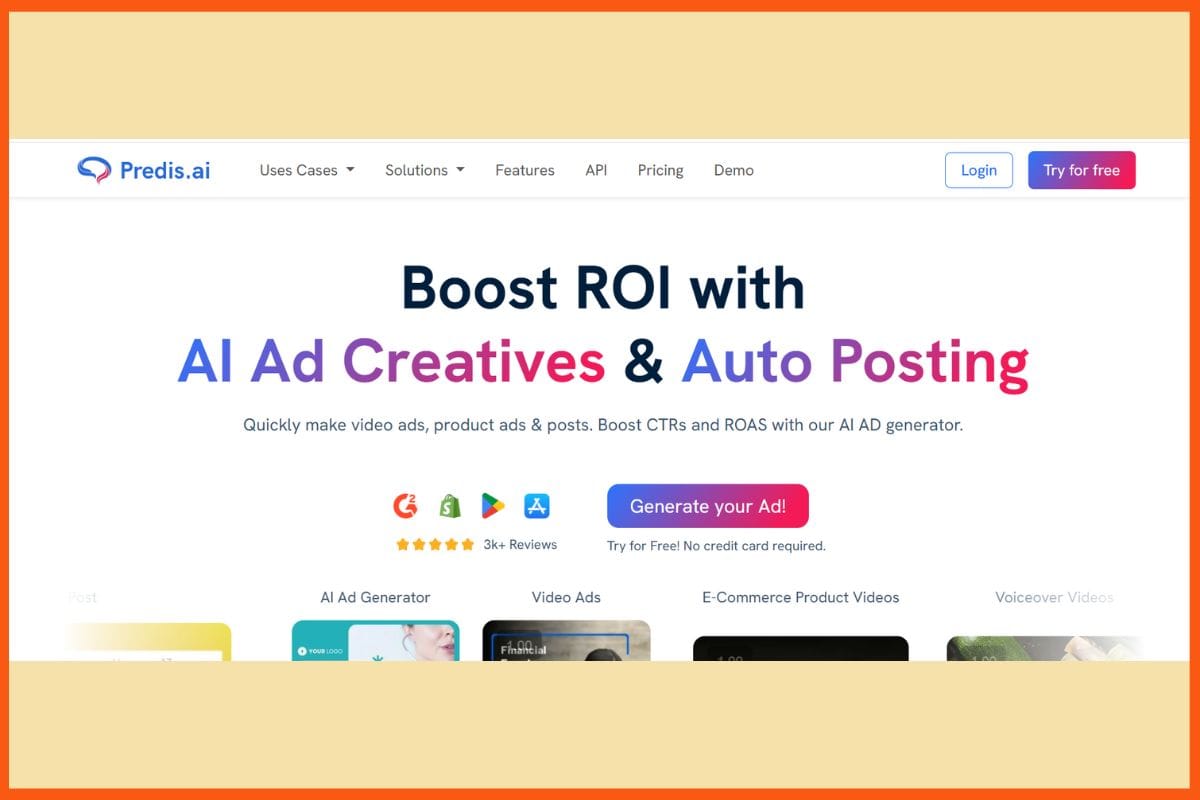
    Predis.ai is an effortless AI-powered tool that helps convert your short ideas or prompts into beautiful, swipeable carousels to be used across any social media platform, be it Instagram, LinkedIn, or any other. Even if you are not a designer or copywriter, you can get posts that would leave any audience awestruck, with accruing relevance in no time. It uses AI to write captions, choose great layouts, and keep everything looking consistent for instant on-brand posts. Schedule, analyze post performance, and, of course, connect directly to your favorite social platforms. Predis.ai saves time, improves branding, and helps pull attention for both creators and businesses, if not marketers, with simply scroll-stopping carousels.

    Pros

    • Advanced scheduling and analytics
    • Supports direct publishing to multiple platforms
    • Customizable branding and design flexibility

    Cons

    • Limited monthly credits with free plan
    • Manual post editing might be required

    Pricing

    Plan Pricing
    Plus $39/month
    Edge $79/month
    Enterprise $249/month

    WEBSITE simplified.com
    Rating 4.8
    Free Trial Yes
    Best For Creators and marketers wanting fast, AI‑powered carousel generation and full design workflow (content, branding, export, scheduling) in one platform.
    Simplified - Best Text-to-Carousel AI Tools for Social Media
    Simplified – Best Text-to-Carousel AI Tools for Social Media

    The AI Carousel Generator at Simplified makes creating carousel presentations from simple ideas or short pieces of text very simple. Just type your text, choose a style, and the AI will help you create impressive slides in seconds, no prior design experience needed! You get useful templates, photo and icon libraries, and super-fast editing options to make it work for you. The tool allows you to directly download or share presentations on social channels, helping you remain creative and consistent with very little effort. It is made for busy content creators, small businesses, and anyone who wants to make videos with a little bit of shine!

    Pros

    • Super easy to use
    • Slide editing and customization 
    • Free plan lets you evaluate most of the core features.

    Cons

    • Watermark is unavoidable on free plans
    • Editing options are not suited for professionals

    Pricing

    Plan Pricing
    Pro $29/month
    Business $79/month
    Growth $199/month
    Enterprise Custom Quote

    SuperCarousels

    WEBSITE supercarousels.com
    Rating 4.0
    Free Trial Yes
    Best For Content creators and marketers wanting fast, AI-powered social media carousel generation with minimal design knowledge needed.
    SuperCarousels - Best Text-to-Carousel AI Tools for Social Media
    SuperCarousels – Best Text-to-Carousel AI Tools for Social Media

    SuperCarousels makes it very simple to create fun, swipeable carousels out of your short ideas or bits of text for Instagram, LinkedIn, and many more. All you have to do is type in your message, choose a theme, and let the AI do its magic. Very easy to use-no design experience required! SuperCarousels has many ready-made templates, smart design suggestions, and straightforward editing capability in order to match your brand easily and keep posts consistent. Export your carousels in many formats and keep your social feeds looking fresh and professional-a great thing for a creator, small business, or anyone who wants to stand out with very little effort.

    Pros

    • A multitude of templates and style options
    • Faster generation of carousels 
    • Automatically adjust the design to fit your content

    Cons

    • Advanced options might require a paid plan
    • Specific design layouts might require some manual tweaks

    Pricing

    SuperCarousels offers custom pricing; contact them for a quote.

    Contentdrips

    WEBSITE contentdrips.com
    Rating 4
    Free Trial Yes
    Best For Personal brands, content creators, and small teams wanting AI‑automated carousel creation from text, blogs, or Twitter threads—plus branding and scheduling tools.
    Contentdrips -  Best Text-to-Carousel AI Tools for Social Media
    Contentdrips – Best Text-to-Carousel AI Tools for Social Media

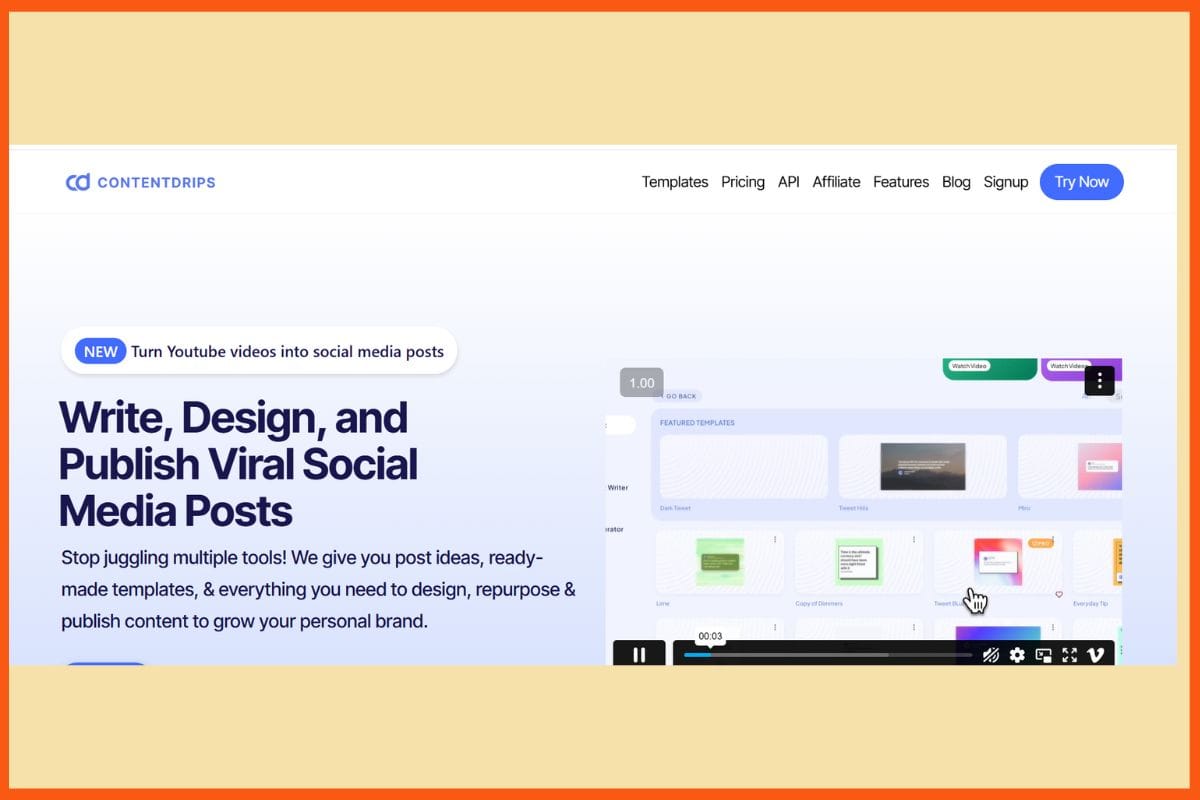
    Contentdrips provides you with the opportunities to turn any banal ideas, quotes, or messages into a professional-looking multi-slide carousel for LinkedIn and Instagram, then it deserves a mention. Write the text, use their prompts, and have the AI entertain your ideas with captivating designs in minutes, without any design experience! You stay equipped with tons of templates, branding options, and a large selection of icons and images, ensuring that your carousels always look unique and on-brand. Editing slides is a matter of dragging and dropping, so you can quickly tweak them and share or download your final posts, making it a great solution for busy creators and small business owners.

    Pros

    • Super-friendly interface and beginner’s tool
    • Supports personal branding and custom fonts
    • Direct share and download for quick posting

    Cons

    • The free plan has limitations for export
    • Comparatively less advanced design options as pro-level tools

    Pricing

    Plan Pricing
    Starter $19/month
    Teams $35/month

    24 Best Tips for Social Media Marketing
    Social Media Platforms has now become top platform for marketing. These Tips for Social Media Marketing will help you ace social media marketing.


    CarouselMaker     

    WEBSITE carouselmaker.co
    Rating 4
    Free Trial Yes
    Best For Content creators and marketers wanting a fast, AI-assisted carousel generator with branding options and unlimited downloads.
    CarouselMaker -  Best Text-to-Carousel AI Tools for Social Media
    CarouselMaker – Best Text-to-Carousel AI Tools for Social Media

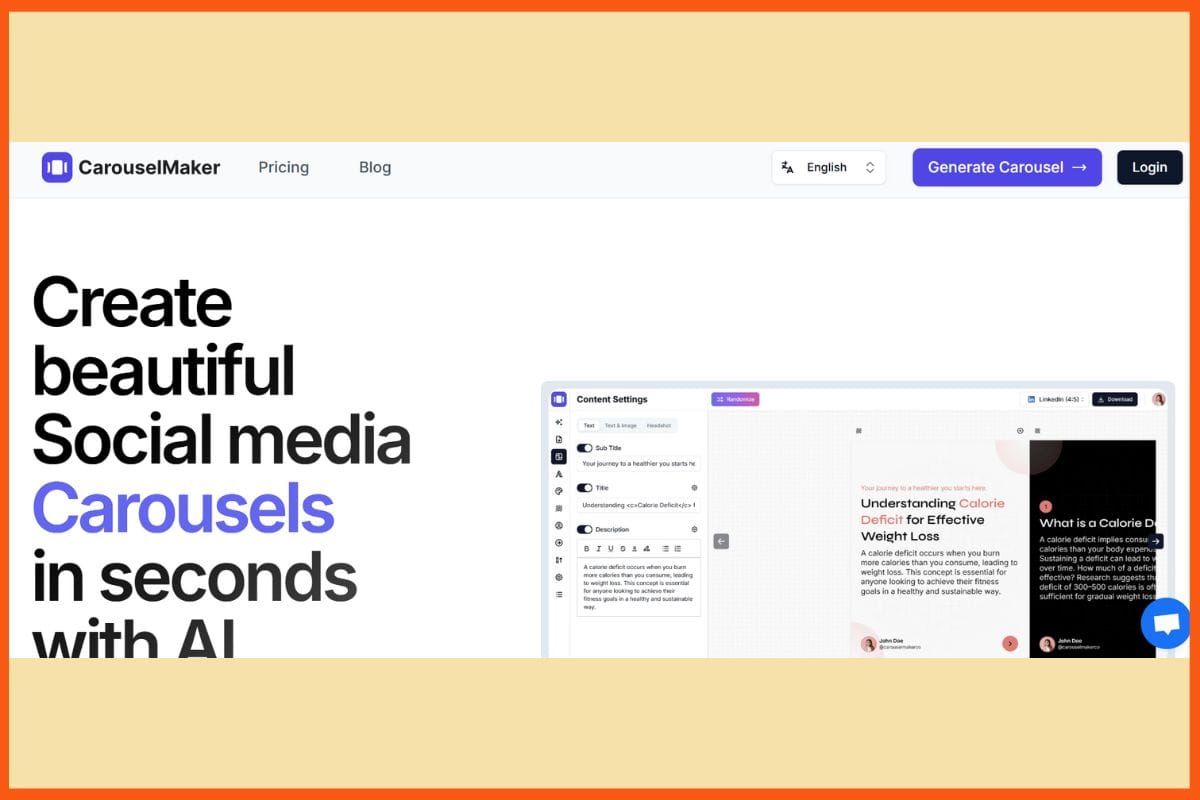
    CarouselMaker is a brilliant online tool for transforming your text, tips, or thoughts into swipeable Instagram, LinkedIn, and social carousels, which can enhance your productivity as a creator or small business. Simply plug your content in, look through different color templates, and presto! Its drag-and-drop interface lets you personalize fonts, colors, and images in a cinch—again, no design experience needed! CarouselMaker is straightforward, though powerful at the same time, to bring you carousels you can share right away that look like what a professional would design within minutes. Lip-fast export and easy material design options make CarouselMaker an excellent high-impact opportunity for social posts and saving time, and improving the reach of audiences.

    Pros

    • speedy creation and export of carousels.
    • Does not require any design skills.
    • Relatively low-priced for individuals and small teams.

    Cons

    • Compared to some competitors, there are fewer advanced design features available.
    • Not suited for advanced carousels

    Pricing

    Plan Pricing
    Pro $9/month

    PostNitro

    WEBSITE postnitro.ai
    Rating 5
    Free Trial Yes
    Best For Content creators, marketers, and small businesses needing fast AI-powered carousel creation from topics, articles, threads, with branding and export-ready output.
    PostNitro - Best Text-to-Carousel AI Tools for Social Media
    PostNitro – Best Text-to-Carousel AI Tools for Social Media

    PostNitro will make carousel creation very easy for anyone interested in improving their Instagram or LinkedIn game. It is clean and very simple; in a matter of minutes, you can turn your notes or short texts into swanky, swipe-ready carousels with very easy manner design skills required! Choose handy templates, drop them into place, and use the drag-and-drop editor to make each slide pop. PostNitro allows quick editing, customization, and exporting of carousels from the platform to save your time and hustle. Perfect for any creator, the company, or anyone who wants to emerge through social media without spending hours on design.

    Pros

    • Free plan available
    • Download and sharing options are available
    • No requirement for an account for simple operations

    Cons

    • Very few of the features are available in the standalone app
    • Not many options for extensive customization

    Pricing

    Plan Pricing
    Starter $10/month
    Solopreneur $16/month
    Team Plan $40/month

    DocHipo

    WEBSITE www.dochipo.com
    Rating 4.9
    Free Trial Yes
    Best For Small businesses, marketers, and non-designers seeking easy, template-driven visuals (infographics, carousels, social posts) with AI image and text tools.

    DocHipo is good for everyone wishing to have eye-catching carousels for Instagram, LinkedIn, or Facebook, just with a click of a button. The drag-and-drop editor, combined with a huge selection of classy templates, would allow you to turn your ideas and text into stunning-looking, multi-slide posts almost instantaneously. The platform provides extensive customization choices-from choosing your font, color, image, etc.-so your carousels can always feel like they belong to your brand or style. With AI design suggestions and straightforward download and share options, DocHipo is perfect for the modern-day designer, small businesses, or marketers who want their social media to appear stylish, creative, and professional without a headache for designing.

    Pros

    • beginner-perfect drag-and-drop editor
    • Ideal for quick, on-brand personalization
    • Real-time collaboration and team features

    Cons

    • The free plan adds a watermark to exports
    • Limited formats for export on the free plan

    Pricing

    Plan Pricing
    Pro $7.5/user/month
    Pro Unlimited $225/unlimited users/month

    WEBSITE design.appypie.ai/ai-carousel-maker
    Rating 4
    Free Trial Yes
    Best For Creators and marketers needing fast, AI‑powered carousel creation optimized for LinkedIn & Instagram, with branded templates and easy editing.
    Appy Pie’s AI Carousel Maker - Best Text-to-Carousel AI Tools for Social Media
    Appy Pie’s AI Carousel Maker – Best Text-to-Carousel AI Tools for Social Media

    Appy Pie’s AI Carousel Maker, anyone can easily transform any text, tips, or ideas into gleesome, attractive carousels for Instagram, LinkedIn, and other social platforms. Type out the message, pick a colorful template from the dozens offered, and let AI do its work by suggesting designs, layouts, and captions, even if you are not a designer! You can drag and drop images, change fonts, or tweak colors that go with your style before downloading or sharing them in the most popular formats. Fast, flexible, and simple, Appy Pie’s tool is so good for creators, marketers, or small business owners who want to grab attention and look slick with little effort.

    Pros

    • A great variety of beautiful templates
    • Multiple exporting formats are supported (JPG, PDF, etc.)
    • Free trial offered

    Cons

    • The most advanced features are behind a paywall
    • Limits on the free trial’s basic features

    Pricing

    Appy Pie’s AI Carousel Maker offers custom pricing; contact them for a quote.

    Conclusion

    Text-to-carousel AI tools are truly transforming how brands and creators communicate via social media, converting ideas and raw text into glamorous swipeable stories almost instantly and with utmost ease. These platforms break down creative barriers in making sure that anybody can create good carousels that lure attention and engagement, regardless of design background. Automating design, alleviating the workflow, and allowing for dynamic branding, they enable their users to be consistent, save time, and deliver higher performance across all major platforms. In an era where visual storytelling dictates online success, embracing these tools is not just a trend but a strategic decision for anyone who wishes to stand out, connect, and grow in the digital landscape.


    21 Best Social Media Management Tools for Startup in 2023
    Managing social media presence can be overwhelming. Here are the best social media management tools to help streamline your process and save time.


    FAQs

    An AI text-to-carousel generator is a tool that automatically transforms text, URLs, or media into swipeable, multi-slide carousels using AI-driven design and copywriting features.

    Can I export carousels in different formats?

    Yes, tools like Piktochart and DocHipo allow exporting carousels in various formats like PDF, JPG, PNG, and PPTX, making them easy to share or post.

    Do these tools support direct posting?

    Yes, some platforms support direct publishing and scheduling for platforms like Instagram and LinkedIn, making social content management more seamless and efficient.
  • Best AI Tools for Customer Support Automation | Must-Have AI Tools to Automate Your Customer Service

    Customer support automation enables corporations to assist clients both quickly and efficiently, whether it is day or night. It performs tasks that are simple, repetitive, forwards queries to the correct teams, and provides instant answers to basic issues and common questions. While these are usually performed through FAQs, chatbots, and feedback forms, clients can also resolve a lot of their problems on their own. This translates to shorter queues, fewer chances of mistakes, and enhanced services. As for the human agents, it allows them to concentrate on more complicated issues that require greater attention. With the growth of a company, automation ensures that the support runs effectively.

    Why Use AI Tools for Customer Support Automation?

    Customer support automation helps businesses offer fast, 24/7 service while reducing human effort and costs. With the help of AI tools, companies can take care of common queries instantly, route tickets smartly, and maintain high customer satisfaction. In this list, we cover the best AI tools for customer support automation, trusted by modern businesses.

    Tool Unique Feature(s) Ideal Business Use Case
    Robylon AI Outcome-based pricing per resolution
    Adapts dynamically to new customer intents
    Businesses focused on ROI and value tracking with minimal coding
    Hiver Collision detection alerts
    Native support inside Gmail/Outlook without any separate dashboard
    Teams already heavily using Google Workspace or Microsoft Outlook
    Fin AI Learns from internal PDFs and help docs
    Multilingual with 45+ languages
    Global companies with complex documentation needs
    Freddy AI Copilot Tone enhancers for customer-facing responses
    Works seamlessly within Freshdesk and Freshservice ecosystems
    Support teams using Freshworks tools
    Tidio Lyro AI chatbot trains on knowledge base automatically
    Unified multichannel inbox with proactive chat triggers
    SMBs looking for fast implementation with eCommerce integrations
    Atera Technician-centric pricing model
    Integrated RMM and PSA tools in one platform
    IT departments or Managed Service Providers (MSPs)
    Ada Reasoning Engine for understanding and taking action
    Visual no-code builder for complex chatbot flows
    Large enterprises with high-volume, multilingual support
    Thunai Creates Jira tickets from conversations
    Auto-summarizes Zoom/Teams calls and converts them to insights
    Hybrid teams needing sales, support & marketing alignment
    Kommunicate 100+ language support with real-time dynamic translation
    Pre-built chatbot templates for rapid deployment
    Businesses scaling fast across international regions
    Kustomer Unified timeline of customer interactions
    No-code AI Agent Studio for training branded AI agents
    CRM-first organizations requiring deep personalization

    Robylon AI

    WEBSITE www.robylon.ai
    Rating 5
    Free Trial No
    Best For Businesses needing outcome-based AI agents that resolve support queries with 24/7 cross‑channel coverage and human oversight.
    Robylon AI - Best AI Tools for Customer Support Automation
    Robylon AI – Best AI Tools for Customer Support Automation

    Robylon AI allows corporations to automate more than 90% of their consumer operations through chat, email, and voice tickets. Such advances were made possible by highly advanced AI agents built on human intelligence. Thus, real-time replies, support, and multilingual availability are offered without hassle and within a few minutes without coding. The solution readily adapts to business changes, learning with each new query posed by customers; besides, it integrates with top CRMs. Workflows, sentiment detection, and smart knowledge search will help speed the resolution of the issue, while a unique pay-per-resolution model brings costs low and keeps an easy track of value.

    Robylon AI Pros 

    • complex queries and workflow automation with no coding.
    • Multichannel support: chat, e-mail, voice, tickets.
    • instant deployment

    Robylon AI Cons 

    • The analytics dashboard is less intuitive 
    • Manual setup for high-end tasks

    Robylon Pricing

    Plan Pricing
    Pro $39/month
    Business $199/month
    Enterprise Custom

    Hiver

    WEBSITE www.hiverhq.com
    Rating 4.6
    Free Trial Yes
    Best For Teams using Gmail who want shared inboxes, workflow automation, SLA tracking, voice/chat/WhatsApp support, and AI tools within their inbox.
    Hiver - Best AI Tools for Customer Support Automation
    Hiver – Best AI Tools for Customer Support Automation

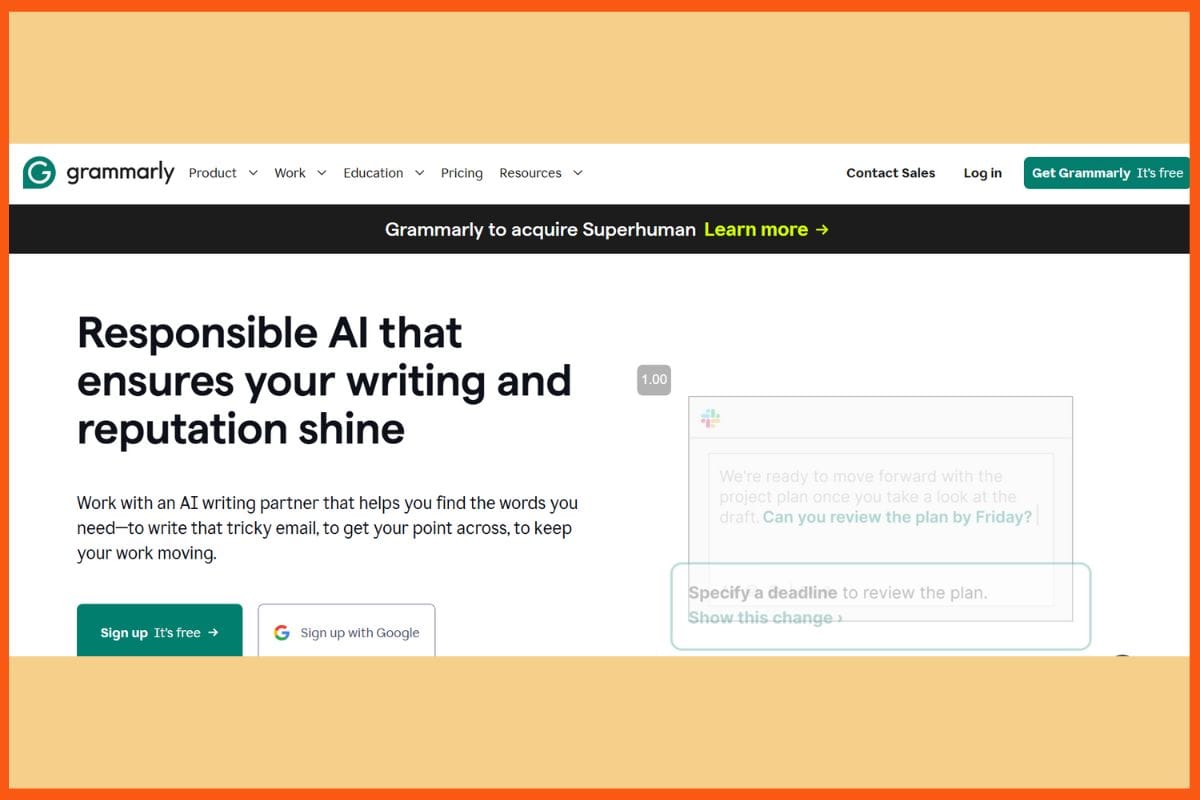
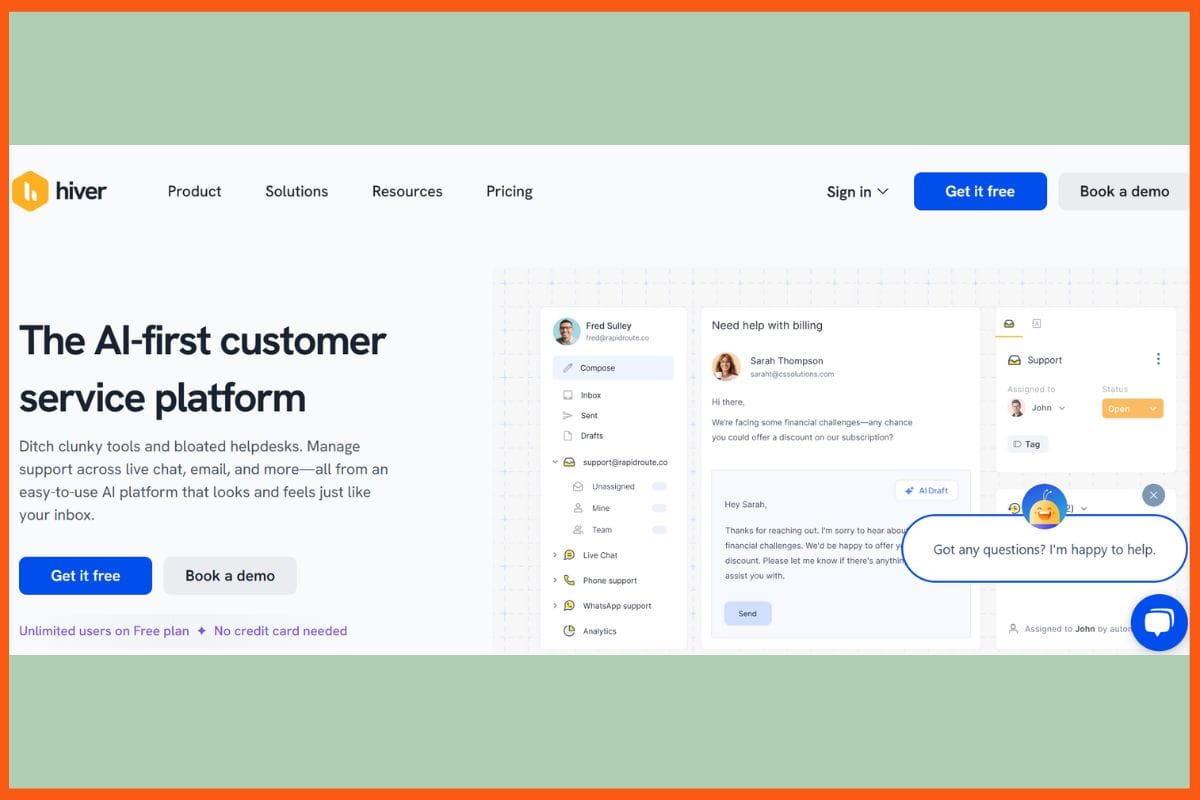
    Hiver is a customer support tool powered by Artificial Intelligence that helps make Gmail or Outlook Inbox a unified Helpdesk where customer service becomes easy and familiar for teams. Users will be able to manage not only emails but also chats, voice calls, and WhatsApp in one place since sharing inboxes allow for quick assignment, collaboration, and teamwork. It offers an AI that drafts simple replies, deflects repetitive tickets, and summarizes long conversations, speeding up case responses. Hiver automates the tickets, routes tickets, attaches SLA for monitoring, and gives actionable analytics, all available on desktop and mobile apps. Integrate with an easy click into more than 100 favorite tools, and allow self-service for customers.

    Hiver Pros 

    • Works directly in Gmail/Outlook with no added interfaces 
    • Real-time collaboration with collision alert.
    • Provides integration with over 100 tools

    Hiver Cons 

    • Gets expensive for small teams when moving upward.
    • Setup time can be long for very complex automations.

    Hiver Pricing

    Plan Pricing
    Lite $24/user/month
    Growth $34/user/month
    Pro $59/user/month
    Elite Contact Sales

    7 Ways to Automate Customer Service
    Here are ways to automate customer service & the advantages & disadvantages of automated customer service. Know how to automate customer support.


    Fin AI

    WEBSITE fin.ai
    Rating 4.6
    Free Trial Yes
    Best For Customer support teams wanting high‑resolution, platform‑agnostic AI agents integrated into existing helpdesks.
    Fine AI -  Best AI Tools for Customer Support Automation
    Fine AI – Best AI Tools for Customer Support Automation

    Fin AI is Intercom’s cutting-edge AI support agent capable of understanding 82% of customer queries, responding accurately and efficiently like a real person, day or night. Integrated with all channels of interaction – chat, email, social, and SMS – it learns from help centers, internal-docs, even PDF documents, and gives instant context-relevant answers in 45+ languages. When a query gets complicated, Fin passes on conversations to the live agent, which means customers never get stuck. Its powerful reporting and analytics show patterns and help streamline support. No-code setup, easy content targeting, and customizable tone: Fin works for businesses anywhere. Teams using Fin AI experience improved ticket resolutions, higher satisfaction, and the value of more productive support agents.

    Fin AI Pros

    • Advanced Analytic tools: Topic explorers, trend analysis, and CX scoring.
    • Easily escalates to human agents.
    • Rich content and targeted messages are supported.

    Fin AI Cons

    • Higher payment for advanced features
    • human escalations can feel relatively sluggish.

    Fin AI Pricing

    Plan Pricing
    Starts @ $0.99 per resolution

    Freddy AI Copilot

    WEBSITE www.freshworks.com/freddy-ai
    Rating 4.5
    Free Trial Yes
    Best For Support and service teams wanting AI-driven ticket summarization, smart reply suggestions, multilingual translation, sentiment detection, and resolution assistance.
    Freddy AI Copilot - Best AI Tools for Customer Support Automation
    Freddy AI Copilot – Best AI Tools for Customer Support Automation

    Freddy AI Copilot takes the customer support team on a whole new, improved generative AI-powered efficiency with regard to drafting replies, summarizing conversations, translating chats in real-time, and suggesting possible actions that a new message is actually in a familiar Freshdesk or Freshservice interface. Instant ticket summaries, tone and message enhancers, and article generators save agents lots of time, so every reply, whether on chat, email, or voice, is clear, on-brand, and fast. Freddy Copilot learns directly from your knowledge base and historical tickets in order to provide easy answers automatically, and will transfer more complicated work to the appropriate expert.

    Freddy AI Copilot Pros

    • Provides responses that are consistent and on-brand every time.
    • Integrates with the knowledge base seamlessly 
    • It comes with enterprise-grade privacy and safety standards, as well as compliance.

    Freddy AI Copilot Cons

    • Human intervention continues to be necessary for complex issues or specialized workflows.
    •  Poor performance occurs with outdated data.

    Freddy AI Copilot Pricing

    Plan              Pricing

    Request for Proposal(RFP)

    Tidio

    WEBSITE www.tidio.com
    Rating 4.4
    Free Trial Yes
    Best For SMBs and growing teams wanting AI-powered chatbots, live chat, and helpdesk with flexible scalability.
    Tidio - Best AI Tools for Customer Support Automation
    Tidio – Best AI Tools for Customer Support Automation

    Tidio, an all-in-one customer support automation platform for small and medium businesses, marries live chat, AI-driven chatbots (Lyro), helpdesk, and automation tools. Lyro AI processes as much as 67% of customer queries through chat, email, and social channels—responsive in 12 different languages and most times within six seconds. It’s AI trains itself using your knowledge base and FAQs, phrase matching for quick, pertinent answers, and easy chat-to-ticket conversion to a dashboard. Features would be a no-code automation builder, multichannel unified inbox, proactive chat, intelligent analytics, and self-service tools. Tidio integrates seamlessly with e-Commerce and CRM platforms to help teams boost productivity, reduce response time, and raise customer satisfaction without the heavy learning curve.

    Tidio Pros

    • Automates support conversations for up to 67%.
    • Automation happens without coding
    • Deep analytical insights and tracking of workflow.

    Tidio Cons

    • Migration is needed if another helpdesk is being used.
    • Branding removal and advanced analytics are paid add-ons.

    Tidio Pricing

    Plan Pricing
    Growth $59/month
    Plus $749/month
    Premium Contact Sales

    Atera 

    WEBSITE www.atera.com
    Rating 4.5
    Free Trial Yes
    Best For IT teams and MSPs needing full-stack RMM, helpdesk, automation, and AI assistance on a simple per‑technician pricing model.
    Atera - Best AI Tools for Customer Support Automation
    Atera – Best AI Tools for Customer Support Automation

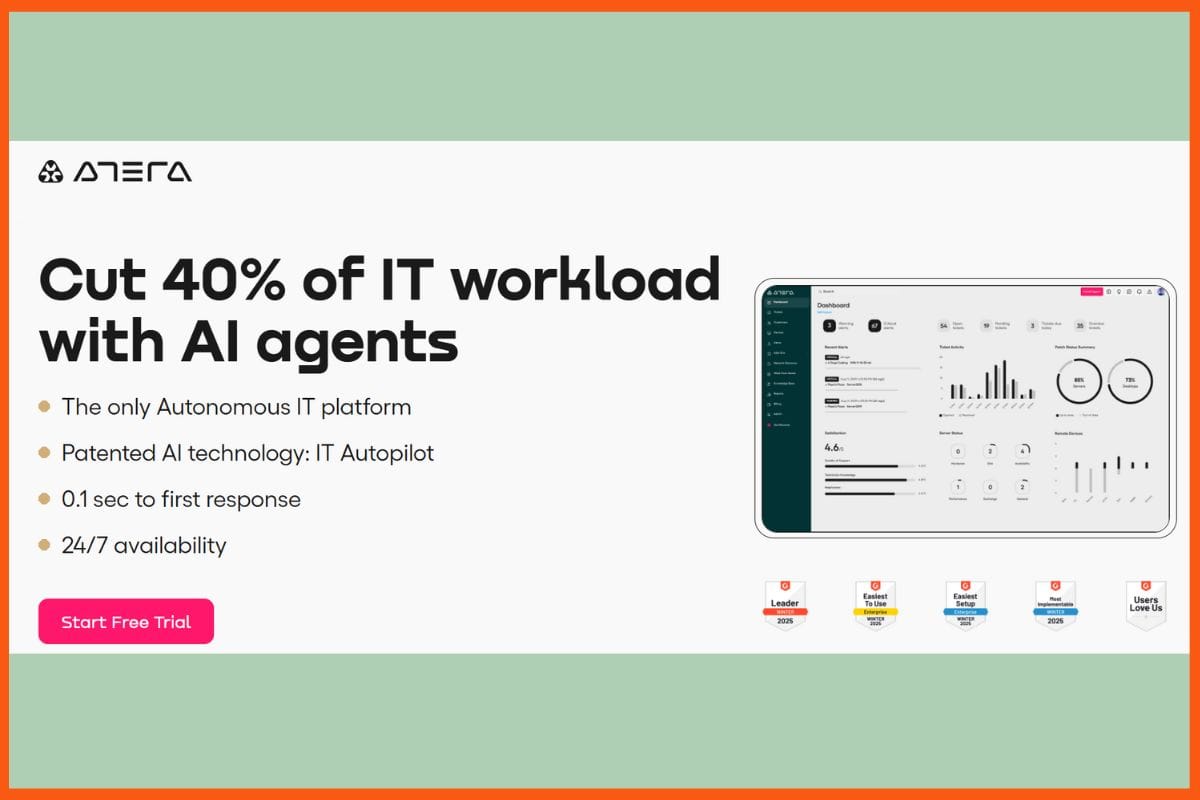
    Atera platform is an all-in-one customer support automation solution that bundles AI-driven service desk, ticketing, remote monitoring, and workflow automation into one simple package for IT teams. Its AI “Autopilot” agents autonomously resolve up to 40% of routine tickets, respond to users in real-time, or provide round-the-clock support via email, chat, or self-service portal-reducing downtime and increasing productivity. Atera also intelligently routes tickets, gives technicians solution recommendations from your knowledge base, and saves them hours of work every day. Redefined dashboards, live analytics, auto-escalation, and integration with business applications ensure the support operation runs smoothly, even in complex environments. The outcome: faster response, less manual work, and happier end users and IT.

    Atera Pros

    • AI agents can self-resolve recurring problems
    • Always-on 24/7 support with almost immediate response time,
    • Highly customizable workflows

    Atera Cons

    • Setup of automation can be tedious initially
    • Manual supervision is needed on AI ticketing

    Atera Pricing

    Plan Pricing
    Professional $149/month
    Expert $189/month
    Master $219/month
    Enterprise Contact Sales

    Top 10 Customer Retention Tools to Help You Retain Customers
    It is crucial for any business to retain its customers for long. Popular customer retention tools include Amplitude, Zendesk, Qualaroo, and more.


    Ada

    WEBSITE www.ada.cx
    Rating 4.6
    Free Trial Yes
    Best For Enterprises needing sophisticated, no-code AI chatbots with multilingual support, voice/email agents, and high‑scale automation across channels.
    Ada - Best AI Tools for Customer Support Automation
    Ada – Best AI Tools for Customer Support Automation

    Ada is powered by AI into the new era that can take care of large-scale customer correspondence and solve over 70% of inquiries on chat, email, phone, and social media instantly. Ada understands intent, retrieves knowledge, and can even take action thanks to its proprietary Reasoning Engine combined with natural language processing. Thus delivering round-the-clock support in 50+ languages. With no-code visual builders, real-time analytics, and seamless integration with CRM and business systems, setup becomes easy. AI agents can be trained and improved over time by allowing them to completely customize their responses and tone, and very easily transfer their chat with human agents where needed.

    Ada Pros

    • Integrates with all major CRMs, helpdesk systems, knowledge bases, and business systems.
    • Enhanced security and compliance features 
    • It is easy to scale

    Ada Cons

    • outdated components in admin portal areas.
    • Limited understanding of customer queries that require much context.

    Ada Pricing

    Plan              Pricing

    Request for Proposal(RFP)

    Thunai

    WEBSITE www.thunai.ai
    Rating 5
    Free Trial Yes
    Best For Enterprises needing AI-powered agents for support, sales, marketing, and workflow automation across chat, voice, email, and meetings.
    Thunai - Best AI Tools for Customer Support Automation
    Thunai – Best AI Tools for Customer Support Automation

    Thunai heralds in a new era in AI as a customer service automation tool across chat, voice, email, and meetings. Centralized as a complete “brain”-on-call in this new age, Thunai real-time answered questions through chatbots and voice agents in more than 50 languages. At the same time, the unified and evolving knowledge base pulled information. It automates ticketing, email draft preparation, syncs with CRMs, performs sentiment analysis, summarizes calls, and even creates Jira tickets, thereby freeing team members from the daily mundane work. It captures the interaction of customers from Zoom or Teams and converts it into actionable insights with clear action items. 

    Thunai Pros

    • Full cycle workflow automation
    • Well-integrated within Gmail, Zoom, Teams, Google Workspace, and Jira
    • Advanced Sentiment, Interaction Analysis, and Call Scoring

    Thunai Cons

    • Upfront setup can need some effort for larger or complicated organizations.
    • Free and starter tiers have limited AI credits

    Thunai Pricing

    Plan Pricing
    Starter $9/month
    Basic $99/month
    Standard $199/month
    Premium $499/month

    Kommunicate

    WEBSITE www.kommunicate.io
    Rating 4.6
    Free Trial Yes
    Best For Businesses needing AI-powered customer support automation, combining chatbots, live chat and scalable multi-channel workflows.
    Kommunicate -  Best AI Tools for Customer Support Automation
    Kommunicate – Best AI Tools for Customer Support Automation

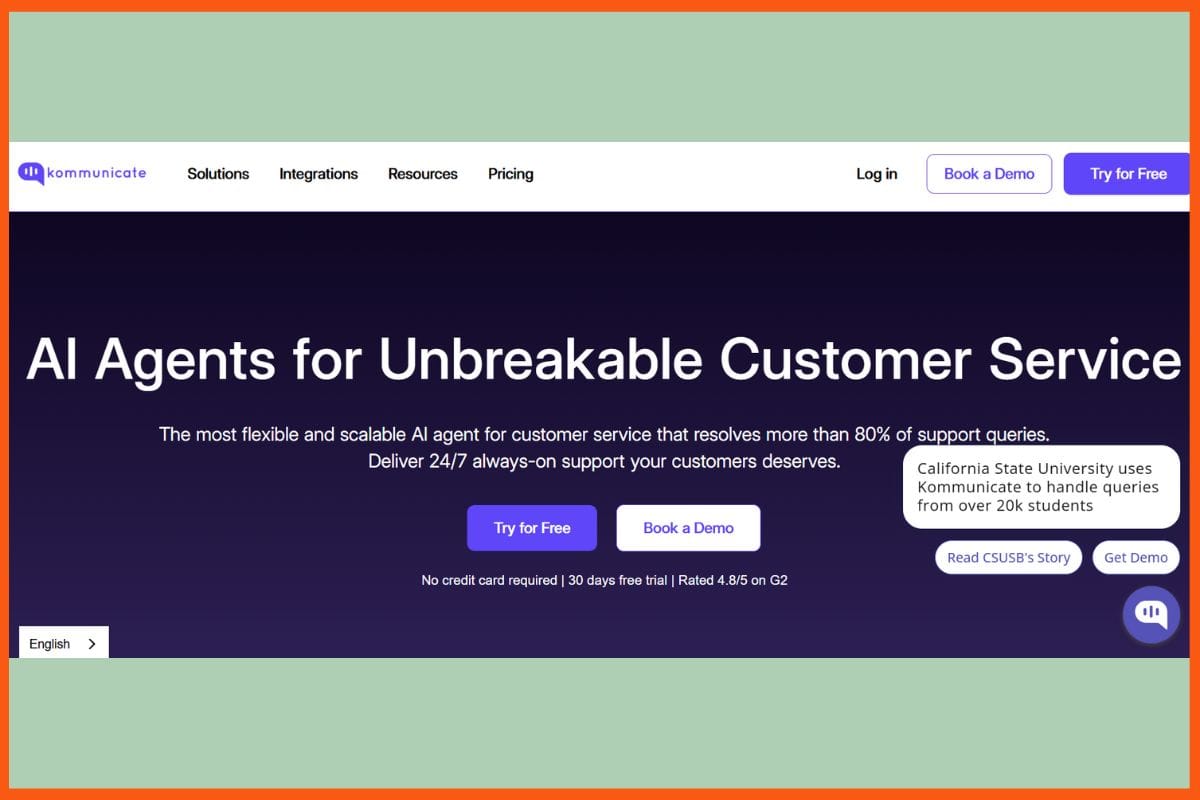
    Kommunicate is a flexible no-code AI software for businesses to automate customer support across various channels: chat, email, voice, and messaging apps. The generative AI chatbots built on enterprise-grade LLMs solve more than 80% of customer queries instantly in 100+ languages and push the handoff of complex cases to human agents. It integrates with all major CRM and ticketing tools like Zendesk, Salesforce, and Freshdesk, allowing support teams to manage all channels from one dashboard. Some key features include intelligent workflow automation, dynamic translation, instant conversation summaries, and AI-driven insights for performance optimization. Easy to establish, with real-time analytics and many templates, Kommunicate helps reduce customer support operational costs and enhance customer satisfaction for small and large teams alike.

    Kommunicate Pros

    • omnichannel automation through web, mobile apps, WhatsApp, Telegram
    • integrated with some of the most popular helpdesk and CRM systems, such as Zendesk, Salesforce
    • Seamless human-agent transition and full availability 24/7

    Kommunicate Cons

    • Costs may skyrocket with usage
    • No initial free plan

    Kommunicate Pricing

    Plan Pricing
    Starter $40/month
    Professional $200/month
    Enterprise Contact Sales

    How AI Automation Tools Can Help You Save Time and Money
    This guide explores how AI can streamline tasks, boost productivity, and unlock cost savings for businesses across industries. Unleash the power of AI automation!


    Kustomer 

    WEBSITE www.kustomer.com
    Rating 4.6
    Free Trial Yes
    Best For Customer service/CRM teams needing AI-native, omnichannel workflows with flexible seat‑ or conversation‑based pricing.
    Kustomer - Best AI Tools for Customer Support Automation
    Kustomer – Best AI Tools for Customer Support Automation

    Kustomer is an Automated AI to have a customer service from CRM to helpdesk to omnichannel automation, all in one application. Support through chat, email, social, SMS, and voice, that delivers rapid, human-like responses, through advanced AI Agents. Handles routine queries, automates ticket triage and self-service options, and forwards complex cases to live reps. In addition, real-time sentiment analysis, intent detection, and predictive analytics create rising tides of agent productivity and customer satisfaction. Kustomer’s unified timeline allows agents to see everything about a customer in one go, providing quick, personalized support in every situation. The platform offers custom workflows, deep integrations, and a no-code AI Agent Studio, helping teams reduce response times.

    Kustomer Pros

    • Automate around 40-45 percent of queries across any channel.
    • Allows no-code and brand-customized agent 
    • Integration with top CRMs, business tools

    Kustomer Cons

    • Learning curve for teams adapting to such a broad feature set.
    • Advanced analytics, custom routing are limited to the higher-tier plans.

    Kustomer Pricing

    Plan Pricing
    AI agents for customers $0.60/engaged conversations

    Final Thoughts on Choosing the Right AI Support Tool

    Selecting the right AI customer support tool depends on your business’s specific needs. Start by identifying the key pain points in your current support process like is it slow response time, high ticket volume, or lack of multichannel support?

    Then, evaluate tools based on:

    • Scalability: Will it grow with your team and customer base?
    • Ease of integration: Does it connect well with your CRM or helpdesk software?
    • Automation depth: Can it handle basic FAQs or also complex workflows?
    • Pricing vs. features: Are you paying only for what you need?

    Most importantly, test shortlisted tools via free trials or demos to see how well they fit your real-world use. A well-picked AI support tool can cut costs, free up agent time, and can greatly enhance the customer experience.

    Conclusion

    AI customer support automation is transforming business-customer interaction. Companies can now provide around-the-clock support that is fast, reliable, and personalized with advanced tools. The AI can answer common questions, thereby reducing waiting time, and allows support teams to concentrate on the more challenging issues. Reduction of errors, lower support service costs, and increased customer satisfaction at every interface point are some of the expected outcomes. This is the ideal automation that helps the company interlink its teams with customers, keep support running as it grows, and generate more platforms for feedback and improvement. As AI evolves, customer service will progressively become a no-brainer: an easy environment for all and stronger trust in the brand.


    Top 6 Marketing Automation Software & Tools in 2024
    Find out the top 6 marketing automation software and tools for businesses that boost sales by converting leads through automation.


    FAQs

    What is customer support automation?

    Customer support automation uses tools like AI chatbots, knowledge bases, and automated ticketing to handle customer inquiries without human involvement.

    Which are the best AI tools for customer support automation?

    Here is a list of top AI tools for customer support automation:

    • Robylon AI
    • Hiver
    • Fin AI (Intercom)
    • Freddy AI Copilot
    • Tidio
    • Atera
    • Ada
    • Thunai
    • Kommunicate
    • Kustomer

    What features should I look for in an AI customer support tool?

    Look for multichannel support (chat, email, voice), no-code setup, CRM integrations, sentiment analysis, ticket routing, customizable workflows, and multilingual capabilities.

  • Best Email Management Tools and Software: Top Solutions for Business Email Organization and Team Productivity

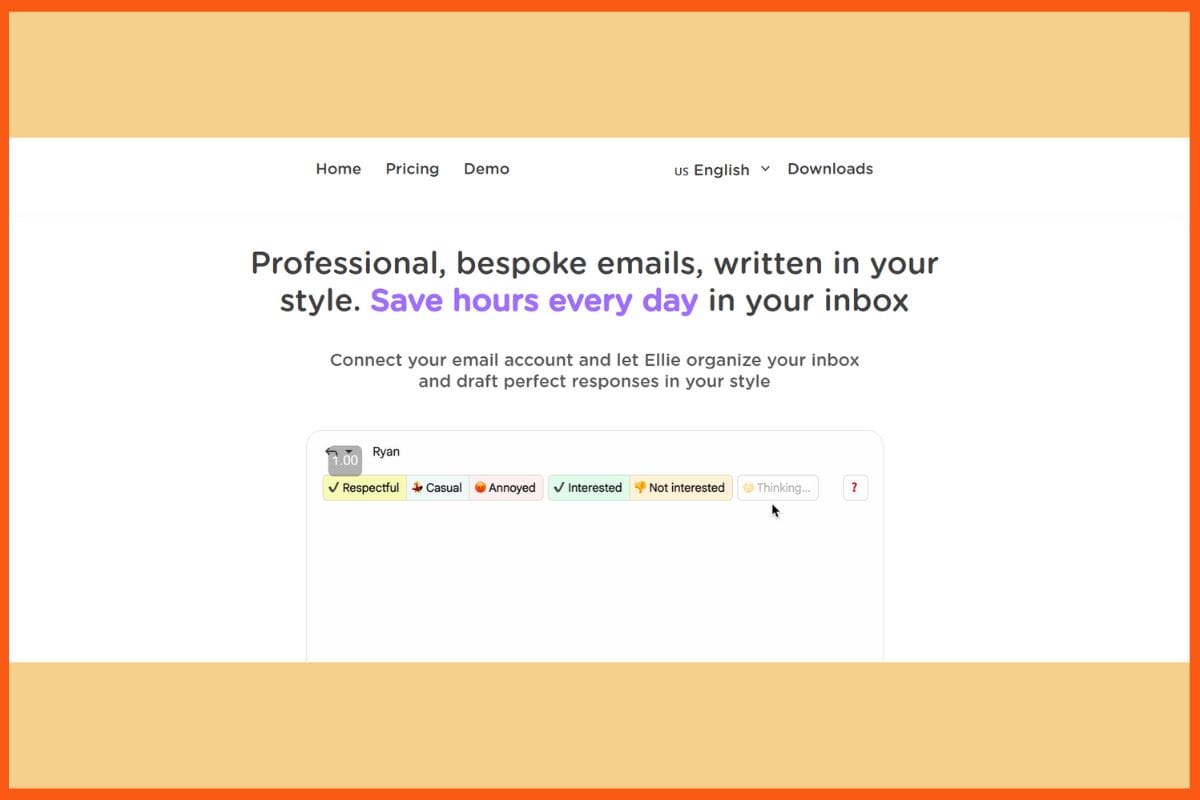
    We live in an era where there are a thousand media outlets, and yet, we go back to the old horses. In a world bugged by abundance, the ‘Email’ remains a powerful tool for communication and customer engagement. Despite the rise of other communication channels, email continues to be a preferred method of contact for many businesses and consumers. As a result, effective email management is crucial for businesses to ensure timely responses, efficient workflows, and enhanced customer service.

    To streamline email management processes, businesses can leverage email management software. This software helps automate and optimise various aspects of email management, such as sending, replying, tracking, and organising emails. It empowers businesses to communicate more efficiently with marketing leads, sales prospects, and customers, resulting in improved productivity and customer satisfaction. Effective business email management helps companies organize communication, improve team collaboration, and boost productivity.

    In this article, we will explore the top 10 email management software options available for service teams and anyone looking to manage their emails better. These software solutions offer a range of features and functionalities to help businesses enhance their email management processes. Whether you’re a small business or an enterprise-level organisation, there is email management software that can meet your specific needs.

    What is Email Management Software?

    Email management software is a tool that enables businesses to send, reply to, track, and organise emails efficiently. It helps businesses manage large volumes of incoming and outgoing messages, whether for internal IT support teams, external customer service support requests, or email marketing campaigns.

    With email management software, businesses can benefit from increased productivity, scalable marketing, sales, and service solutions, and enhanced security. These software solutions offer a wide range of features to streamline email management processes and improve overall efficiency. Modern email management solutions streamline inbox organization, automate routine tasks, and enhance overall communication efficiency for businesses.

    Top 11 Email Management Tools

    S.No Company Key Features Email Management Focus
    1 SaneBox AI email filtering, cleanup tools, reminders Inbox organization and productivity
    2 HubSpot CRM integration, marketing automation, analytics Sales, marketing, and customer engagement
    3 Help Scout Shared inbox, live chat, knowledge base Customer support and team collaboration
    4 Zendesk Ticketing system, automation, analytics Customer service and support management
    5 Brevo Email & SMS marketing, automation, segmentation Marketing automation for businesses
    6 Hiver Shared Gmail inbox, workflow automation Team collaboration and support via Gmail
    7 LiveAgent Helpdesk, live chat, ticketing, reporting Multi-channel customer support
    8 Zoho CRM, email marketing, automation tools Business email and marketing automation
    9 Klaviyo Advanced segmentation, SMS, eCommerce integrations Email marketing for eCommerce
    10 Mailerlite Drag & drop editor, automation, landing pages Simple email marketing for SMBs
    11 Front Shared inbox, team collaboration, integrations Unified communication for teams

    SaneBox

    Website Sanebox.com
    Ranking 4.9 out of 5
    Best for Personal email management
    Free Trial Available
    Top Email Organisation & Management Tools - SaneBox
    Top Email Organisation & Management Tools – SaneBox

    SaneBox is an email management software designed to help individuals manage their personal or work emails effectively. It uses AI to sort emails into different folders, reducing inbox clutter. SaneBox acts as an inbox assistant, learning from user habits to organize emails based on predefined criteria. Sanebox’s innovative approach to email management has earned it the prestigious title of Best Productivity App of 2025, as voted by PCMag.

    Core Features:

    • AI email sorting
    • Trainable folders

    Pricing:

    SaneBox offers three pricing plans: Snack, Lunch, and Dinner.

    Plan Pricing
    Snack $3.49/month
    Lunch $5.99/month
    Dinner $16.99/month

    Get Rid of Inbox Clutter with Sanebox

    HubSpot

    Tool hubspot.com/products/service
    Ranking 4.4 out of 5
    Best for Midsize to enterprise businesses
    Free Tools Available
    Top Email Management Software – HubSpot

    HubSpot offers free email management software tools in both its Marketing Hub and Service Hub. Whether you’re using the free tools or upgrading to premium features, HubSpot provides email tools that help businesses connect with their customers. The Service Hub offers omnichannel customer service messaging, including email, allowing businesses to receive their emails and live chats in one place. Additionally, the Marketing Hub provides an email builder with templates for sending beautiful emails to customers.

    Core Features:

    • Omni-channel customer service (including email)
    • Email marketing tools connected to your CRM

    Pricing:

    HubSpot offers Free email tools, premium features with the Starter, Professional, and Enterprise editions of Marketing Hub or Service Hub. Below is the pricing for HubSpot’s Service Hub:

    Plan Pricing
    Free $0/month
    Starter $45/month
    Professional $450/month
    Enterprise $1200/month

    Help Scout

    Website Helpscout.com
    Ranking 4.4 out of 5
    Best for Small to midsize businesses
    Free Trial Available
    Top Email Organisation & Management Tools - Help Scout
    Top Email Management Team tools – Help Scout

    Help Scout is an email management software tool that helps businesses manage all customer conversations in one shared inbox. With the shared inbox, service teams can collaborate, organise, and automate responses to generic requests. Help Scout also provides access to historical customer data, enabling reps to have all the information they need before responding to a query.

    Core Features:

    • Shared inboxes
    • Collaboration tools
    • Ticket routing
    • Omni-channel communication

    Pricing:

    Help Scout offers three pricing plans: Standard, Plus, and Pro

    Plan Pricing
    Standard $20 per user/month
    Plus $40 per user/month
    Pro $65 per user/month

    Top Email Marketing Tools and Platforms: Best Email Campaign Software for Startups and Businesses
    Discover the best email marketing tools and platforms for startups and businesses. Explore top email campaign software and services to boost your marketing success.


    Zendesk

    Website Zendesk.com
    Ranking 4.3 out of 5
    Best for Businesses requiring customized workflows and reports
    Free Trial Available
    Top Email Organisation & Management Tools - Zendesk
    Top Email Organisation & Management Tools – Zendesk

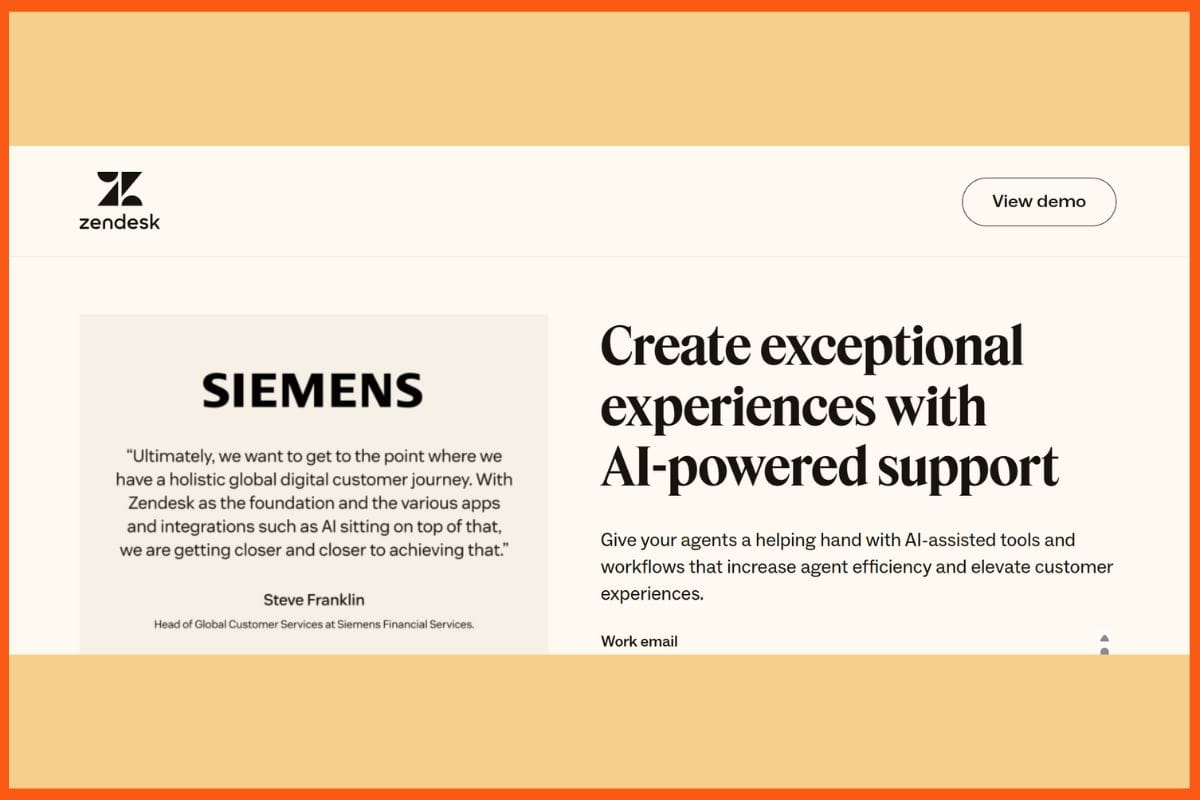
    Zendesk is an email management tool designed for service and sales teams. It focuses on building long-term customer loyalty and offers support features to keep customers coming back. Zendesk allows for customisation, with the ability to create custom reports and data visualisations to manage incoming and outgoing emails effectively.

    Core Features:

    • Unlimited email addresses
    • Canned responses
    • Shared inbox
    • Workflow customisation
    • Omni-channel support

    Pricing:

    Zendesk offers a basic plan at $19 per user per month. It also offers Suite Team, Suite Growth, Suite Professional, and Suite Enterprise.

    Plan Pricing
    Suite Team $55 per agent/month
    Suite Growth $89 per agent/month
    Suite Professional $115 per agent/month
    Suite Enterprise Contact Sales

    Brevo

    Website Brevo.com
    Ranking 4.6 out of 5
    Best for Growing businesses
    Free Plan Available
    Top Email Organisation & Management Tools - Brevo
    Top Email Management System – Brevo

    Formerly known as SendinBlue, Brevo is an email marketing platform that has evolved into a full CRM suite. It offers email marketing and CRM tools across multiple channels, including email, SMS, and live chat. With Brevo, businesses can create beautifully designed emails, segment contacts, and automate transactional emails.

    Core Features:

    • Email designer
    • Advanced segmentation
    • Email personalisation
    • Unlimited email contacts

    Pricing:

    Brevo offers four pricing plans: Free, Starter, Business, and BrevoPlus.

    Plan Pricing
    Free $0/month
    Starter $25/month
    Business $65/month
    BrevoPlus Custom price

    Hiver

    Website Hiverhq.com
    Ranking 4.6 out of 5
    Best for Businesses managing G Suite/Gmail emails across teams
    Free Trial Available
    Top Email Organisation & Management Tools - Hiver
    Top Email Organisation & Management Tools – Hiver

    Hiver is an email management software that simplifies the process for businesses using G Suite and Gmail. It allows users to convert emails into actionable tasks, assign them to team members, and collaborate seamlessly. Hiver turns Gmail into a communication and collaboration hub, providing visibility into team workloads and query statuses.

    Core Features:

    • A Gmail-based interface
    • Unlimited shared inboxes
    • Shared drafts
    • Email tags
    • Notes

    Pricing:

    Hiver offers three pricing plans: Lite, Pro, and Elite.

    Plan Pricing
    Lite $20/user/month
    Pro $50/user/month
    Elite $80/user/month

    LiveAgent

    Website Liveagent.com
    Ranking 4.5 out of 5
    Best for Businesses managing multi-channel messages
    Free Trial Available
    Top Email Organisation & Management Tools - LiveAgent
    Top Email Organisation & Management Tools – LiveAgent

    LiveAgent is a customer service software that offers various email management tools to streamline responses. It’s a shared inbox that combines and organizes emails, calls, live chats, and social media messages in one place. The software provides features like automatic ticket routing, automation rules, filtering, and real-time typing view, making it ideal for businesses managing multi-channel messages.

    Core Features:

    • Unlimited email addresses
    • Shared inbox
    • Email templates
    • Email tags
    • Built-in CRM

    Pricing:

    LiveAgent offers four different pricing plans: Small, Medium, Large, and Enterprise.

    Plan Pricing
    Small $9/agent
    Medium $29/agent
    Large $49/agent
    Enterprise $69/agent

    LiveAgent Product Tour

    Zoho

    Website Zoho.com
    Ranking 4.4 out of 5
    Best for Enterprise businesses
    Free Trial Available
    Top Email Organisation & Management Tools - Zoho
    Top Email Organisation & Management Tools – Zoho

    Zoho offers a software suite that includes email hosting with top-notch security and surveillance. Its email management features include shared inboxes, workflows, collaboration tools, and integration with calendars. Zoho also provides email groups and email streams for efficient team collaboration.


    The Sustainable Success Story of Zoho Without Investors!
    From a humble beginning in a small apartment to be a $1 Billion Startup, Zoho’s startup journey has been interesting and successful! Here’s a glimpse into it!


    Core Features:

    • A shared inbox
    • Unlimited collaboration
    • Task management
    • Email groups

    Pricing:

    Zoho offers three different pricing plans: Mail Lite, Mail Premium, and Workplace.

    Plan Pricing
    Mail Lite $1/user/month
    Mail Premium $4/user/month
    Workplace $3/user/month

    Klaviyo

    Website Klaviyo.com
    Ranking 4.6 out of 5
    Best for Ecommerce brands looking for email marketing tools
    Free Plan Available
    Top Email Organisation & Management Tools - Klaviyo
    Top Email Organisation & Management Tools – Klaviyo

    Klaviyo is an email marketing tool designed for ecommerce brands. It helps personalise messages using customer data and offers advanced segmentation capabilities. Klaviyo enables businesses to create automated workflows based on customer behavior and provides AI-driven optimization tools for proactive messaging.

    Core Features:

    • Segmentation
    • Automated workflows
    • Analytics
    • Templates
    • Lists

    Pricing:

    Klaviyo offers three pricing plans: Free, Email, Email and SMS.

    Plan Pricing
    Free $0/month
    Email $45/month
    Email and SMS $60/month

    Mailerlite

    Website Mailerlite.com
    Ranking 4.7 out of 5
    Best for Growing businesses
    Free Trial Available
    Top Email Organisation & Management Tools - Mailerlite
    Top Email Organisation & Management Tools – Mailerlite

    Mailerlite is an email marketing tool that provides intuitive solutions for complicated email tasks. It helps businesses create email campaigns, landing pages, and sign-up forms to grow their email lists. The software offers email automation builders, A/B testing, dynamic email content, and advanced email analytics. It can be used as an email management software for small businesses.

    Core Features:

    • Unlimited monthly emails
    • Email support
    • Templates
    • An email automation builder

    Pricing:

    Mailerlite offers four different pricing plans: Free, Growing Business, Advanced, and Enterprise. Below is the pricing for the monthly plan.

    Plan Pricing
    Free $0/month
    Growing Business $10/month
    Advanced $20/month
    Enterprise Contact Sales

    By choosing the right email management software for your teams and for your personal use, you can streamline your email processes and provide better customer service, facilitate communication, and attract better prospects, overall. The top 10 options listed above offer a range of features and functionalities to suit businesses of all sizes and needs. However, before signing up for the right tool, it is important to be clear about your requirements, consider the features offered by each software, and choose the one that aligns best with your business goals and objectives.

    Front

    Website Front.com
    Ranking 4.6 out of 5
    Best for Team collaboration
    Free Trial Available
    Top Email Organisation & Management Tools - Front
    Top Email Management Programs – Front

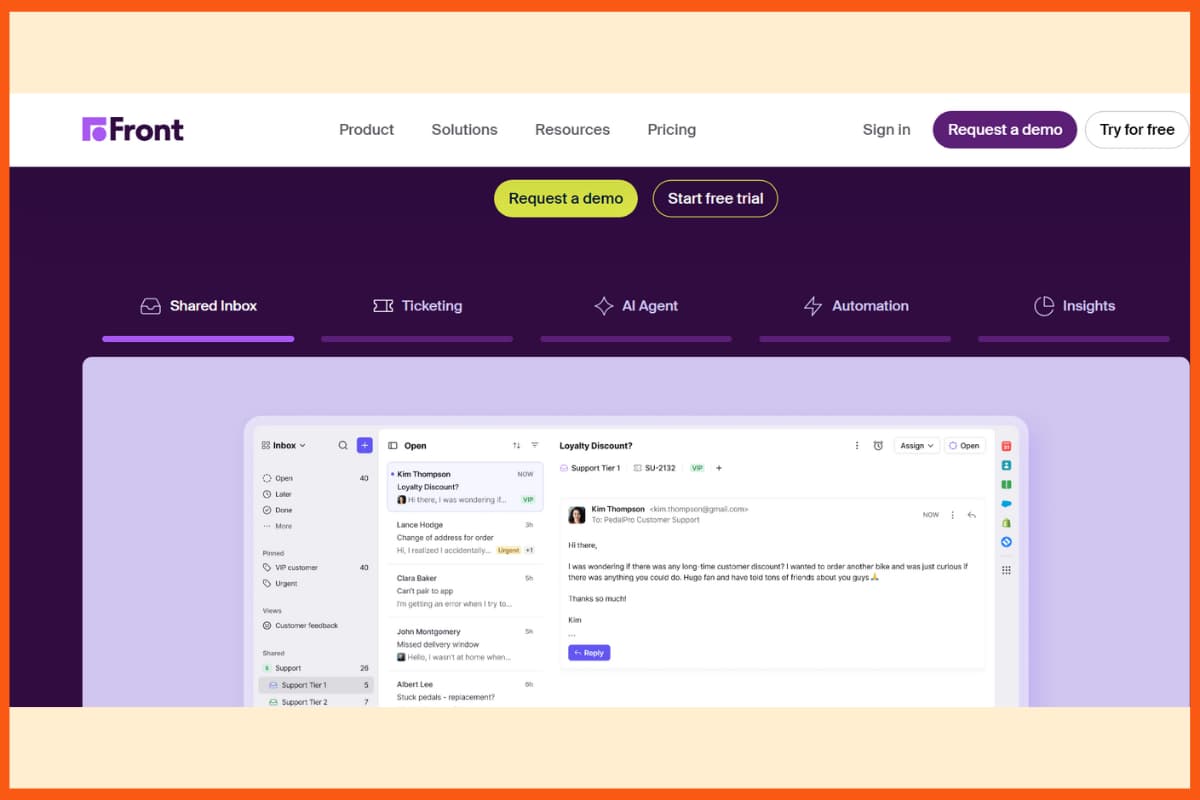
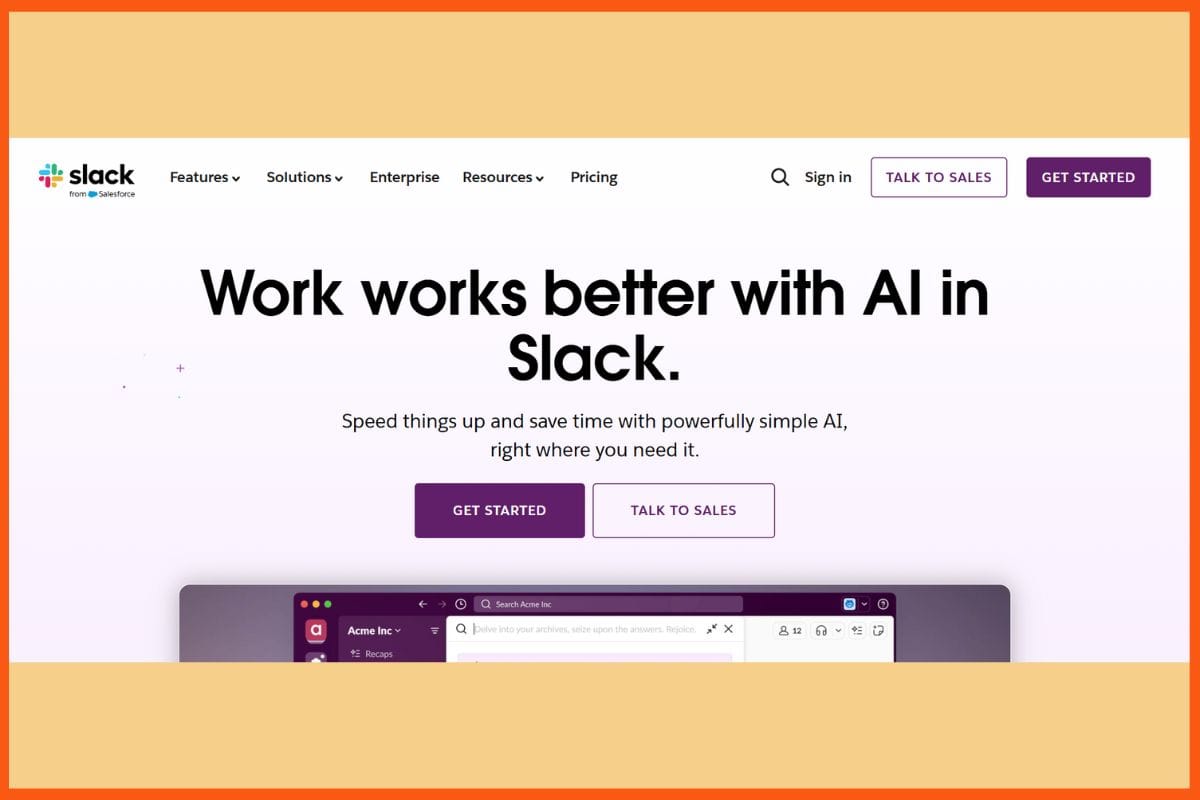
    Front is a cloud-based tool that helps you organize and manage emails easily. It is perfect for teams of any size and simple to set up. You can connect it with apps like Slack to stay on top of your inbox while focusing on work. With Front, you can schedule emails to send at the best time for people in different time zones. It also offers templates for common messages and rules to automatically sort and handle emails based on their content or sender.

    Core Features:

    • Shared team inbox for better collaboration
    • Email scheduling across time zones
    • Ready-to-use message templates
    • Rules to automate email sorting and actions

    Pricing

    Plan Pricing
    Starter $25/month
    Professional $65/month
    Enterprise $105/month

    Front offers three paid plans: Starter (around $25 per user/month) for small teams, Professional (about $65 per user/month) with advanced analytics and more features, and Enterprise (about $105 per user/month) for large organizations with unlimited automation and AI tools. A free trial is available, and annual billing offers discounted rates.

    Conclusion

    Choosing the right email organization and management tool can save time, reduce inbox clutter, and improve team productivity. The tools listed above, ranging from simple inbox organizers like SaneBox to powerful collaboration platforms like Front and HubSpot, offer features to suit different needs. Whether you’re a small business, a growing startup, or a large enterprise, there’s a solution here to help you streamline communication and stay on top of your emails. Pick the one that best fits your workflow and start managing your inbox smarter, not harder.

    FAQs

    What is Email management software?

    Email management software is a tool that enables businesses to send, reply, track, and organise emails efficiently. It helps businesses manage large volumes of incoming and outgoing messages, whether for internal IT support teams, external customer service support requests, or email marketing campaigns.

    What are the benefits of having email management software?

    With email management software, businesses can benefit from increased productivity, scalable marketing, sales, service solutions, and enhanced security.

    What are the top email management and organising tools?

    Below are the top email management and organising tools:

    • HubSpot
    • Help Scout
    • Zendesk
    • Brevo
    • Hiver
    • LiveAgent
    • SaneBox
    • Zoho
    • Klaviyo
    • Mailerlite
  • Best Websites for Professional PowerPoint Templates

    Presentations are crucial to everyone, from students wishing to electrify their classrooms to freelancers going for new clients, from a marketing team evolving into the next stride in campaigning to a founder pitching a vision. In today’s increasingly busy world, marked by short attention spans and long-lasting first impressions, it is the way you present your ideas that primarily determines whether or not they succeed.

    Professional PowerPoint template platforms have thus become an increasingly smart and time-saving tool. These are websites where you can borrow from ready-to-use, fully customizable templates that cover everything, from school assignments and startup pitch decks to business presentations and brand storytelling.

    Whether you’re creating a slide deck for a classroom, a boardroom, or a sales room, these platforms help ensure your message is not only heard, but remembered.

    Platform AI Support Collaboration Export Formats Animation Support Offline Access Design Assistance
    SlideModel Yes No PPTX, Google Slides Yes Yes No
    Slidesgo Yes No PPTX, Google Slides No Yes No
    SlidesCarnival No No PPTX, Google Slides No Yes No
    Canva Yes Yes PPTX, PDF, JPG, MP4 No No Yes
    SlideUpLift Yes No PPTX Yes Yes Yes
    SlideEgg No No PPTX, Google Slides Yes Yes No
    24Slides Yes Yes PPTX Yes Yes Yes
    Envato Elements No No PPTX, EPS, PSD, PDF, etc. Yes Yes No

    SlideModel

    WEBSITE www.slidemodel.com
    Rating 4.9
    Free Trial Yes
    Best For Professionals, educators, and consultants needing high-quality PowerPoint and Google Slides templates—now enhanced with AI-generated presentation drafts.
    SlideModel - 10 Best Websites for Professional PowerPoint Templates
    SlideModel – Best Websites for Professional PowerPoint Templates

    In an age when every second matters but everything rests on impact, SlideModel gives working professionals the capability to make presentations both quickly and clearly. Its avant-garde collection of templates—thousands in all—gives users modern, completely editable PowerPoint templates for constructing a perfectly polished delivery in moments instead of laboring for hours. No graphic design skills required. With intuitive layouts, dynamic infographics, and flexible diagrams, every presentation looks sharp and memorable-whether you’re pitching to investors, training a team, or presenting research. Good interface and customer support for varied professions are possible to enjoy with SlideModel. Presentations made from any of these templates will have a distinct and catchy appeal regardless of any occupation type.

    Pros

    • Slides are 100% customizable
    • Project workflows are accelerated with a quick search
    • Responsive customer support 

    Cons

    • Free plans have limits on downloading templates
    • No integrated services for redesign or live edits.

    Pricing

    Plan Pricing
    1 Day Access $24.90
    3-Month Access $59.90
    Annual Basic $99.90
    Annual Unlimited $199.90

    Slidesgo

    WEBSITE www.slidesgo.com
    Rating 4
    Free Trial Yes
    Best For Educators, marketers, and creators needing quick access to editable PowerPoint/Google Slides templates with basic AI content suggestions or outlines.
    Slidesgo - 10 Best Websites for Professional PowerPoint Templates
    Slidesgo – Best Websites for Professional PowerPoint Templates

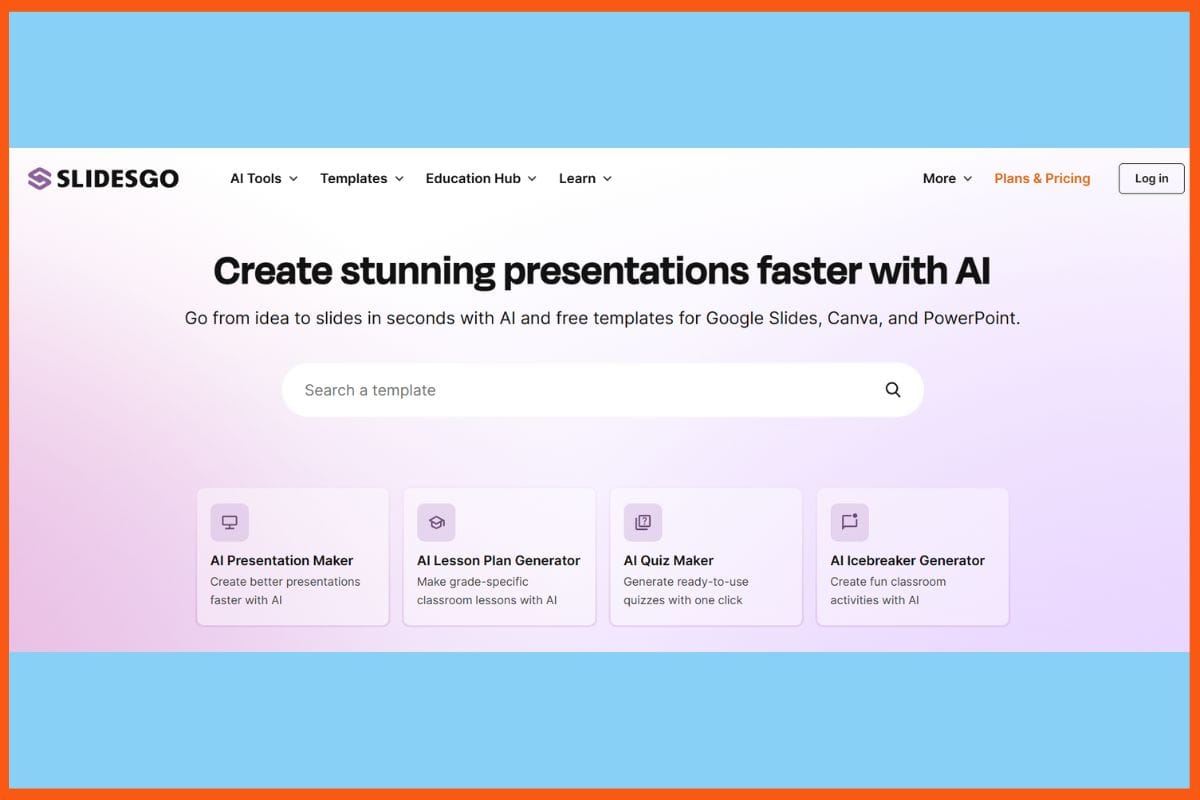
    Slidesgo is a real treat in a world that requires concise and striking communication, almost for every professional and learner. It has a huge, growing collection of original, editable templates for PowerPoint and Google Slides, capable of transforming anything put on paper into an exciting visual story. It comes with an easy-to-use interface along with feature-rich, intelligent attributes such as AI-frontend design tools with great flexibility in personalization; even a novice can create a fantastic deck in no time. Regardless of whether you pitch, teach, or motivate, Slidesgo eliminates design problems, enabling you to focus on the strengths of your message and audience.

    Pros

    • updated template library for different industries and topics..
    • easy-to-use interface 
    • AI-assisted presentation

    Cons

    • Issues in formatting while switching platforms
    • There is no live customer support

    Pricing

    Plan Pricing
    Monthly $5.99/month
    Yearly $3/month

    Presentation Templates Marketplace SketchBubble Reaches 2 Million Downloads
    SketchBubble, a leading provider of pre-designed presentation templates, is proud to announce that it has reached the milestone of 2 million downloads of its high-quality and professionally designed templates. With templates for all domains and occasions, SketchBubble has become the go-to platform for global professionals to create stunning presentations effortlessly.


    SlidesCarnival

    WEBSITE www.slidescarnival.com
    Rating 4
    Free Trial Yes
    Best For Students, educators, marketers, and small teams needing professional PowerPoint or Google Slides templates at no cost.
    Slide Carnival - 10 Best Websites for Professional PowerPoint Templates
    Slide Carnival – Best Websites for Professional PowerPoint Templates

    Slide Carnival, an online platform with extremely creative offerings, helps you convey your message and make it memorable occasion. It offers various free templates for making presentations in PowerPoint and Google Slides, allowing anyone-whether a student, teacher, or professional opportunity to put together a presentable presentation in minutes. Site navigation being simple, users stress less about the process, while designs are tailor-made for any occasion-from teaching in class to pitching for a business. There is no sign-up, and the downloading takes seconds, so less time is spent worrying about “how” and more about “what.” Hence, making the SlidesCarnival concept of creating professional yet stunning slides an easy part of your workflow.

    Pros

    • Free tool
    • Updated frequently with new up-to-date templates 
    • Can use either PowerPoint or Google Slides.

    Cons

    • Not as customizable with advanced options
    • Ads might pop up while browsing

    Best AI Presentation Tools for Creating Powerful Presentations
    Elevate presentations with AI tools for design, content, visuals & analytics. Explore top platforms like PopAi, Beautiful.ai, Tome & more.


    Canva

    WEBSITE www.canva.com
    Rating 4.6
    Free Trial Yes
    Best For Individuals, marketers, educators, and teams needing a versatile AI-powered design platform—from social graphics and presentations to videos and documents.
    Canva - 10 Best Websites for Professional PowerPoint Templates
    Canva – Best Websites for Professional PowerPoint Templates

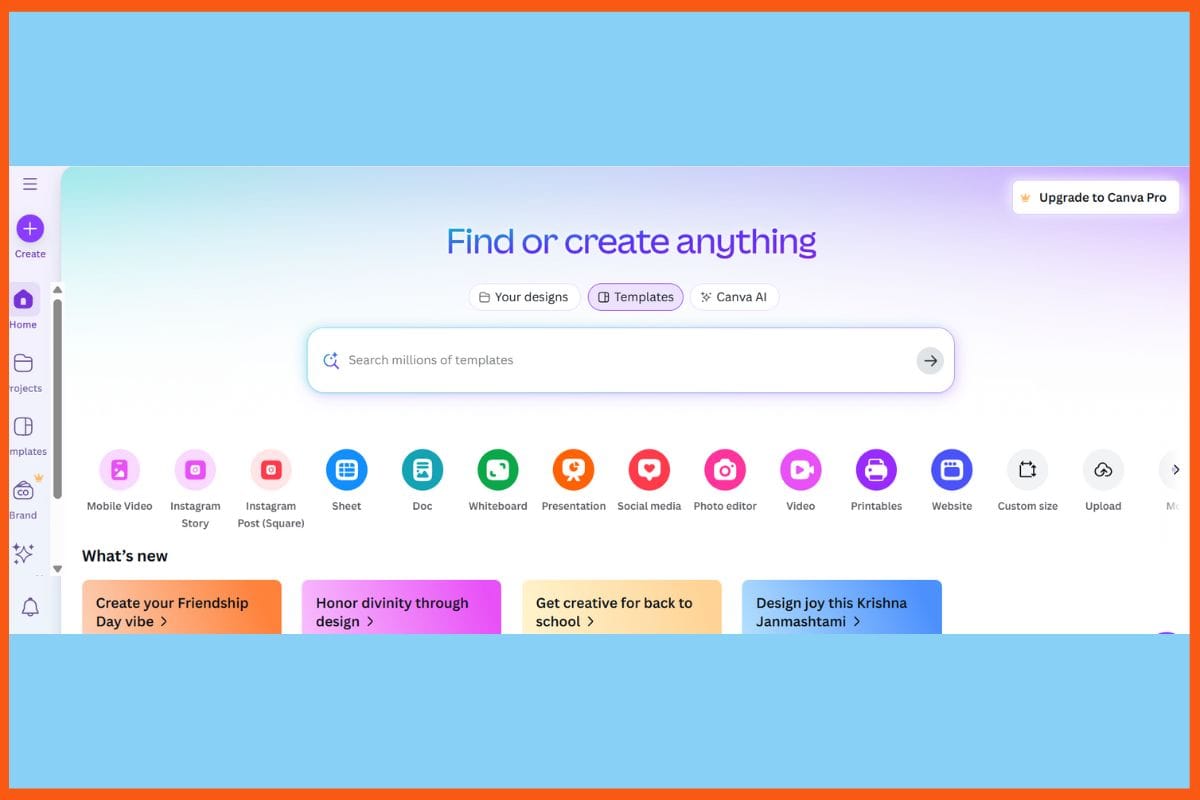
    Canva eliminates any pressure when it comes to designing presentations since it offers an easy but flexible platform in which one can create polished slides without any prior knowledge. Their library is extremely well-stocked with thousands of fashionable, ready-to-edit templates that would suit any kind of need-from school projects to business reports and even to creative pitches. Users simply drag and drop images, charts, and icons into their presentation-a simple process that will assist tremendously in clarifying their complex ideas while making them memorable and engaging. Canva boasts a web-based workflow, which allows for work from anywhere, sharing, and collaboration.

    Pros

    • Real-time collaboration in combination with cloud access.
    • Easy export into PowerPoint, PDF, and other formats.
    • Good for a variety of design projects beyond slideshows.

    Cons

    • Some of the very best templates and assets are for purchase.
    • Fewer advanced animation features compared with PowerPoint.

    Pricing

    Plan Pricing
    Canva Pro $15/month/person
    Canva Teams $10/month/person
    Canva Enterprise Contact Sales

    PresentationGO 

    WEBSITE www.presentationgo.com
    Rating 4.7 / 5
    Free Trial Yes
    Best For Anyone needing high‑quality, professional PowerPoint or Google Slides templates for free.
    PresentationGO - 10 Best Websites for Professional PowerPoint Templates
    PresentationGO – Best Websites for Professional PowerPoint Templates

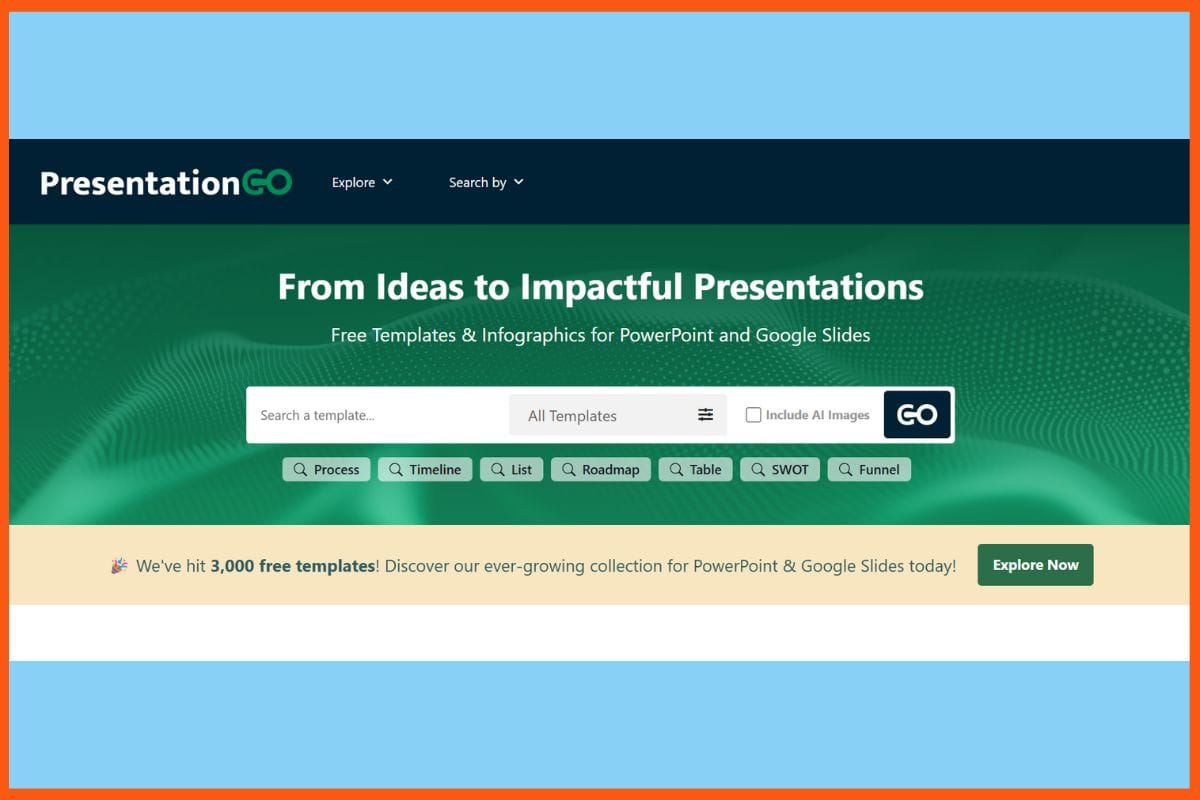
    PresentationGO is effortless for everyone in the presentation-making, smarts, and attractiveness. Free, high-quality PowerPoint templates make up a collection that could help one decide which is the best design without a lot of menu diving or paywalls. Most everything a user would create, be it a business pitch, a data share, or a lesson, will have its latest layouts, charts, and infographics ready to be tweaked, easily. Straightforward previews and fast downloads mean that you focus on shaping your message rather than wrestling with design software. Useful to both experts and students, PresentationGO harbors a simplified approach to ensuring that ideas are shown at the click of a button.

    Pros

    • Free of cost
    • large, organized library containing business, educational, and creative themes.
    • Templates accompany editable charts and diagrams

    Cons

    • There are no built-in design and editing tools 
    • Customer support is insufficient and community-based.

    Best Lead Generation Software & Tools for Startups to Boost Website Traffic and Sales
    Discover the best tools to automate and boost lead generation on your website. From chatbots to popups, drive conversions and grow your customer base seamlessly.


    SlideUpLift

    WEBSITE www.slideuplift.com
    Rating 4.3
    Free Trial Yes
    Best For Business professionals, educators, consultants needing editable presentation templates and AI customization at flexible pricing.
    SlideUpLift - 10 Best Websites for Professional PowerPoint Templates
    SlideUpLift – Best Websites for Professional PowerPoint Templates

    SlideUpLift is a superb solution for those who wish to create clear, crisp presentations without heavy design work. Everything from business to marketing to education is covered in thousands of PowerPoint templates and visual tools. Clear categories and filters help in quickly finding, the styles that go with their story, while editable diagrams, icons and animations keep things flexible, yet polished. Whether you’re building a project proposal or creating a training session, SlideUpLift allows you to focus on what you want to say – not how it looks. The site has little helper guides that enable you to achieve professional results in less time, for both teams and individuals.

    Pros

    • Great repository of data-driven templates
    • search and filter system allows designers to find the right design very fast.
    • Helpful video tutorials and presentation resources available.

    Cons

    • There are limited free templates
    • Templates may feel more formal and less creative.

    Pricing

    Plan Pricing
    Access Lite $18.99
    Unlimited Access $24.99
    Team Pro+ $173.87

    Best AI-Generated Text Checkers: Top Tools to Detect AI-Written Content
    Discover the best AI-generated text checker tools to ensure originality and accuracy. Explore top AI content detectors for clear and authentic content.


    SlideEgg

    WEBSITE www.slideegg.com
    Rating 4
    Free Trial No
    Best For Anyone needing a vast collection of customizable PowerPoint or Google Slides templates with optional one-time license options.
    SlideEgg - 10 Best Websites for Professional PowerPoint Templates
    SlideEgg – Best Websites for Professional PowerPoint Templates

    SlideEgg opens avenues to professional presentations for everyone, helping users transform ideas into crisp, visually rich slides within minutes. Thousands of PowerPoint and Google Slides templates span across business, marketing, education, and much more, making the platform fit for any project or pitch-needing no design skills at all. The search is intuitive and the categories clear, speeding things up even under tight deadlines. With its mixed economy of free and premium resources, anything from student to marketer to executive is bound to find something valuable. Regular new template introductions allow you to always be at your best. As a result, SlideEgg makes it easy to keep presentations real and polished.

    Pros

    • Huge template library
    • Fully editable templates
    • Regularly brings new free and premium slides.

    Cons

    • Most advanced templates and features will require a paid plan.
    • Support is mainly ticket-based and has no live chat option.

    Pricing

    Plan Pricing
    Monthly Pass $9/month
    Lifetime $50

    24Slides

    WEBSITE www.24slides.com
    Rating 4.5
    Free Trial No
    Best For Teams and individuals needing custom‑designed, brand‑aligned slide decks with fast turnaround and expert designers.
    24Slides - 10 Best Websites for Professional PowerPoint Templates
    24Slides – Best Websites for Professional PowerPoint Templates

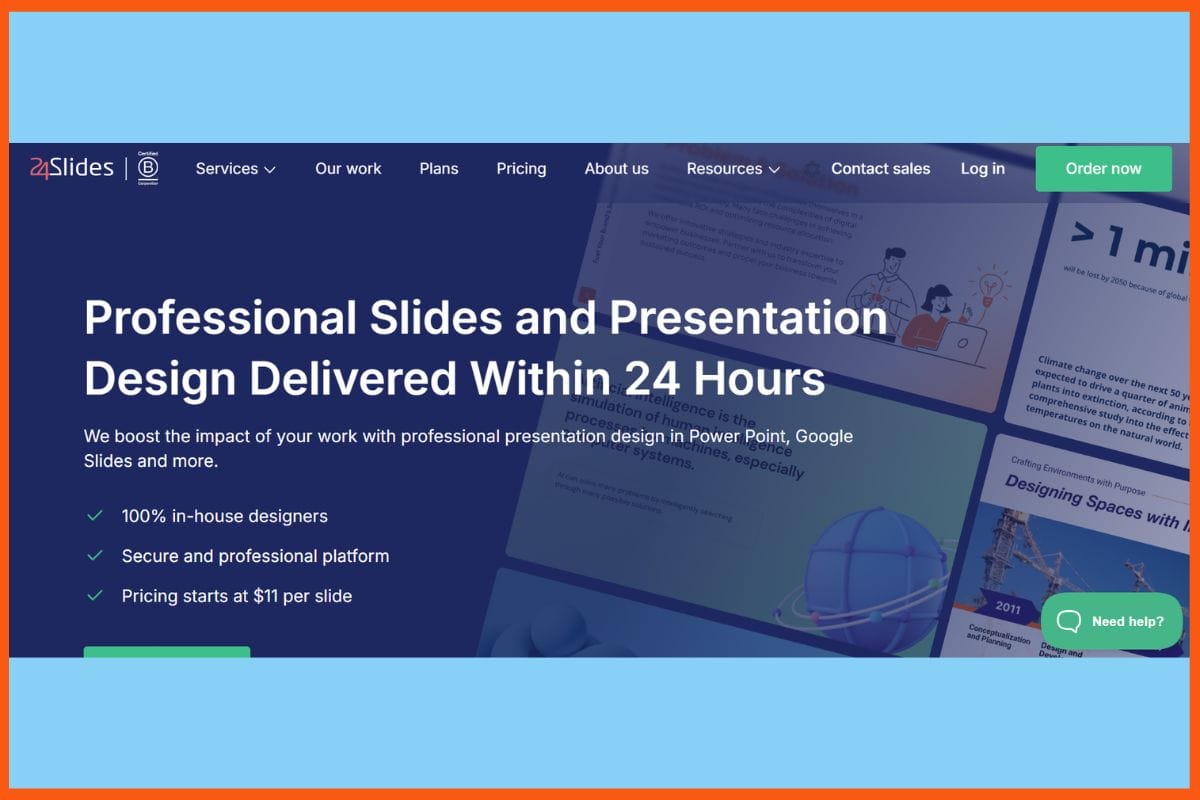
    24Slides would be a great place for speed and finesse for people who want to make presentations. The platform gets both creative design and functionality by providing a very large collection of PowerPoint templates and expert custom slide design, service. Simple business charts or an entire deck transformation are made quick and easy through 24Slides. All templates work fast, smoothly, and are updated quite often and are usually technology services project planning and business storytelling purposes. Free resources and on-demand help, so we’d focus on the content while leaving aesthetics to a team that knows best what works with a boardroom or classroom. Saves time and takes every project that much higher.

    Pros

    • Expert design assistance for sharpening rough slides into branded and professional decks
    • Excellent customer service with onboarding assistance.
    • Good for individuals or large enterprises

    Cons

    • Custom designs may become very expensive
    • Additional main features and assistance are not free.

    Pricing

    Plan Pricing
    Pro $299/month
    Premium $2950/month
    Custom Contact Sales

    Envato Elements

    WEBSITE www.envatoelements.com
    Rating 4.8
    Free Trial No
    Best For Designers, marketers, and creators needing unlimited access to stock media, templates, and creative assets under a single commercial license.
    Envato Elements - 10 Best Websites for Professional PowerPoint Templates
    Envato Elements – Best Websites for Professional PowerPoint Templates

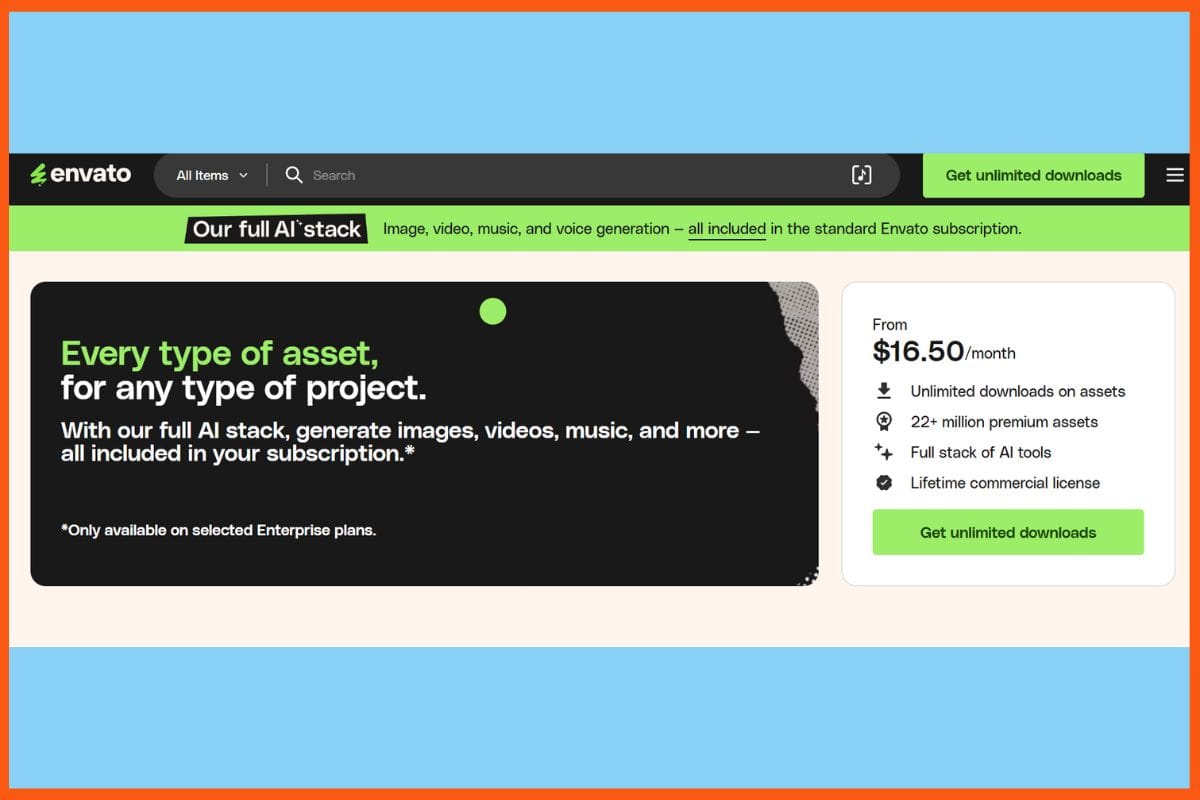
    Envato Elements enables everyone to reach for a creative project; hundreds, if not thousands, of PowerPoint templates and digital assets just seem to roll in. In an all-encompassing subscription service, users can download as many presentation templates, photographs, graphics, and music tracks on offer as they need. From simple licensing to zero hidden costs, designers, teachers, and businesses can enjoy stress-free access to ready-to-use customizable designs without dueling the steep learning curve. The platform’s easier usability cuts down time for noobs and experts alike. So whether you’re looking to spice up those business decks or need some good ideas for class, Envato Elements is where you’ll find a fresh, reliable, and sharp-looking job.

    Pros

    • Unlimited privileges for downloading PPT templates 
    • New content is being added to keep options fresh day by day
    • Economical for teams and individuals alike, or even students 

    Cons

    • No support or update notifications for the items purchased.
    • Inconsistent quality among the assets

    Pricing

    Plan Pricing
    Individual $16.50/month
    Team $29/month
    Enterprise Custom

    How to Choose the Right PowerPoint Template Platform

    With so many PowerPoint template websites available, it’s important to choose the one that best suits your specific needs. Here are a few key factors to consider before picking the right platform:

    • Purpose of Your Presentation: Are you creating a business pitch, school project, training deck, or creative story? Some platforms (like SlideModel or SlideUpLift) are great for corporate decks, while others (like SlidesCarnival or Canva) work better for casual or educational use.
    • Free vs. Paid Plans: If you’re on a budget, look for sites offering free downloads (e.g., PresentationGO, SlidesCarnival). For professional-grade designs or frequent use, premium subscriptions (like Envato Elements or SlideModel) offer better value and variety.
    • Customization Flexibility: Choose platforms that offer fully editable templates, so you can adjust colors, fonts, charts, and layouts easily without advanced design skills.
    • Format Compatibility: Make sure the templates support your preferred tool—PowerPoint, Google Slides, or both. Some platforms even offer PDF exports, Canva compatibility, or AI-assisted designs.
    • Collaboration & Support: If you’re working in teams or on client projects, platforms like Canva and 24Slides offer real-time collaboration and design support. Others offer only downloads with limited support.

    By matching the platform’s features with your goals, you can create professional and engaging presentations without the stress of starting from scratch.

    Conclusion

    The right PowerPoint template platform can transform an otherwise mundane presentation into one that feels sharp and professional. These platforms help users save time and enable stress-free presentation design from scratch. Instead of being preoccupied with layouts and styles, users can focus on delivering their message effectively.

    Whether you’re building bold infographics, sleek business decks, or humorous slides for education and training, there’s a design available for every purpose and budget. Most platforms offer fast downloads and regular updates, making them reliable tools for students, teachers, marketers, and business leaders. With clean, modern, and ready-to-use templates, no design skills are needed to make a lasting impression.


    Top AI Tools for Summarizing Lectures and Notes
    Discover the best AI tools to quickly summarize lectures, class notes, and study material. Ideal for students and educators, these tools boost productivity and enhance learning.


    FAQs

    What is a PowerPoint template ?

    A PowerPoint template is a pre-designed set of slides that helps you create presentations quickly and professionally.

    Why should I use PowerPoint template?

    PowerPoint template save time, improve visual appeal, and make your message clearer—even if you have no design experience.

    Can I use PowerPoint templates on Google Slides too?

    Most platforms support both PowerPoint and Google Slides formats, so you can use the templates with whichever tool you prefer.

  • Best AI Tools for Voiceovers

    Imagine an instant conversion of any script into a natural human voiceover. Today, not only do these AI voice tools make it seem possible, but they also do so with great ease. Using modern advanced text-to-speech technology, the smart AI tools can read clearly, warmly, and emotionally aloud whatever you type here. In the end, it can sound just like a real person’s voice. Be it creating a video or audiobooks or even adding a live touch to an online course, leveraging AI voices has made everything quick, affordable, and, most importantly, enjoyable. Choose the exact tone, pace, and accent that really fits you. 

    Tool Voice Cloning Notable Feature Languages
    ElevenLabs Yes Real-time dubbing & voice marketplace 30+
    Murf AI No Canva & Google Slides integration 20+
    Lovo AI Yes Emotional voices & built-in video editor 100+
    PlayHT Yes 900+ lifelike voices & noise removal 100+
    Speechify Yes OCR reading & celebrity-style voices 60+
    Synthesys Yes Avatar-led voice & video generation 140+
    Resemble AI Yes Deepfake detection & real-time TTS 150+
    WellSaid Labs No Enterprise-grade voice quality English only
    Descript Yes (Overdub) Text-based voice & video editing Multilingual
    Altered Yes Real-time voice morphing 50+

    ElevenLabs

    WEBSITE elevenlabs.io
    Rating 4.4
    Free Trial Yes
    Best For Creators, publishers, and developers seeking context-aware, professional-grade AI speech, voice cloning, and dubbing across multiple languages.
    ElevenLabs - Best AI Tools for Voiceovers
    ElevenLabs – Best AI Tools for Voiceovers

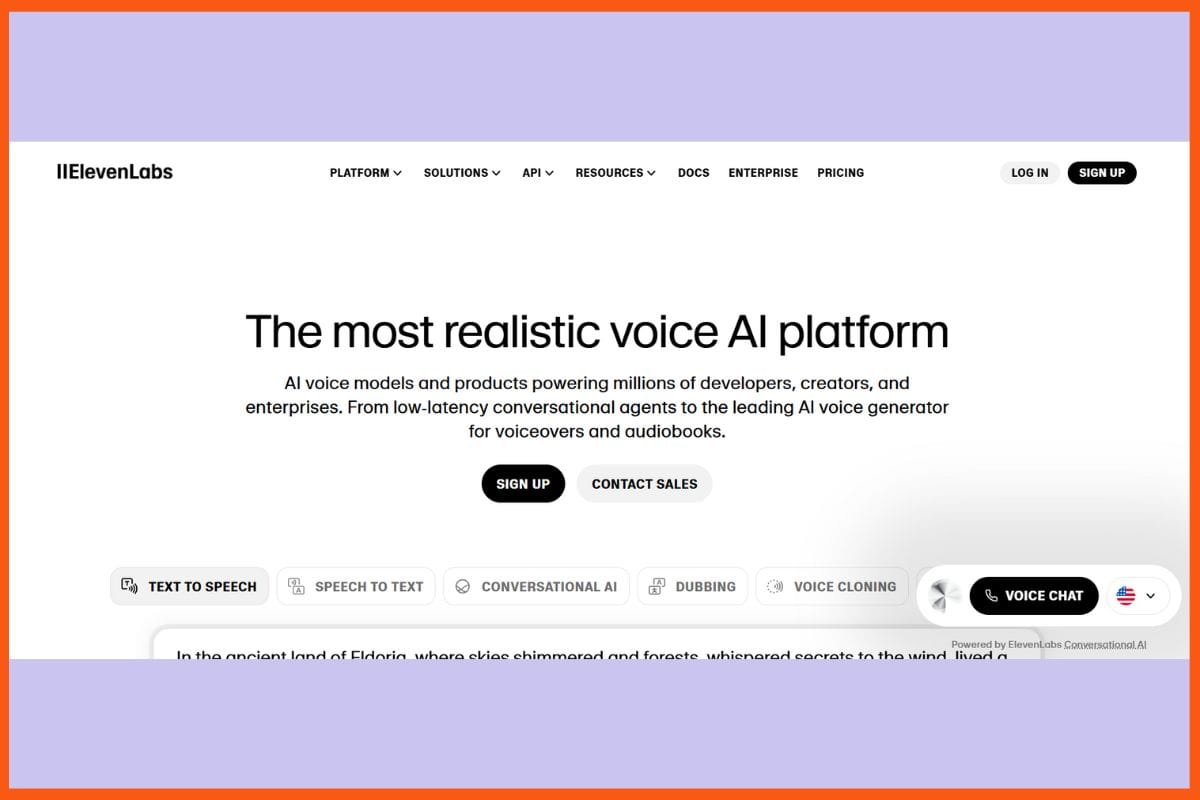
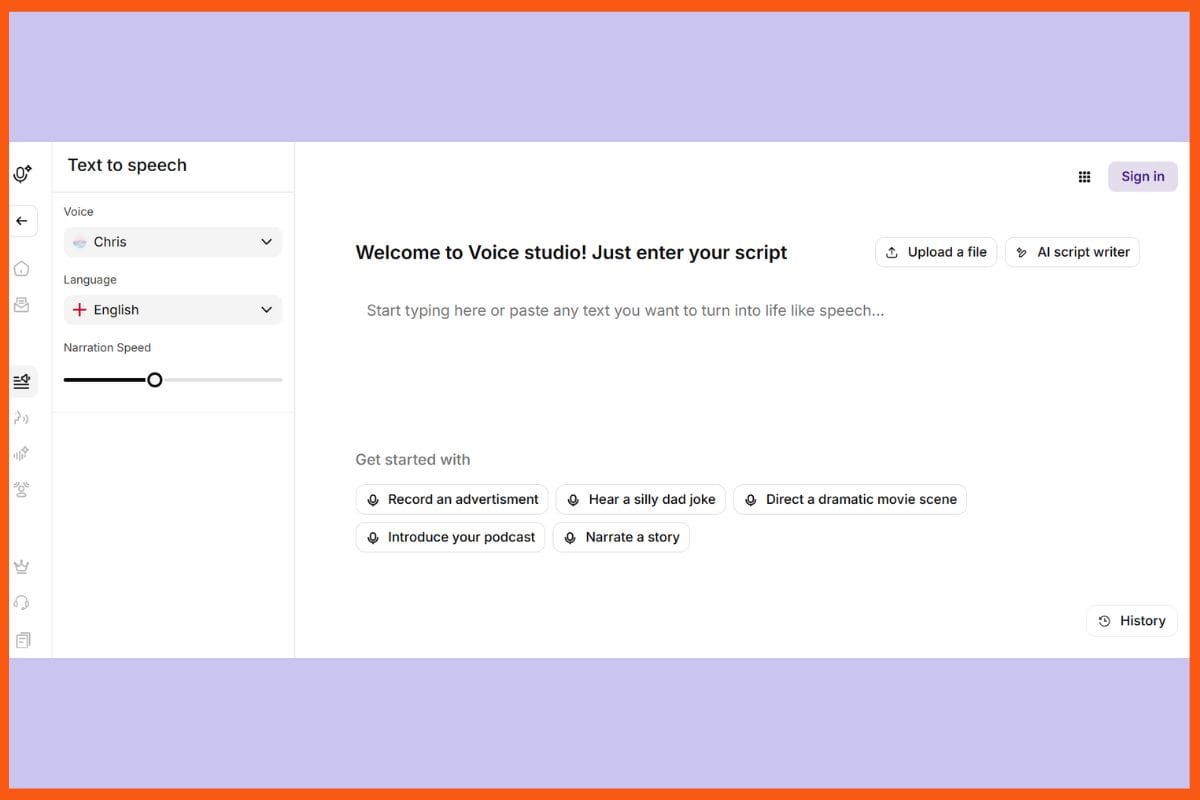
    From artificial intelligence studies and practice, Eleven Labs ranks at the highest tier of creating natural-sounding voiceovers. It has the most advanced AI that converts text to speech that is clear, expressive, and very human-like. It supports upward of 30 different languages and thousands of voices. You can get all your script turned into audio in seconds or even clone a voice to create your character. Voice cloning, real-time dubbing and translation, and a voice marketplace where you can share or sell your voice are some of its coolest features. The pitch, tone, and speed can also be altered to get the exact sound you want. There is a simple API also for the developers.

    Pros

    • Advanced voice cloning and customization
    • Wide multilingual and accent support.
    • Marketplace for monetizing created custom voice profiles.

    Cons

    • Additional costs for advanced features 
    • Public plan restricts usage and denies them commercial rights.

    Pricing 

    Plan Pricing
    Starter $5/month
    Creator $11/month
    Pro $99/month

    Murf AI

    WEBSITE www.murf.ai
    Rating 4.3
    Free Trial Yes
    Best For E‑learning creators, marketers, and teams needing high‑quality TTS, voice customization, and simple voice‑over workflows.
    Murf AI -  Best AI Tools for Voiceovers
    Murf AI – Best AI Tools for Voiceovers

    Murf AI is a cutting-edge voice-over platform for creators, businesses, and educators and provides access to over 200 lifelike voices in more than 20 languages. With its intuitive interface and fine-tuning controls for pitch, speed, emphasis, pronunciation, and intonation, users can generate natural-sounding, emotionally expressive audio in no time. The latest advances, such as Murf Speech Gen 2, allow for even greater customization, enabling users to fine-tune nuances such as pace, pitch, and style for any given project. Seamless integration for Canva, Google Slides, and video sync make Murf an excellent candidate for the production of e-learning, marketing, podcasts, and social media content with fast turnaround and high production value.

    Pros

    • Highly natural, fully customizable voices 
    • Easy integration into Canva, Google Slides
    • Fast output generation

    Cons

    • inconsistent or robotic for some voices
    • Generated Audio download only possible on paid plans

    Pricing 

    Plan Pricing
    Creator $29/month
    Growth $99/month
    Business $299/month
    Enterprise Custom

    Top 6 AI Audio Generation Tools
    In this comprehensive guide, we will explore the top AI audio generation tools available for podcasters, musicians, and content creators, showcasing their unique features, benefits, and potential applications.


    Lovo AI

    WEBSITE lovo.ai
    Rating 4.5
    Free Trial Yes
    Best For Creators and teams needing voice cloning, multilingual TTS, emotional nuance, and integrated video editing.
    Lovo AI - Best AI Tools for Voiceovers
    Lovo AI – Best AI Tools for Voiceovers

    Lovo AI empowers you to generate voice synthesis with a human touch. With the power of 500+ voices across 100+ languages, any script would be ready as clear audio in seconds-a thing for ads, audiobooks, training, or videos. Select from 30 different emotions, set the pitch and pauses, or even clone your voice. You can also add music and sound effects and synchronize audio to your video-all on a user-friendly platform. Lovo saves you hours of editing time and allows anybody, whether a solo creator or working collaboratively as part of a larger team, to create results at a professional standard.

    Pros

    • voice repository of over 100 languages.
    • Voice cloning or custom branding
    • An intuitive audio editor

    Cons

    • Higher tiers for premium features
    • Customer support can be slow.

    Pricing

    Plan Pricing
    Basic $10/user/month
    Pro $48/user/month
    Pro+ $149/user/month

    PlayHT

    WEBSITE play.ht
    Rating 4.6
    Free Trial Yes
    Best For Content creators, educators, and developers seeking realistic AI voice‑overs, voice cloning, and multilingual support with API integration.
    PlayHT - Best AI Tools for Voiceovers
    PlayHT – Best AI Tools for Voiceovers

    PlayHT allows you to easily create audios that sound vibrant and natural by typing text. With over 900 voices sounding more like lifelike voices in over 100 languages, you can make any conceivable audio. From podcasts to audiobooks, to eLearning courses or videos, PlayHT will allow you to materialize sound that matches the message. Silently remove accidental and background noise from records, and make voices similar or clone, manipulate pitch and speed, put in special pronunciations, and lastly, create those organic conversations with multiple voices. Smooth user interface translates voiceover production into an easy and interesting task. The intuitive user dashboard couples with a really fast audio processing engine and the most flexible options.

    Pros

    • Easily adjust for pitch, mention rate, emphasis, and pauses.
    • Very rapid, high-quality audio outputs in many formats.
    • A versatile API for seamless integration.

    Cons

    • First time users may find it confusing
    • Cancellation and refund terms are constricted

    Pricing

    PlayHT offers custom pricing; contact them for a quote.


    How AI Audio Generation Tools Can Improve Your Audio Content?
    In this article, we will explore the advancements in AI audio generation tools and how they can revolutionise your audio content creation process.


    Speechify 

    WEBSITE www.speechify.com
    Rating 4
    Free Trial Yes
    Best For Students and professionals wanting high-quality TTS from articles, PDFs, and ebooks—especially for productivity and accessibility.
    Speechify - Best AI Tools for Voiceovers
    Speechify – Best AI Tools for Voiceovers

    Speechify, you can get any text and, in a few ticks of a clock, convert it into audio that will sound smooth and human. You can customize each of the more than 1,000 voices in over 60 languages with pitch, tone, speed, or emotion. Want to have some fun? Using either celebrity-inspired voices or cloning your own, you can get something really cool.Paper-to-speech? It’s much more. It reads from images using OCR, and can even render in real time, while giving you full control over any word’s pronunciation. And with handy Chrome and mobile extensions, you can create voiceovers no matter where you are.

    Pros

    • Fully custom pitch, speed, emotion, and style
    • Live dubbing and cross-platform functionality
    • Cloud stream and collaborative use

    Cons

    • The free plan is limited to basic voices 
    • Some voices on the free tier sound robotic

    Pricing

    offers custom pricing; contact them for a quote.

    Synthesys

    WEBSITE www.synthesys.io
    Rating 4.3
    Free Trial Yes
    Best For Creators, educators, marketers wanting realistic AI voiceovers and avatar-led videos in 140+ languages, with customizable voices and branding.
    Synthesys - Best AI Tools for Voiceovers
    Synthesys – Best AI Tools for Voiceovers

    Synthesys, the next-gen platform with more than 700 realistic voices across 140+ languages, and their voice cloning and custom avatars, provide studio-quality results without ever stepping into a studio. Fine-tune pitch, speed, and emotion. Combine multiple speakers, sync voices with avatars or visuals, and export in crisp HD or 4K—all from an intuitive, cloud-based dashboard. Synthesys frees content production from the cost and complexities that usually come with it. Intended for creators, marketers, educators, and businesses, whether for training modules, video advertisements, podcasts, or global content, it easily puts together polished and professional media with the click of a button.

    Pros

    • library of over 700 realistic AI voices
    • Advanced cloning with over 10 avatars
    • Multi-voice and video translation support.

    Cons

    • Commercial use and custom avatars are more of a premium price. 
    • Learning curve for advanced features.

    Pricing

    Plan Pricing
    Personal $29/month
    Creator $59/month
    Business Unlimited $99/month

    Resemble AI 

    WEBSITE resemble.ai
    Rating 4.4
    Free Trial Yes
    Best For Creators and businesses needing realistic voice cloning, emotion control, multilingual localization, and voice-over automation.
    Resemble AI - Best AI Tools for Voiceovers
    Resemble AI – Best AI Tools for Voiceovers

    Resemble AI helps you change your text into natural, conversational text in minutes. With a small sample of a voice, you can copy any voice to make automatic GT-quality audio in over 150 languages. Fantastic for videos, podcasts, games, accessibility, and business content. The pitch, speed, emotion, and timing can be tuned up slightly. Be it real-time text-to-speech or speech-to-speech, the platform gives perfect control to the user. It provides multilanguage localization plus pinpoint-editing features to inject the correct voice mix into any project. Resemble has this edge: integrated deepfake detection, audio watermarking, and clean and pleasant user interface. Developers can insert it in secure APIs, with flexible collaboration and user management.

    Pros

    • Deepfake-proof
    • Real-time TTS voice conversion advanced with editing tools.
    • Seamless integration of API along with SDK

    Cons

    • Technical knowledge is required for custom integration and tuning.
    • The first-time implementation setup and onboarding can be a little complex for some.

    Pricing

    Plan Pricing
    Creator $19/month
    Professional $99/month
    Business $699/month
    Enterprise Custom

    Top AI Tools for Social Media in 2025: Boost Your Social Media Strategy
    Discover the best AI Tools for Social Media in 2025. These tools are designed to save you time, boost your engagement, and help you make data-driven decisions.


    WellSaid Labs

    WEBSITE www.wellsaidlabs.com
    Rating 4
    Free Trial Yes
    Best For eLearning developers, content creators, and enterprises needing studio‑quality AI voiceover with team collaboration and brand voice consistency.
    WellSaid Labs - Best AI Tools for Voiceovers
    WellSaid Labs – Best AI Tools for Voiceovers

    WellSaid Labs provides strikingly realistic and human-sounding AI voiceovers, ideal for use in e-learning, marketing, corporate training, and content production. The platform hosts over 50 professional voice avatars, detailed controls for pronunciation and speech, dynamic synthesis, and collaboration tools by teams. With security and robustness to enterprise standards (SOC2, GDPR), WellSaid is built with enterprise considerations in mind. The simple interface enables rapid editing and voice adjustment (pitch, speed, pausing) and supports different export formats (MP3, WAV, OGG). Advanced API access permits seamless integration into applications and workflows for content. WellSaid is trusted by Fortune 500 companies to establish an on-brand voice that can be scaled up quickly.

    Pros

    • Nature and clear voice quality
    • GDPR compliant
    • Seamless integration with Adobe, Canva, etc.

    Cons

    • Restricted to English
    • More expensive than many competitors

    Pricing

    Plan Pricing
    Creator $55/month/user
    Business $160/month/user
    Enterprise Custom Pricing

    Descript

    WEBSITE www.descript.com
    Rating 4.5
    Free Trial Yes
    Best For Podcasters, solo creators, and teams needing AI-enhanced editing via text-based transcript editing, studio-level voice cleanup, and Overdub voice synthesis.
    Descript -  Best AI Tools for Voiceovers
    Descript – Best AI Tools for Voiceovers

    Descript is just the best audio-video editor, combined with AI technology to bring that edge. Voiceover, text-based editing, cloning voices (Overdub), plus a library of stock AI voices for pretty much every kind of narration- this is what Descript is offering to creators. Users can record or auto-generate that uniquely distinct, natural, real-sounding speech, sync voice to video, remove filler words, and tack on Studio Sound for crystal clarity in minutes. Regarded as the finest laptop app for anyone who wishes to edit audio and video just as they would text-for instance, instantly correcting errors and enhancing them with AI features such as noise reduction, captioning, and even greenscreen effects.

    Pros

    • User-friendly interface
    • Multilingual support
    • Automatic filler word removal

    Cons

    • Not suited for large/complex files
    • Voices might lack emotional nuances

    Pricing

    Plan Pricing
    Hobbyist $24/person/month
    Creator $35/person/month
    Business $65/person/month

    Altered

    WEBSITE altered.ai
    Rating 3.8
    Free Trial Yes
    Best For Professionals and media creators needing advanced real‑time voice morphing, voice cloning, accent modification, AI voice cleaning, and post‑production voice editing.
    Altered - Best AI Tools for Voiceovers
    Altered – Best AI Tools for Voiceovers

    Altered, the creative AI voiceover bridge between voice transformation and professional narration for high-end video, gaming, podcasts, and commercials.With more than 100 ultra-realistic voices and 50+ languages, advanced voice modulation options that include a spectrum of change to gender, age, and accent, or a high-quality clone of a voice for branding or anonymity,An intuitive interface allows pitch, tone, pace, and emotion controls to a granular level, supporting batch processing and real-time instant conversion.API, desktop app, and DAW plugins from Altered integrate easily into the creative workflow; custom licensing and secure enterprise features attract studios and teams in search of scalable custom voice solutions and seamless integration into post-production.

    Pros

    • Flexible for gaming and dubbing
    • Bulk voice cloning
    • Data Privacy compliant

    Cons

    • Voice morphing cost extra
    • Learning curve for advanced features

    Pricing

    Altered offers custom pricing; contact them for a quote.

    Conclusion

    Voiceover tools powered by AI are a revolutionary coup for creators and businesses alike, for those who wish to influence or engage with an audience. From story narration and education to entertainment and marketing for the brand, AI makes audio generation so easy that one does not even require a studio or technical skill. Just by typing the script and clicking a few buttons, dozens of voices and languages can be app-ed, with the right emotions to bring out any project flavor. The final icing on the cake is that it helps bring a professional touch to the layman. While saving time and money, it opens fresh avenues for creativity.


    Best AI Tools for Brainstorming Ideas & Creativity
    Unleash your creativity with the best AI brainstorming tools. Discover top platforms that help generate ideas, boost innovation, and streamline creative thinking.


    FAQs 

    What are some Best AI Tools for Voiceovers?

    Some Best AI Tools for Voiceovers are:

    • ElevenLabs
    • Murf AI
    • Lovo AI
    • PlayHT
    • Speechify
    • Synthesys
    • Resemble AI
    • WellSaid Labs
    • Descript
    • Altered

    Do these tools support multilingual voiceovers?

    Yes. Most listed tools support dozens to 100+ languages.

    Can I legally use cloned voices for commercial projects?

    Only if you have the explicit rights/consent to the voice you clone. Some plans restrict commercial rights—always check the license terms of your plan.

    Can AI voices fully replace human voice actors?

    Not entirely. While quality is impressive, emotion, nuance, and brand storytelling can still benefit from human talent.

  • Top AI Tools for App Performance Monitoring

    AI is the most disruptive force in the field of application performance monitoring today, since milliseconds stand between customer satisfaction and its competitive advantage in a hyper-connected world. Such AI-enhanced applications go beyond the conventional approach of monitoring—they use ML algorithms to predict performance issues long before they have any user impact, perform real-time correlation of vast amounts of data, and finally render intelligent root cause analysis that turns reactive troubleshooting into proactive optimization. AI tools will capitalize on the opportunity to monitor by analyzing historical data patterns against user behavior for anomaly detection, identifying performance bottlenecks within complex microservices architectures.

    Tool AI Capabilities Deployment Model Integration Ease Best For Business Size
    Dynatrace Anomaly detection, root cause, auto-remediation Cloud, On-prem, Hybrid Seamless with cloud-native & multicloud Medium to Large Enterprises
    Datadog ML for anomaly detection, auto alerts SaaS 400+ integrations All Sizes (scales well)
    New Relic AI anomaly detection, AIOps Cloud, Hybrid 775+ integrations Medium to Large Enterprises
    AppDynamics Auto baseline, anomaly detection, business transaction mapping Cloud, Hybrid, On-prem Good, but initial setup complex Large Enterprises
    SolarWinds APM AI-enhanced alerts and templates On-prem, Cloud, Hybrid Decent, but limited third-party tools Small to Mid-size Businesses
    Fiddler AI Model drift, explainability, root cause Cloud, On-prem MLOps pipeline ready Data Science/ML Teams
    Quantum Metric Real-time AI for journey friction SaaS Data warehouse & mobile SDKs Mid to Large Enterprises
    Raygun Error prediction, user monitoring Cloud Strong dev tool integration SMBs to Mid-size Dev Teams
    Site24x7 AI-driven anomaly alerts Cloud, Hybrid, On-prem All-in-one platform SMBs to Enterprises
    Uptrace Anomaly detection via OpenTelemetry Self-hosted or SaaS Open-source friendly Tech-savvy, cost-conscious teams

    Dynatrace

    WEBSITE www.dynatrace.com
    Rating 4.2
    Free Trial Yes
    Best For Enterprise teams needing AI-powered full-stack observability, performance, and security monitoring.
    Dynatrace - Top AI Tools for App Performance Monitoring
    Dynatrace – Top AI Tools for App Performance Monitoring

    Dynatrace is, in fact, an AI-driven application performance monitoring solution that changes the game in this age of rapid digital innovation. This sophisticated machine learning capability automatically discovers application dependencies and tracks transactions across the entire stack, delivering real-time actionable insight. Moreover, its AI engine, Davis, proactively detects anomalies, assigns root causes, and performs or automates remediation to ensure that users remain less aware of incidents and at optimal levels of their experiences. Adding to that, Dynatrace integrates seamlessly across environments, such as cloud-native, hybrid, and multi-cloud. Organizations can visualize user journeys, optimize resource allocation, and guarantee enterprise-grade reliability. In the end, organizations benefit from a holistic supervisory framework that speeds up incident response.

    Pros

    • Complete observability on applications, infrastructure, and user experience.
    • Seamless integration to the multicloud and cloud-native environments.
    • Real-time dashboards and customizable analytics

    Cons

    • Pricing can be higher for small teams
    • Some users report a learning curve 

    Pricing

    Plan Pricing
    Full Stack Monitoring $0.08 / hour (8 GiB Host)
    Infrastructure Monitoring $0.04 / hour (any size Host)
    Kubernetes Platform Monitoring $0.002 / hour (any size Pod)
    Application Security $0.018 / hour (8 GiB Host)
    Real User Monitoring $0.00225 / session
    Synthetic Monitoring $0.001 / synthetic request
    Log Management & Analytics $0.20 / GiB

    Datadog

    WEBSITE www.datadoghq.com
    Rating 4.2
    Free Trial Yes
    Best For Enterprise teams needing AI-powered full-stack observability and real‑time monitoring.
    Datadog - Top AI Tools for App Performance Monitoring
    Datadog – Top AI Tools for App Performance Monitoring

    Datadog brings cloud-native and hybrid metrics, traces, and logs into a single view to allow real-time, relevant insights to get teams to notice anomalies, trace causes, and adjust user experience before a major issue develops. Machine learning algorithms exist to flag performance bottlenecks before they become intolerable. Still, they can do more than that. Users build custom dashboards or choose from over 400 integrations to see more deeply into each layer of their stack. From setting up alerts automatically to distributed tracing or synthetic monitoring, Datadog has disrupted the traditional reactive way of troubleshooting to one of proactive optimization, thus enabling companies to cut downtime, spur innovation.

    Pros

    • Highly customizable dashboards and alerts
    • Suitable for scalability in businesses of all sizes
    • Log and trace analysis in real-time

    Cons

    • Pricing can skyrocket once you scale
    • Some users report thin support for front-end integration.

    Pricing

    Plan Pricing
    Pro $15 / host / month
    Enterprise $23 / host / month
    DevSecOps Pro $22 / host / month
    DevSecOps Enterprise $34 / host / month

    Exploring the World of AI-Powered Productivity Tools
    Unlock efficiency with AI-powered productivity tools! Supercharge your workflow and save time. Explore the future of work with cutting-edge AI tools.


    New Relic

    WEBSITE www.newrelic.com
    Rating 4.2
    Free Trial Yes
    Best For Enterprise teams needing AI-enhanced full-stack observability, real-time monitoring, and AIOps.
    New Relic - Top AI Tools for App Performance Monitoring
    New Relic – Top AI Tools for App Performance Monitoring

    Amidst digital transformation, New Relic reinvents application performance monitoring via an AI-based engine with end-to-end observability and actionable intelligence. To enable teams to pinpoint anomalies, optimize spend, and remediate issues before they reach the user, New Relic provides unification of metrics, traces, and logs across the entire stack of AI models, microservices, and databases. The intelligent monitoring provides real-time observability into every layer, from prompt to response, through deep trace analysis, model comparison, and cost tracking. Instantaneous integrations, customizable dashboards, and automated alerts facilitate swift troubleshooting and allow for continual optimization; hence, New Relic becomes an almost irreplaceable partner for any organization wanting to scale up uptime, performance, and user satisfaction.

    Pros

    • AI-driven anomaly detection and automated root-cause analysis
    • thousands of third-party integrations, it is truly innovative (775+ of them)
    • Free tier available for small teams

    Cons

    • Learning curve for some users
    • User-based licensing can be a hurdle for large teams

    Pricing

    New Relic offers custom pricing; contact them for a quote.

    AppDynamics 

    WEBSITE www.appdynamics.com
    Rating 4.3
    Free Trial Yes
    Best For Enterprises seeking deep application performance monitoring, business transaction insights, and end-to-end visibility.
    AppDynamics - Top AI Tools for App Performance Monitoring
    AppDynamics – Top AI Tools for App Performance Monitoring

    AppDynamics is one of the top AI apps for performance monitoring in such a high-stakes industry because it was purpose-built to provide not just real-time but end-to-end visibility into the entire technology stack. Advanced machine learning underlies Appdynamics automatically discovers application architecture, dynamically baselines performance, and immediately detects anomalies before impacting users. It has intelligent root cause analysis that can pinpoint an issue down to the code level, whereas it relates technical performance to business outcomes through business transaction monitoring. Therefore, AppDynamics enables optimization of user experience, acceleration of troubleshooting, and growth in business through actionable insights and full-stack analytics across the clouds, as well as in-premises and hybrid environments.

    Pros

    • Real-time, full-spectrum monitoring
    • Auto-discovery and mapping of application architecture 
    • Greatly customizable dashboards 

    Cons

    • Initial configuration and setup can be quite complex
    • Alerting may include some shortcomings

    Pricing

    Plan Pricing
    Premium $6 / month / CPU core

    SolarWinds APM

    WEBSITE www.solarwinds.com/products/apm
    Rating 4.1
    Free Trial Yes
    Best For Small to mid-sized businesses and hybrid IT teams that want affordable, full-stack observability, easy setup, and customizable alerts.
    SolarWinds APM - Top AI Tools for App Performance Monitoring
    SolarWinds APM – Top AI Tools for App Performance Monitoring

    Count it as a boon for SolarWinds APM, which is armed with AI-enhanced capabilities, to come forth as an astute solution among the most advanced applications designed for performance monitoring-hence ensuring that IT teams gain further insights that are real-time and intelligent into operation status. The advanced monitoring templates, along with intelligent dashboards, allow SolarWinds APM to proactively detect, diagnose, and clear out performance issues across cloud, on-premises, and hybrid environments. It automates application dependency mapping while adding customizable alerts, thus cross-stack data becomes correlated, ensuring that it is visible and possible to manage even the most complex infrastructures. Intuitive reporting and proactive anomaly detection form part of an advancement toward supporting modern cloud-native architectures.

    Pros

    • Anomaly detection and alerting in real time
    • Polling engine for large environments and better performance scalability
    • Flexible pricing for SMBs 

    Cons

    • Limitations in third-party tool integrations
    • Some users claim support response times are slow.

    Pricing

    Plan Pricing
    Monitoring Observability $6 / node / month
    Database $117 / database / month
    Service Management $39 / technician / month
    Incident Response $9 / user / month

    Top AI Project Management Tools to Streamline Tasks
    Discover the best AI-powered project management tools that enhance efficiency, streamline workflows, and improve team collaboration effortlessly.


    Fiddler AI 

    WEBSITE www.fiddler.ai
    Rating 4.0
    Free Trial Yes
    Best For Organizations building, deploying, and monitoring ML/LLM models with a need for explainability, drift detection, governance, and responsible AI observability.
    Fiddler AI - Top AI Tools for App Performance Monitoring
    Fiddler AI – Top AI Tools for App Performance Monitoring

    Fiddler AI focuses on transparency, explainability, and actionable insights. Fiddler AI allows a team to proactively sense that drifts in the model, data quality issues, as well as performance anomalies, cross all types, including structured and unstructured data like NLP and computer vision models. Real-time alerts, root cause analysis, and very deep model explanations are all packed into a unified dashboard, allowing an organization to address problems before they translate into user detriment or pain to business KPIs. Additionally, the tool is seamlessly integrated into existing pipelines in MLOps, available in the cloud or on-premise, and advanced analytics change reactive troubleshooting into proactive optimization within organizations.

    Pros

    • Both ML and LLM models can be powerfully monitored
    • Unified access to actionable insights and root cause analysis 
    • Very clean and easy interface to track issues and data points.

    Cons

    • Some advanced features may require technical expertise 
    • Dashboard customization is slightly complex

    Pricing

    Fiddler AI offers custom pricing; contact them for a quote.

    Quantum Metric

    WEBSITE www.quantummetric.com
    Rating 4.6
    Free Trial No
    Best For Enterprise digital teams needing real‑time session replay, friction detection, journey analytics, and AI‑powered insights for customer experience optimization.
    Quantum Metric - Top AI Tools for App Performance Monitoring
    Quantum Metric – Top AI Tools for App Performance Monitoring

    Quantum Metric is redefining what app performance monitoring is all about with an AI-backed real-time user journey insight and operational intelligence integrated into an analytics solution. It’s a patented session replay and behavioral analytics enable teams to surface friction points instantly, measure business impact, and resolve the issues before they touch end-users. Felix AI from Quantum Metric thus reduces the often complex cross-device user behavior into a bite-sized, actionable summary within its platform. Advanced segmentation, funnel analysis, and custom dashboards further enable deep targeted optimization. The lightweight SDK, robust mobile support, and seamless integration with data warehouses will ensure speed in deployment.

    Pros

    • Lightweight SDK for rapid deployment with fewer code changes.
    • Supports several mobile frameworks like Flutter, React Native, etc.
    • Integrates with all database houses and cloud platforms.

    Cons

    • Pricey, but mainly targeting mid to large enterprises.
    • No free trial or free tier.

    Pricing

    Quantum Metric offers custom pricing; contact them for a quote.

    Raygun

    WEBSITE www.raygun.com
    Rating 4.3
    Free Trial Yes
    Best For Dev and Ops teams needing integrated crash reporting, real-user monitoring, and APM with AI‑powered error resolution.
    Raygun - Top AI Tools for App Performance Monitoring
    Raygun – Top AI Tools for App Performance Monitoring

    With a laser-like focus on real-user experience and actionable diagnostic insights, Raygun differentiates itself from almost all others. Traditional APMs do not provide instant code-level insight into Frontend and Backend performance. Hence, teams can quickly identify and remediate issues even before the users notice them. Their real-user monitoring (RUM) catches every session and shows bottlenecks and errors with great detail, while Crash Reporting will point to root causes down to the exact line of code. With seamless integrations, customizable dashboards, and quick setup via lightweight SDKs, Raygun distills complex data into prioritized actions, thus the platform of choice for teams wanting both complexities and simplicity in optimizing the digital experience.

    Pros

    • Deep diagnostics, error tracking, and crash analytics
    • Easy integration into the most common tools available (Slack, GitHub, JIRA, etc.)
    • Actionable insights 

    Cons

    • Initial installation may prove complicated 
    • Limitations on customization 

    Pricing

    Plan Pricing
    Basic $120 / 100k traces / month
    Team $240 / 200k traces / month
    Business $1200 / 1M traces / month
    Enterprise Contact Sales

    Site24x7

    WEBSITE www.site24x7.com
    Rating 4.3
    Free Trial Yes
    Best For Small to enterprise IT/DevOps teams needing all‑in‑one monitoring (infrastructure, APM, RUM, logs, network), with global coverage and AI‑driven alerts.
    Site24x7 - Top AI Tools for App Performance Monitoring
    Site24x7 – Top AI Tools for App Performance Monitoring

    Site24x7 is an emerging artificial intelligence-powered full-stack application performance monitoring solution. Unlike most of the traditional monitoring tools, Site24x7 combines real user monitoring, synthetic tests, and deep code-level diagnostics into one easy-to-use dashboard over an environment that could either be cloud, hybrid, or on-premise. Its AI-driven detection of anomalous behavior and automated alert further empowers teams to act before the impact of the occurrence on end users, directing tracing as well as application dependency mapping for instantaneous visibility into complicated microservices and infrastructure. Rapid deployments and customizable dashboards, together with affordable and scalable pricing, help to transform performance monitoring from a reactive function into a proactive business-centric term, thus making it uniquely available for organizations.

    Pros

    • Centralized monitoring for applications
    • Lightweight, rapid deployment with intuitive dashboards 
    • scalable for both SMBs and enterprises

    Cons

    • Some advanced features may require some technical expertise
    • Customizing the dashboards is cumbersome to learn.

    Pricing

    Plan Pricing
    Professional $44.03/month
    Enterprise $655.17/month

    Uptrace

    WEBSITE www.uptrace.dev
    Rating 4.5
    Free Trial Yes
    Best For Teams needing affordable, scalable OpenTelemetry-based APM and full‑stack observability (traces, metrics, logs), either self‑hosted or in the cloud.
    Uptrace - Top AI Tools for App Performance Monitoring
    Uptrace – Top AI Tools for App Performance Monitoring

    Uptrace innovatively reconceives application performance monitoring for today’s modern distributed systems. Uptrace intertwines distributed tracing, metrics, and logs into one easy-to-understand platform, unlike the old APMs through which teams can identify bottlenecks, boost SQL queries, and troubleshoot before customers notice problems. It also provides an in-depth understanding at scale with a negligible penalty by its inherent OpenTelemetry connection, blistering ClickHouse backend, and ingenious anomaly detection. Its architecture as an open-source product, flexible integration options, and transparent usage-based pricing make it one of its types in entering organizations looking for enterprise-level monitoring without vendor lock-in or crippling costs. For engineering teams with actionable intelligence and cost-efficient scalability requirements.

    Pros

    • Native OpenTelemetry support for seamless integration
    • ClickHouse-based analytics for enhanced performance and storage efficiency
    • SQL query monitoring with real-time anomaly detection

    Cons

    • Learning curve for teams unfamiliar with distributed trace or OpenTelemetry.
    • No free tier for hosted SaaS, only free trial and open-source.

    Pricing

    Plan Pricing
    50GB $0.080
    3TB $0.070
    8TB $0.060
    20TB $0.050
    50TB $0.040
    100TB $0.030
    200TB $0.025

    Conclusion

    In a digital environment where milliseconds determine the essence of success, AI-based application performance monitoring would serve as the pillar for resilient and user-centric innovations. Based on machine learning, these solutions detect anomalies in real-time, analyze automated roots, and provide prognostic insights for the team’s proactive allocation of issue resolution, resource optimization, and seamless experiences at an extensive scale. Bringing complex architectures under one view, personalized dashboards, and smart alerts change remedial troubleshooting into strategic optimization. AI empowerment in monitoring became not only imperative in an advancing world but also mandatory as organizations would now have a sustainable digital excellence.


    Best E-commerce AI Tools | Top AI Solutions for Online Stores
    Discover the best AI tools for e-commerce to enhance sales, automate customer service, and optimize operations. Explore top AI solutions for online businesses today!


    FAQs

    What are the best AI-powered App Performance Monitoring tools?

    Top AI-powered App Performance Monitoring tools in 2025 include Dynatrace, Datadog, New Relic, AppDynamics, SolarWinds APM, Raygun, Quantum Metric, Site24x7, Uptrace, and Fiddler AI.

    What features should you look for in an AI-based App Performance Monitoring solution?

    Look for features like real-time observability, automated root cause analysis, machine learning-driven anomaly detection, full-stack monitoring, custom dashboards, and integration with cloud platforms and DevOps pipelines.

  • Best AI Tools for Brainstorming Ideas and Creativity

    Brainstorming with AI tools is changing the way creativeness of people runs rapid and unique ideas and streamlining collaboration among individuals and teams. It could be strong algorithms and natural language processing that are integrated into platforms to analyze a problem, generate various concepts, and write thoughts down in real-time by generally including visual mapping, automatic note taking, and market trend analysis. Its benefit to people is having frameworks that users. They give data insights across industries as well as inspiration and secluded integration with workflow, making the ideation faster, and in other domains, such tools will improve productivity and encourage innovative thought.

    Tool Collaboration Unique Visual Tools Integrations Platform Compatibility
    MindMeister Real-time editing Color-coded branches, customizable templates MeisterTask Web, Mobile
    Ayoa Real-time team boards, chat Organic, radial & capture maps, whiteboards Zoom, Dropbox, Google Calendar Web, iOS, Android, Desktop
    XMind AI Real-time syncing & navigation Instant slide creation, two-way links Basic export options Web, Desktop, Mobile (iOS/Android)
    Wondershare EdrawMind Real-time cloud editing Teaching templates, Gantt charts, dark mode Microsoft Office, cloud storage Web, Desktop, Mobile
    Whimsical Real-time co-editing Wireframes, flowcharts, docs, minimal UI Google Drive (basic level), cloud sync Web-based
    Coggle Co-editing, chat, auto-save Markdown, multiple central nodes, image embeds Google Drive Web-based
    Mindomo Real-time & offline collaboration SWOT & pros/cons diagrams, outlines, Gantt charts Google Drive, MS Teams, Office 365 Web, Desktop, Mobile
    GitMind Real-time sync & team editing Flowcharts, whiteboards, presentation mode Fewer integrations Web, iOS, Android
    MindNode iCloud sync across devices Visual tags, stickers, outline mode, folding branches Apple Reminders macOS, iOS, iPadOS, Apple Watch
    Creately Live cursor tracking, calls, chat Infinite canvas, sticky notes, visual hierarchy Google Drive, MS Teams, Slack, more Web, Desktop, limited Mobile support

    MindMeister

    WEBSITE www.mindmeister.com
    Rating 4.5
    Free Trial Yes
    Best For Individuals, small teams, educators needing real-time collaboration, presentation export, and simple integration with MeisterTask.
    MindMeister - Best AI Tools for Brainstorming
    MindMeister – Best AI Tools for Brainstorming

    MindMeister is a feature-rich AI-powered mind mapping and brainstorming application focused on bringing solo individuals and teams together to organize, expand, and manage ideas visually in real time. Its intuitive interface provides completely customizable templates and color-coded branches and adds seamless integration to productivity platforms to enhance creativity and workflow efficiency. AI-based features automatically identify main ideas, suggest logical connections, and arrange nodes for optimal clarity, allowing users to focus on creating without the burden of manual formatting. Real-time collaboration allows users to update concurrently and makes full use of mobile access anytime, anywhere. It is a safe, secure, cloud-based environment and GDPR compliant solution for creative teams worldwide.

    Pros

    • Suggestions for structuring and linking ideas 
    • Intuitive, easy to use
    • Data is hosted securely in the cloud, following GDPR.

    Cons

    • Free version has limited functions
    • Learning curve for some users

    Pricing

    Plan Pricing
    Personal $3.50 per user per month
    Pro $5.50 per user per month
    Business $8.50 per user per month

    Ayoa

    WEBSITE www.ayoa.com
    Rating 4.5
    Free Trial Yes
    Best For Visual thinkers and teams seeking AI-powered mind mapping combined with task & project management in one flexible, collaborative workspace.
    Ayoa - Best AI Tools for Brainstorming
    Ayoa – Best AI Tools for Brainstorming

    Ayoa is a prime AI-powered brainstorming and mind mapping system that integrates creative idea generation, visual task management, and real-time team collaboration all on an inclusive platform. Features include intuitive organic, radial, and capture mind maps; AI-generated idea prompts; whiteboards; Gantt charts; and seamless integration with Google Calendar, Zoom, and Dropbox. Designed neuro-inclusively, Ayoa supports users with ADHD, dyslexia, and autism by chunking information and presenting focus modes. Its flexible templates, hand-drawn branches, and workflow boards simplify individual or group brainstorming, while cloud hosting and mobile apps guarantee work can be done anytime, anywhere. Built-in chat and presenting tools amplify communication and ideation for teams of all sizes.

    Pros

    • AI-enabled idea generation and summarization.
    • Diverse map styles with flexible visualization options.
    • integrations with the most popular productivity tools.

    Cons

    • Costs more than a few of the competitors
    • A free version limits the number of mind maps and export options.

    Pricing

    Plan Pricing
    Ultimate $12.58 per user per month

    10 Best AI Business Idea Generators for Aspiring Entrepreneurs in 2025
    Kickstart your startup journey with the top 10 AI business idea generators of 2025. Discover innovative tools to spark profitable ideas and turn your entrepreneurial dreams into reality.


    XMind AI

    WEBSITE www.xmind.com
    Rating 4.3
    Free Trial Yes
    Best For Individuals and teams needing AI‑enhanced mind mapping, brainstorming, document-to-map workflows, presentation export, and real-time collaboration.
    XMind AI - Best AI Tools for Brainstorming
    XMind AI – Best AI Tools for Brainstorming

    XMind AI is a robust mind mapping tool operated on the cloud that activates artificial intelligence resources for the easy generation, organization, and collaboration with ideas. AI Copilot provides ideas, duplicates its branches, and generates to-do lists, or click faster ways to capture ideas and structure them from the Brainstorming Hub or Auto Mode view. XMind AI enables teams to collaborate in real time, with two-way linking for dynamic navigation, and auto-instant telegraphic slide creation. The product also offers a version history, universal access, and export options for hassle-free integration into any workflow. Thanks to its user-friendly interface and powerful AI engine, XMind AI easily increases the productivity of individuals and teams.

    Pros

    • Real-time collaboration performed from several devices 
    • Supported by multiple operating systems and browsers
    • Structures can be customized, and exports can be turned into multiple formats.

    Cons

    • Advanced AI features require a paid subscription.
    • less robust features when dealing with extraordinarily large collaboration environments.

    Pricing

    Plan Pricing
    Premium (for individuals) $15/month
    Business $18/seat/month
    Enterprise Contact Sales

    Wondershare EdrawMind 

    WEBSITE www.edrawmind.com
    Rating 4.6
    Free Trial Yes
    Best For Individuals, teams, and educators wanting AI‑powered mind mapping, extensive templates, real‑time collaboration, and multi‑format exports.
    Wondershare EdrawMind - Best AI Tools for Brainstorming
    Wondershare EdrawMind – Best AI Tools for Brainstorming

    Wondershare EdrawMind is a state-of-the-art AI-enabled tool for advanced mind mapping and brainstorming, aiming at individuals and teams to organize their thoughts visually, plan their projects, and improve their productivity. The AI Assistant enables one-click brainstorming, automatic generation of a mind map, smart teaching annotation, translation, AI copywriting, and even OCR for extracting text from images. EdrawMind has a plethora of customizable templates, beautiful themes, Gantt charts, and presentation modes that facilitate seamless cloud collaborative support with real-time editing and platform integration for Microsoft Office and cloud storage services. Cross-platform compatibility enables the user to work on desktop, web, or mobile while ensuring flexibility and accessibility for creative sessions, project management, and knowledge organization.

    Pros

    • user-friendly interface
    • High template diversity, colorful themes, and flexible modes of export
    • Lifetime membership software is available

    Cons

    • Mobile app performance issues
    • Limited third-party app integrations

    Pricing

    Plan Pricing
    Yearly Plan $29.99/year
    Perpetual Plan $59.99 (one-time)
    Perpetual Bundle Plan $109.99 (one-time)
    Teams $79/user/month
    Student Plan $49 (usually one-time or annual, depending on offer)

    Whimsical

    WEBSITE www.whimsical.com
    Rating 4.6
    Free Trial Yes
    Best For Teams and individuals seeking fast, intuitive, collaborative mind-mapping, flowcharting, wireframing, and visual thinking tools in one integrated workspace.
    Whimsical - Best AI Tools for Brainstorming
    Whimsical – Best AI Tools for Brainstorming

    Whimsical is an AI-powered brainstorming and visual collaboration tool bringing mind mapping, flowcharting, wireframing, and documentation together into a single lucid platform. Thanks to AI, rapid-fire generation of ideas, automatic organization of thought, and intelligent suggestion-making for linking concepts can help create a more structured and innovative brainstorming session. It enables real-time collaboration for teams to co-create and edit boards simultaneously from anywhere, as backed up by a clean UI and an extensive template gallery. The platform is broad in use, supporting project planning and business strategy, creative writing, and education, with easy export capabilities for sharing outcomes. Being a cloud-based application ensures it is accessible from anywhere while securing data across devices.

    Pros

    • Mind mapping powered by AI and immediate diagram generation 
    • Real-time collaboration and features that are team-friendly.
    • Access and return of data are highly secured in the internet cloud.

    Cons

    • Learning curve for some features
    • Limited to 1-to-many mappings and restricted to many-to-one mappings.

    Pricing

    Plan Pricing
    Pro $12/month/editor
    Business $18/month/editor
    Enterprise $20/month/editor (starting)

    Exploring the World of AI-Powered Productivity Tools
    Unlock efficiency with AI-powered productivity tools! Supercharge your workflow and save time. Explore the future of work with cutting-edge AI tools.


    Coggle

    WEBSITE www.coggle.it
    Rating 4.5
    Free Trial Yes
    Best For Individuals and small teams wanting intuitive, real‑time collaborative mind mapping with Google Drive integration and version control.
    Coggle - Best AI Tools for Brainstorming
    Coggle – Best AI Tools for Brainstorming

    Coggle is a simple online mind-mapping and brainstorming tool that can help teams capture ideas in minutes, organize these ideas visually, and collaborate smoothly. Its clutter-free interface supports online co-editing, chat, and auto-saving features so users may create, develop, and link ideas easily. Unlimited uploading of images, floating text and images, multiple central nodes, markdown formatting, and version history-all these elements are great features of Coggle. With its sophisticated branching and looping features, Coggle allows for flexible diagrams that can be shared and presented with ease (in formats like PNG, PDF, or MS Visio). While the user experience is not overly complex, the power of Coggle for individual or group use has made it extremely famous.

    Pros

    • Free plan available.
    • Automatic saving with a powerful version history for easy revisions.
    • Exports up to different formats, including Visio and PDF.

    Cons

    • Limited customization and color options
    • No ready-made templates.

    Pricing

    Plan Pricing
    Awesome $5/month
    Organisation $8/member/month

    Mindomo

    WEBSITE www.mindomo.com
    Rating 4.6
    Free Trial Yes
    Best For Users (educators, students, professionals) wanting a cross‑platform, collaborative, feature‑rich mind mapping tool with extensive export formats, real‑time editing, and LMS/Teams integration.
    Mindomo - Best AI Tools for Brainstorming
    Mindomo – Best AI Tools for Brainstorming

    Mindomo is a user-friendly mind mapping and brainstorming tool using Artificial Intelligence for individual users, teams, and teachers who want the best way to visually organize ideas, plan projects, and collaborate in real time. With the help of AI, users will be able to generate, expand, and translate mind maps from text, files, or prompts, and be able to brainstorm, SWOT, and pros & cons diagrams instantly. Mindomo carries a large number of templates, different kinds of diagrams (mind maps, concept maps, Gantt charts, outlines), and smooth integration into various platforms such as Google Drive or Microsoft Teams. It allows users to work offline, in the cloud, pres. mode, and import/export.

    Pros

    • Real-time and offline editing is accessible through web, desktop, and mobile.
    • AI mind map creation, extension, and translation for fast brainstorming.
    • Connects to well-known apps (Google Drive, Microsoft Teams, Office 365).

    Cons

    • Advanced AI features and cloud sync are available with a paid subscription.
    • The mobile application experience is less complete

    Pricing

    Plan Pricing
    Premium $5.50/month
    Professional $13.50/month
    Team $16.50/month

    GitMind

    WEBSITE www.gitmind.com
    Rating 3.9
    Free Trial Yes
    Best For Users needing a free, AI‑enhanced mind‑mapping tool with cross‑platform sync, real-time collaboration, and prompt‑driven map generation.
    GitMind - Best AI Tools for Brainstorming
    GitMind – Best AI Tools for Brainstorming

    GitMind is a novel AI-enabled mind mapping and brainstorming application that caters to the generation, organization, and collaboration of ideas for an individual or a group. Its easy interface allows the instant creation of mind maps, flowcharts, and whiteboards addition to taking advantage of how AI generates maps sourced from prompts, files, or web content. Other noteworthy features include real-time collaboration, cross-platform synchronization, advanced AI chat for brainstorming, and an AI image generator for visual enhancement. In addition to dozens of summarization tools, including text, audio, video, and PDF, GitMind also features over 100 customizable templates with presentation mode capability. Ideal for education, business, and personal productivity, GitMind enables users to visualize, share, and manage effectively across devices.

    Pros

    • User-friendly, and a vast number of different templates are available.
    • Chat models and avant-garde image generation for creativity sessions.
    • Includes flowcharts, whiteboards, and presentation modes.

    Cons

    • Fewer third-party integrations than some rivals.
    • The free plan limits the number of files 

    Pricing

    Plan Pricing
    Pro $19/month
    Ultra $39/month

    MindNode

    WEBSITE www.mindnode.com
    Rating 4.4
    Free Trial Yes
    Best For Apple users (Mac/iPad/iPhone/Apple Watch) seeking clean, intuitive mind‑mapping with outline mode, visual tags, task exports, and simple collaboration.
    MindNode - Best AI Tools for Brainstorming
    MindNode – Best AI Tools for Brainstorming

    MindNode mind-mapping software allows users to brainstorm, organize, and connect ideas visually in an Apple-only environment. It is simple and an impressive entry point for someone wanting to catch ideas quickly using an intuitive interface. Its features include fast entry, folding branches, visual tags, task management with Apple Reminders, and more than 250 stickers for personalization. Notes, images, and links can be attached to a node, and layouts can be changed. Mind maps can also be browsed through iCloud across all devices running on the Apple ecosystem. MindNode, too, permits real-time collaboration with outlining and flexible export to the PDF, PNG, or text formats. Customize the focus mode, themes, and access across devices. 

    Pros

    • Hassle-free iCloud syncing  
    • Flexible export options
    • User-friendly interface

    Cons

    • Limited to Apple devices
    • Fewer templates compared to the competition

    Pricing

    Plan Pricing
    MindNode Plus $2.99/month

    Creately

    WEBSITE www.creately.com
    Rating 4.4
    Free Trial Yes
    Best For Teams and professionals needing an intuitive, AI-powered visual collaboration tool for diagramming, whiteboarding, and project planning with strong templating and real-time collaboration.
    Creately - Best AI Tools for Brainstorming
    Creately – Best AI Tools for Brainstorming

    Creately is an innovative and very wonderful brainstorming and visual collaboration tool that is powered by AI and intended for use by individuals and teams in generating, organizing, and effortlessly refining ideas. Its infinite canvas accommodates mind mapping, flowcharts, sticky notes, and whiteboarding. Real-time collaboration features include live cursor tracking, commenting, voting, and in-app video/audio calls. The AI assistant – Creately VIZ – automates diagram creation, expands ideas, and organizes information from prompts or files. To support users, the experience includes a vast template library, customizable shapes, and easy drag-and-drop functionality to help with project management, knowledge bases, and presentations. Real-time collaboration features support live cursor tracking, commenting, voting, and in-app video/audio calls.

    Pros

    • AI-powered assistant for the generation of imagination and rapid diagramming.
    • Real-time collaboration.
    • Extensive template and shape libraries for different use cases.

    Cons

    • Performance lags and sluggishness on a few diagrams.
    • Not as good on mobile as desktop/web versions.

    Pricing

    Plan Pricing
    Personal $8/month
    Team $8/user/month
    Business $149/month
    Enterprise Contact Sales

    Conclusion

    AI tools for brainstorming are changing the way people and teams generate and structure as well and refine ideas; the process is being sped up and made more orderly and collaborative. With the infusion of such intelligence, these platforms take on the task of generating ideas, providing logical connections, and keeping multiple users’ input live to boost productivity alongside creativity. Visual mapping, automatic note keeping, and integration with productivity suites connect tasks and ease access across devices. AI-powered brainstorming tools prove beneficial in helping users eliminate barriers to creativity, prioritize ideas more effectively, address diverse needs, and create a dynamic yet more effective approach for problem-solving and ideation in all environments.


    Best E-commerce AI Tools | Top AI Solutions for Online Stores
    Discover the best AI tools for e-commerce to enhance sales, automate customer service, and optimize operations. Explore top AI solutions for online businesses today!


    FAQs

    What are the best AI tools for brainstorming?

    Some of the best AI tools for brainstorming are:

    • MindMeister
    • Ayoa
    • XMind AI
    • Wondershare EdrawMind
    • Whimsical
    • Coggle
    • Mindomo
    • GitMind
    • MindNode
    • Creately

    Are there any AI brainstorming tools for students or educators?

    Yes, there are tools that are student-friendly, offering features like education-specific templates, presentation modes, Gantt charts, and integrations with Google Classroom and Microsoft Teams.

    Which AI brainstorming tools work on mobile devices?

    Most tools like MindMeister, Ayoa, XMind AI, EdrawMind, and GitMind offer mobile apps for Android and iOS, allowing users to brainstorm on the go.

  • Best AI Meal Planners : Tools That Help You Plan Meals and Eat Better

    Find a new way of eating well and saving time with AI Meal Planners of the new generation, the futuristic generation. Imagine a private nutritionist and chef available to you for instant crafting of delicious and balanced meal plans tailored to your liking, health goals, and diet. These platforms provide real-time recipe suggestions, easy, intuitive weekly calendars, and even instant grocery lists, making a healthy eating life easy. Whether you are on a vegan, keto diet, or just want options, it is very easy to customize your meal plan. Be informed about the nutrition of each meal, help lessen food waste, and streamline all shopping while traveling through diverse culinary experiences. 

    How to Choose the Right AI Meal Planner for Your Needs

    When picking an AI meal planner, start by identifying your goals, whether it’s weight loss, saving time, eating healthier, or managing specific diets like keto or vegan. Look for AI tools that match your lifestyle, offer personalized recommendations, and allow flexibility in ingredients or portion sizes. The best planners not only suggest meals but also understand and adapt to your habits over time. A few more things to consider include user experience, recipe variety, and whether the app supports the basic ingredients you use daily.

    Top AI Meal Planner Tools to Try

    Whether you’re looking to eat healthier, save time, or stick to a diet, here are some of the best AI tools for planning meals:

    AI Meal Planner Unique Feature Integration Community/Social Features
    Mealime 200+ personalization options Syncs with health apps Limited community features
    Eat This Much Auto diet generator by budget & macros Macro-tracking, pantry management Not community-oriented
    MealPrepPro Batch cooking support + partner meal planning Apple Health sync (iOS only) No direct community features
    ChefGPT “PantryChef” uses your available ingredients Ingredient-aware suggestions Recipe inspiration, not social
    Prepear Cook Mode + drag & drop calendar Supports delivery/curbside pickup Collaborative cookbooks, recipe sharing
    MealsAI Suggests meals based on time, fridge contents, and events Shopping app integration Yes, community-driven recipes
    Spoonful Barcode scanning for 500+ allergens & food tags Product scanning and substitution Community reviews, expert-backed info
    FoodiePrep Virtual pantry + perishable tracking Nutrition analysis and virtual assistant Some social sharing features
    Ollie Kitchen Scan using photos of your pantry Learns from user habits Clean UI, but fewer social tools
    Prospre Tracks 150+ nutrients with barcode/nutrition scanner Amazon Fresh integration AI Coach but no direct social interaction

    Mealime

    WEBSITE www.mealime.com
    Rating 4.6
    Free Trial Yes
    Best For Busy individuals and families planning healthy meals with automated grocery lists.
    Mealime - Top AI Meal Planner Tools
    Mealime – Top AI Meal Planner Tools

    Mealime is an exceptional AI meal-planning application that caters to busy individuals and couples, and families in need of healthy, stress-free meals. It personalizes weekly meal plans according to the dietary needs of the user, for example, vegetarian, vegan, keto, gluten-free, etc., with more than 200 personalization choices. The app also creates smart grocery lists, encourages minimal food waste, and provides simple recipes that could take beginners less than 30 minutes to master. The app can also be synced with health apps to observe a person’s nutrients consumed and enable tracking towards their health goals. With its fresh interface and community-feeding updates.

    Pros

    • Cuts down on food waste and saves money.
    • Easy and quick recipes.
    • Syncable to health and fitness applications.

    Cons

    • Certain features require a paid upgrade.
    • Free version may include ads.

    Pricing

    Plan Pricing
    Pro version $2.99/month (App/Play Store)

    Eat This Much

    WEBSITE www.eatthismuch.com
    Rating 4.7
    Free Trial Yes
    Best For Individuals and families needing automated macro-friendly meal planning and grocery lists.
    Eat This Much - Top AI Meal Planner Tools
    Eat This Much – Top AI Meal Planner Tools

    Eat This Much revolutionizes meal-planning autopilot diet-ing in such a way that it designs a born-in-seconds meal plan according to individual diet goals, preferences, budgets, and schedules. For weight loss, muscle gain, or healthier eating, this covers all styles-keto, vegan, paleo, and so forth. In dynamic grocery lists with macro-tracking, calories, as well as pantry management to lessen waste, all of this goes hand in hand. Effortlessly and hassle-free, through seamless recipe customization, allergy filters, and family-size adjustments, Eat This Much transforms healthy eating into people’s and families’ streamlined yet enjoyable experiences of meal prep. The innovations make year-round preparation for one’s meals very effective.

    Pros

    • Automatic grocery lists with delivery service appended.
    • Pantry monitoring for waste reduction in food.
    • Various food restrictions/allergy support.

    Cons

    • User reported occasional glitches in the app.
    • can take quite some time for in-depth personalization.

    Pricing

    Plan Pricing
    Premium $11.99/month

    Scaling a Food Business: Innovating with Tradition for Growth
    Discover how food businesses can scale sustainably by blending tradition with innovation, advanced technology, ensuring long-term success in a competitive market.


    MealPrepPro

    WEBSITE www.mealpreppro.com
    Rating 4.7
    Free Trial Yes
    Best For Individuals and families wanting personalized, macro-based meal plans, smart grocery lists, and meal prepping.
    MealPrepPro - Top AI Meal Planner Tools
    MealPrepPro – Top AI Meal Planner Tools

    MealPrepPro makes healthy eating simpler and easier than ever. This is an AI meal planner that creates personalized, weekly meal arrangements based on your diet requirements, workout goals, and schedule. There are over 15 diet types- from high-protein to vegan, low-carb to Mediterranean- along with specific alterations for allergies and dislikes, thus making it easy not to “fall off the track”. It also builds smart grocery lists that organize the shopping by aisle and includes thousands of quick and delicious recipes suitable for batch cooking. Further features include integrating friends and partners, keeping track of progress, and updating recipes every now and then to add variety and motivation.

    Pros

    • personalized meal plans to cater to different diets and goals
    • Support for family and partner meal planning
    • Constantly being updated with new recipes

    Cons

    • Full access requires a subscription
    • Some premium features are limited to iOS/Apple Health integration

    Pricing

    Plan Pricing
    MealPrepPro Meal Planner $8.99
    MealPrepPro Meal Planner $59.99
    MealPrepPro $229.99

    ChefGPT

    WEBSITE www.chefgpt.xyz
    Rating 4
    Free Trial Yes
    Best For Users wanting AI-generated recipes, meal plans, and shopping lists tailored to ingredients, macros, and cuisine preferences.
    ChefGPT - Top AI Meal Planner Tools
    ChefGPT – Top AI Meal Planner Tools

    ChefGPT, cooking delicious healthy meals at home becomes seamless and easy by offering the convenience of AI-driven personalization in meal planning. Instantly generate very specific meal plans based on different aspects of dietary needs, preferences, and ingredients available, ideal for busy people, families, or anyone who wants variety. ChefGPT allows a user’s “PantryChef” character to know what ingredients one already has, taking the guesswork out of meals. This means cutting back on wastage and mad runs to the grocery store last minute. Step-by-step instructions, nutritional breakdowns, and filtering by cuisine, diet, or time spent cooking are enabled. Regular recipe updates and smooth, friendly interface features would make ChefGPT everyone’s kitchen wonderland.

    Pros

    • “PantryChef” suggestions reduce wastage
    • Recipes that provide nutritional values
    • Great for all kinds of diets and cuisines

    Cons

    • Some features restricted to premium users
    • Occasional recurrences of recipes have been reported

    Pricing

    Plan Pricing
    Pro $2.99/month

    Prepear 

    WEBSITE www.prepear.com
    Rating 4.5
    Free Trial Yes
    Best For Families and food lovers wanting meal planning, digital cookbooks, and collaborative grocery lists with social sharing features.
    Prepear - Top AI Meal Planner Tools
    Prepear – Top AI Meal Planner Tools

    Prepear completely innovates the experience of meal planning through effortless recipe organization and clever meal planning, along with automated grocery lists, into one of the most intuitive platforms one could ever imagine. You can save and organize recipes from any source, customize cookbooks, and drag and drop meals into your weekly plan actions can be completed in seconds. Prepear’s intelligent grocery lists align with what you like, can manage curbside pickup or delivery, and even recall your favorite brands. Aptly named “Cook Mode,” this app makes cooking free, step-by-step for the user, less involved in the outside world but still gets you personalized suggestions and cookbooks for that touch of something new, as well as a social flavor.

    Pros

    • Drag and drop recipes on a calendar view meal planner.
    • Hands-free cooking is made easy with step-by-step instructions in Cook Mode.
    • Collaborative cookbooks and social sharing options.

    Cons

    • Occasionally glitches reported
    • Pricing little higher than some competitors.

    Pricing

    Plan Pricing
    Prepear Gold $9.99/month

    MealsAI

    WEBSITE www.mealsai.com
    Rating 4.5
    Free Trial Yes
    Best For Home cooks and families creating unique AI-generated recipes and meal plans based on ingredients and dietary preferences.
    MealsAI - Top AI Meal Planner Tools
    MealsAI – Top AI Meal Planner Tools

    MealsAI changes the entire idea of meal planning by infusing artificial intelligence, creativity, and convenience. Generate personalized meal plans and unique recipes instantly according to your dietary needs, preferences, and what’s available. Vegetarian people, gluten-free, low-carb, or anyone just looking for variety, MealsAI understands your lifestyle by suggesting meals based on what you have in the fridge, the time, and even the bigger occasions. Learn and share sources with a global community, waste disposal, and a fresh daily food adventure. Like grocery shopping lists and sharing recipes, MealsAI takes meal preparation up a notch to inspiring, fun-filled adventures for people and families.

    Pros

    • community-driven app oriented toward sharing recipes and inspiration.
    • Integrates with shopping apps
    • No repeating recipes; hence, variety.

    Cons

    • Advanced features may require premium access.
    • certain recipes are repeated occasionally.

    Pricing

    Spoonful 

    WEBSITE www.spoonfulapp.com
    Rating 4.5
    Free Trial Yes
    Best For Diet-conscious individuals needing barcode-based food scanning, product substitution, meal planning, and grocery support.
    Spoonful - Top AI Meal Planner Tools
    Spoonful – Top AI Meal Planner Tools

    Spoonful is revolutionizing meal preparation for people with diet restrictions or allergies or those trying to keep to some health goals. The AI-enabled platform scans recipes and grocery products for over 500 allergens and special dietary tags, such as gluten-free, low FODMAP, and vegan, just to name a few, thus simplifying the process of finding something safe and scrumptious. Furthermore, the barcode scanner and integration into the grocery list make for seamless shopping, while personalized meal suggestions are available according to individuals’ likes and dislikes as well as their particular restrictions. Community-driven reviews with expert-backed guidance power users to make informed decisions while steering clear of hidden ingredients, and thus enjoy a varied and worry-free diet.

    Pros

    • Personalized meal and recipe recommendations considering restrictive diets
    • Community reviews and expert opinions assist with honest and safe eatery choices
    • Updates regularly with new dietary filters and recipes

    Cons

    • Occasional bugs reported by users
    • The recipe database is less grand

    Pricing

    Plan Pricing
    Unlimited Monthly $4.99/month
    Unlimited Yearly $29.99/yearly

    FoodiePrep

    WEBSITE www.foodieprep.ai
    Rating 4.8
    Free Trial Yes
    Best For Personalized AI-powered meal planning, recipes, and smart grocery lists.
    FoodiePrep – Top AI Meal Planner Tools

    FoodiePrep is changing how meal routines are designed, making it possible with its advanced personalization through AI to have healthy cooking at home, both easy and inspiring. Recipes can be generated instantly according to your specific nutritional requirements, your taste preferences, and the available ingredients-whether vegan, gluten-free, or anything adventurous. Your meals for the upcoming week are displayed by the intuitive planner along with a smart shopping list to manage your virtual pantry and minimize food waste. Import favorite recipes from anywhere, curate personal cookbook collections, enjoy step-by-step cooking instructions from your Chef Foodie assistant, and much more. FoodiePrep turns nutritional insight and easy-to-share features into a creative, stress-free experience for individuals, families, and busy professionals.

    Pros

    • Virtual pantry and perishable ingredient tracking
    • Import and organize recipes from anywhere
    • Step-by-step cooking guidance plus nutritional analysis

    Cons

    • For new users, initial learning curve
    • Lacks integration with grocery delivery apps

    Pricing

    Plan Pricing
    Pro $4.99/month
    Nutrition Pro $8.99/month

    Ollie

    WEBSITE www.myollie.com
    Rating 4.5
    Free Trial Yes
    Best For Dog owners seeking vet-formulated, human-grade meals and convenient subscription.
    Ollie - Top AI Meal Planner Tools
    Ollie – Top AI Meal Planner Tools

    Ollie creates personalized meal plans for families using AI and helps make dinner preparation easy and fun. Quickly, you can get meal planning and recipes designed to suit your family’s preferences, dietary requirements, and busy lives. With Ollie’s “Kitchen Scan,” you can take a picture of your fridge or pantry and get meal ideas based on what you have at home – less food waste and less last-minute shopping. Automated grocery lists, set up with delivery services, endless recipe personalization will save a lot of time and mental energy. With Ollie’s learning through feedback, it gets over finicky eaters, keeps favorite recipes in a clean, improving ad-free platform, making healthy, home-cooked meals easy for every household.

    Pros

    • Kitchen Scan: Instant meal suggestions based on what you have available
    • Adaptable recipes with instant updates
    • Learns and improves every time

    Cons

    • Occassional glitches on the platform
    • Newer platform-lacks some advanced analytics and integrations.

    Prospre

    WEBSITE www.prospre.io
    Rating 4.7
    Free Trial Yes
    Best For Individuals and families needing AI‑powered meal planning with macros, grocery lists, and personalized coaching.
    Prospre - Top AI Meal Planner Tools
    Prospre – Top AI Meal Planner Tools

    Prospre enhances today’s AI-driven meal planning into an effortless experience in the attainment of nutrition and fitness goals. Generate realistic custom meal plans for calorie and macro needs, dietary preferences, even timing, instantly. The app’s flexible planner allows one to swap meals, add one’s home-made recipes, and still squeeze temptations in without ruining progress. Count more than 150 nutrients include not only barcodes and nutrition fact scanners, but also a huge recipe database for endless variety. Prospre’s AI Coach monitors weight and food intake and makes actionable suggestions to keep everyone on track. Automated grocery lists, an Amazon Fresh Integration, and the progress tracking keep healthy eating simple, effective, and sustainable.

    Pros

    • Personalized meal plans for any diet or macro goal at a click of a button
    • Over 150 nutrients tracked using barcode and nutrition fact scanners
    • Custom recipe and allergy-free recipes

    Cons

    • Need to tinker for some specific diets
    • No professional dietary advice in real-time

    Pricing

    Plan Pricing
    Prospre Premium $19.99/month

    Conclusion

    In a world of precious time and health, AI-powered meal planning is more than a convenience; it is a true lifestyle upgrade. Not only do these intelligent platforms allow you to eat better and waste less, but also to recover hours lost in indecisiveness and grocery shopping. With the simplicity of personalized nutrition and organization coupled with endless inspiration in cooking, healthy eating has become very possible and pleasurable. AI meal planning adapts to your specific requirements-whether you are facing dietary restrictions, contending with juggling family schedules, or striving towards fitness goals. Indeed, the future of food is smarter, simpler, and tailored for you-an opportunity to nourish both body and life.

    FAQs

    What are some AI meal planner?

    Some AI meal planners are:

    • Mealime
    • Eat This Much
    • MealPrepPro
    • ChefGPT
    • Prepear
    • MealsAI
    • Spoonful
    • FoodiePrep
    • Ollie
    • Prospre

    How are grocery lists generated in AI meal planners?

    The tools automatically create smart grocery lists based on your selected meals for the week. Some even organize items by aisle or allow for integration with grocery delivery services.

    Are AI meal planners beginner-friendly for cooking?

    Yes, most platforms provide step-by-step cooking instructions, estimated prep times, and simple meals suitable for beginners. Some even have a “Cook Mode” for hands-free guidance.

    Can I use AI meal planners with my family or partner?

    Definitely, some apps offer shared planning options, family-size adjustments, and multi-user profiles to make healthy eating easier for households.

  • Top AI Tools for Summarising Lectures and Notes

    AI summarization has vivid relevance in terms of intelligent processing of lecture capturing and note review. Complex NLP processes underlie the automatic transcription of spoken content, provide clear summaries by distilling complex information, and highlight key areas for quick reference. Such systems will facilitate study life by supporting real-time transcription, providing multi-language assistance, allowing customizable summary formats, and allowing easy movement across devices. Organize and prioritize a seemingly endless supply of information in seconds, transferring the burden of hours’ worth of labor onto a truly productive AI-like assistant with AI-like summarization. Thus, you are always far better off with documentation on your schedule!

    Tool Language Support Integrations Custom Summary Format
    Otter.ai Limited Zoom, Google Meet, MS Teams No
    Notta Multiple Zoom, Google Meet, MS Teams No
    QuillBot 50+ Google Docs, MS Word Partial (Modes)
    TLDRThis Multiple Chrome, Firefox extensions Yes
    Paraphraser.io Multiple Google Docs, MS Word Yes
    Scholarcy Multiple Reference managers, browser extensions Yes
    SummarizeBot 100+ Slack, Messenger, API Yes
    Sembly AI 48+ Zoom, MS Teams, Google Meet Yes
    ScreenApp Multiple Notion, Confluence, Cloud platforms Partial
    Mem Multiple Slack, Google Workspace Yes

    Otter.ai

    WEBSITE www.otter.ai
    Rating 4
    Free Trial Yes
    Best For Individuals and teams needing AI-powered meeting transcription, summaries, and collaboration.
    Otter.ai - Top AI Tools for Summarising Lectures and Notes
    Otter.ai – Top AI Tools for Summarising Lectures and Notes

    Otter.ai is one of the most prominent AI-powered transcription and note-taking tools to transform the way in which lectures, meetings, and conversations are captured and summarized. Real-time transcription with speaker identification and smart summaries, Otter.ai allows users to focus on discussions while automatically producing accurate, searchable transcripts and highlighting key points. Its seamless integration with Zoom, Google Meet, and Microsoft Teams, along with collaborative editing and sharing features, makes it an attractive option for students, professionals, and teams alike. Its very intuitive interface, mobile access, and advanced capability for searching also ensure that critical information is always at your fingertips, streamlining workflows and boosting productivity for both academic and business settings.

    Pros

    • Real-time transcription for meetings, lectures, and interview settings
    • Speaker identification and keyword highlights,
    • Seamless integrations with major conferencing platforms

    Cons

    • Limited language support
    • Advanced features in higher plans

    Pricing

    Plan Pricing
    Pro $16.99/user/month
    Business $30/user/month
    Enterprise Contact Sales

    Notta

    WEBSITE www.notta.ai
    Rating 4
    Free Trial Yes
    Best For Individuals and teams needing AI-powered transcription, translation, and meeting summaries across devices.
    Notta - Top AI Tools for Summarising Lectures and Notes
    Notta – Top AI Tools for Summarising Lectures and Notes

    Notta is an up-to-date AI transcription and summarization assistant for getting lectures, meetings, and notes easier ahead of capture, arrangement, and review. Notta converts all spoken content into highly accurate, searchable text. It can identify multiple languages as well as accurately transcribe in real-time. AI summaries reduce long-winded discussions into quick, actionable insights. Seamless integrations with platforms like Zoom, Google Meet, and Microsoft Teams automate note-taking across devices. Users can enjoy advanced editing features, export to multiple file formats, and collaborative features for sharing and co-editing transcripts. Built-in, Notta is a very intuitive and rigorous automation tool to help students, professionals, and teams save time, reduce manual effort, and increase productivity.

    Pros

    • Export documents to many formats
    • Tools for editing and sharing transcripts.
    • Meeting bot scheduler with automated recording and transcription.

    Cons

    • Speaker identification can be erratic.
    • Manual editing may be necessary for tricky audio.

    Pricing

    Plan Pricing
    Pro $13.49/month
    Business $27.99/month
    Enterprise Contact Sales

    QuillBot

    WEBSITE www.quillbot.com
    Rating 4.5
    Free Trial Yes
    Best For Writers and professionals needing AI-powered paraphrasing, grammar checking, summarization, plagiarism detection, and writing enhancement.
    QuillBot - Top AI Tools for Summarising Lectures and Notes
    QuillBot – Top AI Tools for Summarising Lectures and Notes

    QuillBot is an AI-backed advanced writing assistant that enhances and summarizes lectures, notes, and academic content with utmost convenience. Using state-of-the-art natural language processing, it brings together a wide range of solid paraphrasing, summarizing, grammar-checking, and citation-generation tools. The summarizer shrinks long texts to simple, digestible insights, while the paraphraser puts the content in new words so that it is clearer and more original. Primarily supporting over 50 languages, it has multiple writing modes, and QuillBot offers seamless integration with Google Docs and Microsoft Word. This empowers both students and professionals to evaluate any writing, avoid plagiarism, and save time.

    Pros

    • User-friendly, with an intuitive interface
    • Good contextual accuracy in paraphrasing and summarizing content
    • Works fast and requires little training

    Cons

    • Free plans have a limit of 125 words for paraphrasing 
    • Occasional bugs or glitches

    Pricing

    Plan Pricing
    Premium $9.95/month

    Best AI-Generated Text Checkers: Top Tools to Detect AI-Written Content
    Discover the best AI-generated text checker tools to ensure originality and accuracy. Explore top AI content detectors for clear and authentic content.


    TLDRThis

    WEBSITE www.tldrthis.com
    Rating 4.5
    Free Trial Yes
    Best For Anyone needing quick, clean AI summaries of articles, documents, and web pages.
    TLDRThis - Top AI Tools for Summarising Lectures and Notes
    TLDRThis – Top AI Tools for Summarising Lectures and Notes

    TLDRThis AI-based online summarizing tool minimizes the burden of information overload by instantly summarizing lengthy articles, documents, essays, and reports into short digestible summaries. By simply clicking a button, users can convert content heavy with Diction into lucid overview-type summaries, perfect for students, educators, researchers, and professionals in need of quick understanding. It allows the user to customize the summary length, offers several languages for translation of the summary, and extracts important metadata such as author and publication date. TLDRThis removes distraction by blocking all ads and pop-ups; also offers browser plug-ins for instant summarization, and highlights vital keywords. The interface is intuitive, ad-free, and allows for fast and flexible input methods.

    Pros

    • Extracts Metadata (author, date, images)
    • Browser Extensions for Chrome and Firefox
    • Highlights Important Keywords

    Cons

    • Loss of important context in summarization
    • Little room for personalization

    Pricing

    Plan Pricing
    Pro $9.99/month

    Paraphraser.io

    WEBSITE www.paraphraser.io
    Rating 4.5
    Free Trial Yes
    Best For Anyone needing AI-powered paraphrasing, grammar checking, plagiarism detection, and summarization.
    Paraphraser.io - Top AI Tools for Summarising Lectures and Notes
    Paraphraser.io – Top AI Tools for Summarising Lectures and Notes

    Paraphraser.io is very able to use its AI technology to summarize and rephrase all possible forms of lectures, articles, notes, and research papers. Its summarizer itself indicates advanced natural language processing, then analyzes text content, extracts key phrases, and produces short summaries within paragraphs, bullet points, or even single-line overview formats according to the user’s preferences. From having a multi-language supported system and a customizable summary length to Google Docs’ other permissions and Microsoft Word integration, this finishes it. To make it full, it adds other utilities like plagiarism detection, grammar checking, citation generation, and so on, making it a complete package for students, teachers, and professionals.

    Pros

    • summary length and summary depth that cater to various needs.
    • direct integration with the Google Docs and Word formats.
    • Free accounts and the trial period for new sign-ups

    Cons

    • Accuracy can deteriorate with specific texts
    • Limited customization of the style for summarization.

    Pricing

    Plan Pricing
    Silver $23/month
    Gold $40/month
    Diamond $499/month

    Scholarcy

    WEBSITE www.scholarcy.com
    Rating 4.0–4.5
    Free Trial Yes
    Best For Academics, researchers, and students summarizing papers and organizing knowledge.
    Scholarcy - Top AI Tools for Summarising Lectures and Notes
    Scholarcy – Top AI Tools for Summarising Lectures and Notes

    Scholarcy – the intelligent summarization tool powered by AI, aims at students, researchers, and professionals who want to have their turn with academic materials quickly without stress. It condenses long articles, book chapters, and reports into interactive flashcards that can be reviewed rapidly by pulling out the main arguments, methodologies, and major findings. It features a Robo-Highlighter for automatic highlighting of important passages, customizable summary formats, and support for multiple formats (PDF, Word, LaTeX) that round up the research work. Users will be able to organize, annotate, and export the summaries into various formats, bundle them with reference managers, and build a searchable library of insights.

    Pros

    • Transform lengthy scholarly articles into shorter structured flashcards
    • Automatically pull out key points, references, and methodology
    • Browser extensions that allow for instant summarization

    Cons

    • advanced features have a paid subscription
    • Steep learning curve for some users

    Pricing

    Plan Pricing
    Monthly Plan $4.99/month
    Yearly Plan $45/year

    Top AI Research Tools You Need to Know
    Discover the best AI tools for research that enhance productivity, streamline workflows, and improve data analysis in your projects.


    SummarizeBot

    WEBSITE www.summarizebot.com
    Rating 4.5
    Free Trial Yes
    Best For AI-powered summarization of text, documents, audio, images, video, and links.
    SummarizeBot - Top AI Tools for Summarising Lectures and Notes
    SummarizeBot – Top AI Tools for Summarising Lectures and Notes

    SummarizeBot is a revolutionary smart tool highly powered by AI and blockchain technologies to condense lectures, notes, articles, and other multimedia content instantly into actionable points. SummarieBot, available in over 100 languages, processes text, documents, audio, and image-based content to retrieve important points, keywords, and key segments that can provide rapid insight. Users can determine the length of the summary, choose among formats, and find the results through Slack, Facebook Messenger, or API integration. Installation is required. Its real-time processing and multi-format compatibility and integration capabilities make it ideal for students, educators, and professionals who want to facilitate information review, improve output, or even save their time on complex or dense study materials.

    Pros

    • Supports more than 100 languages and multiple file formats.
    • can customize the summary length and style of output.
    • Real-time processing with easy sharing or downloading of results.

    Cons

    • occasional delays in working with large documents or technical documents.
    • Their interface is quite basic and lacks a unified dashboard.

    Pricing

    Plan Pricing
    Standart $179/month

    Sembly AI

    WEBSITE www.sembly.ai
    Rating 4.6
    Free Trial Yes
    Best For Teams and professionals needing AI-powered meeting transcription, summaries, and action-item tracking.
    Sembly AI - Top AI Tools for Summarising Lectures and Notes
    Sembly AI – Top AI Tools for Summarising Lectures and Notes

    Sembly AI is an AI meeting assistant of the next generation, which will be a breakthrough in capturing lectures, meetings, and notes, storing, and summarizing them. It has been automated to record, transcribe, and summarize discussions generated from Zoom, Google Meet, and Microsoft Teams into short yet action-oriented summaries around critical decisions, action items, and tasks. Besides supporting 48+ languages, real-time speaker identification, and advanced analytics, Sembly AI converts boring conversations into organized, searchable insights. It is perfectly compatible with all leading productivity-solution tools and provides flexibility in summary formats and cloud-storage creation, ideal for students, educators, and professionals wishing to simplify workflows, work better together, and make sure no important detail is missed.

    Pros

    • Automatically recognize action items, decisions, and tasks.
    • Safe, GDPR-compliant handling of data.
    • Collaborative editing and annotation capabilities.

    Cons

    • Per-seat pricing gets expensive for small teams.
    • Output might be flawed due to bad audio

    Pricing

    Plan Pricing
    Professional $15/month
    Team $29/user/month
    Enterprise Custom

    Top 10 AI Tools for Students
    Discover the top 10 AI tools curated to empower students in their educational journey. From productivity enhancers to learning aids, explore innovative technologies designed to support academic success.


    ScreenApp

    WEBSITE www.screenapp.io
    Rating 4.4
    Free Trial Yes
    Best For Recording, transcribing, and summarizing meetings, videos, and screens with AI.
    ScreenApp - Top AI Tools for Summarising Lectures and Notes
    ScreenApp – Top AI Tools for Summarising Lectures and Notes

    ScreenApp leverages cutting-edge artificial intelligence to truly revolutionize the way lectures, meetings, and notes are captured, transcribed, and summarized. It does everything from screen, audio, and video recording to employing the best available AI for automatic transcription of spoken content, condensed summary with timestamps, and structured notes, saving users hours of tedious work. The easy features also facilitate live and uploaded content, combined with multilingual transcriptions, along with on-demand querying of specific information through video content. The make-up of ScreenApp is ideal for students, educators, and professionals looking to optimize workflows and better their collaboration for the purpose of leaving no important detail behind by offering integration with popular platforms, mobile readiness, and cloud storage.

    Pros 

    • Enables transcript queries to get instant answers
    • Integrates with Notion, Confluence, and other platforms
    • Mobile and cloud-ready

    Cons

    • Recording and transcription have strict limits in the free plan.
    • Fewer options for summary style customization.

    Pricing

    ScreenApp offers custom pricing; contact them for a quote.

    Mem

    WEBSITE www.mem.ai
    Rating 4.5
    Free Trial Yes
    Best For Individuals and teams building a “second brain” with AI-powered note-taking, search, and knowledge linking.
    Mem - Top AI Tools for Summarising Lectures and Notes
    Mem – Top AI Tools for Summarising Lectures and Notes

    Mem is an AI-based note-taking and knowledge management platform that’s going to change the way you capture, manage, and retrieve material from lectures, meetings, and notes. With the help of some smart AI, Mem offers automatic tagging, linking, and summarizing of notes, making manual-folding and tagging a thing of the past. With Smart Search and Mem Chat, you can find and synthesize information on the fly, using your preferred natural language query, while AI summaries come conveniently into play to break down lots of content into bite-sized actionable insights. Very student-, teacher-, and worker-friendly, Mem integrates with Google Workspace and Slack, supports collaborative workspaces, and syncs across devices stylish time-saver.

    Pros

    • Automated sorting of notes without the need for manual folders or tagging
    • AI-generated summaries and contextual linking for quick insights
    • Collaborative workspaces for simultaneous work by the teams

    Cons

    • Learning curve for advanced features
    • Bugs and performance issues

    Pricing

    Mem offers custom pricing; contact them for a quote.

    Conclusion

    Artificial intelligence is making waves in the world of summarizing lectures and notes. It will stand to be the most important tool that students, educators, and professionals will ever use to interact with information. With all that content overload, it goes straight to the quick and gives people the simple and actionable insights distilled from even the densest subjects in milliseconds. Often, it automates the transcription, highlights the meaningful points, and organizes knowledge, which saves serious time and thus produces much better productivity for everyone, and allows them to delve deeper into thinking.


    Best AI Tools for Literature Review: Top Picks for Researchers
    Discover the best AI tools for literature review, from research discovery to citation management, helping academics and students streamline their workflow.


    FAQs

    What are the best AI tools for summarizing lectures and notes?

    The best AI tools for summarizing lectures and notes include Otter.ai, Notta, QuillBot, Scholarcy, Paraphraser.io, Sembly AI, ScreenApp, TLDRThis, SummarizeBot, and Mem.

    How does AI transcription work for lectures and meetings?

    AI transcription tools use natural language processing (NLP) to convert spoken words into text in real time. These tools can identify different speakers, highlight keywords, and generate searchable transcripts that make reviewing easier and more efficient.
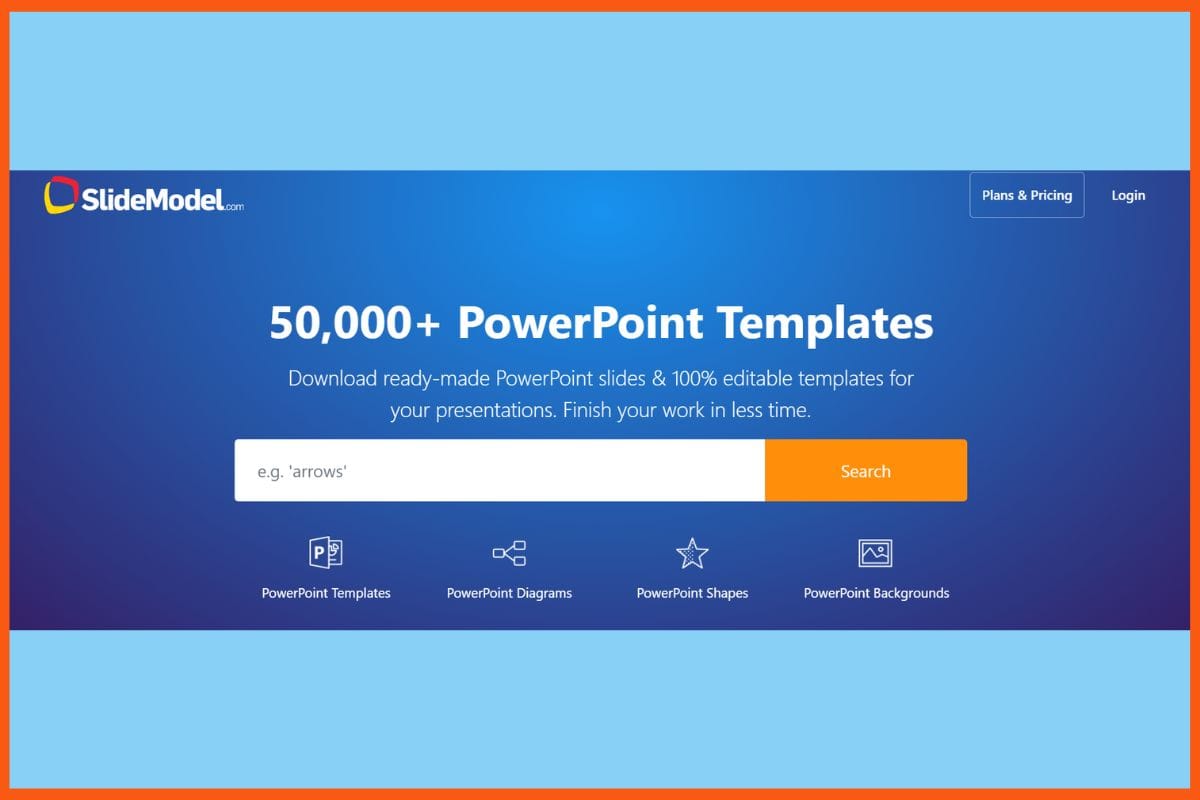
    What are the benefits of using AI for note-taking and summarization?

    AI tools help users save time, improve accuracy, and stay organized by automatically capturing and summarizing lectures or meetings.

    Can AI summarize long lectures into short notes?

    Yes, AI summarizers are designed to condense lengthy lectures or discussions into concise summaries.

  • Top AI Tools For Business Communication: Improve Business Chats, Emails & Collaboration

    AI tools for business communication automate routine individual tasks such as scheduling, forwarding emails, replying to inquiries by customers, and freeing employees to engage in strategic work. AI tools are transforming how companies manage internal chats, client emails, and collaborative workflows. From automating routine tasks like scheduling and customer inquiries to enhancing meetings with real-time transcription and intelligent summaries, these tools help teams save time and focus on strategic work. With features like CRM integration, natural language processing, and sentiment analysis, AI-powered platforms offer smarter, faster, and more personalized communication. In this article, we explore the top AI tools that can upgrade how your business connects, collaborates, and communicates.

    Tool Unique Differentiator Primary AI Functionality Collaboration Strength Scalability Integration Ecosystem
    ClickUp AI 100+ role-based prompts; built natively into PM tool Task summaries, email drafts, knowledge Q&A Strong internal collaboration Suitable for all sizes ClickUp, email, docs, task management tools
    Fireflies.ai AI-generated audio snippets and searchable meeting channels Real-time transcription, call summarization Cross-meeting collaboration High-volume friendly Zoom, Google Meet, Teams, CRMs, Slack
    Glean Semantic internal search + AI agent building AI search & knowledge extraction Enterprise data collaboration Enterprise-focused Slack, Teams, GitHub, 100+ apps
    Grammarly Brand tone & company style guide for teams Grammar, tone, rewriting, generative writing Writing consistency for teams Scales from solo to large orgs Gmail, Slack, Docs, MS Office
    TryEllie Learns your writing style using past emails Personalized AI email responses Light team sharing features Ideal for solopreneurs/small teams Gmail, Outlook, browser-based
    Zendesk Omnichannel AI agent with bot persona customization Ticket triage, customer interaction External-facing collaboration Enterprise-ready 1000+ apps, CRMs, email, chat systems
    Slack AI Natural language daily recaps and direct citations in search Thread summarization, huddle notes Real-time internal team sync Grows with Slack plans Native to Slack workspace
    RingCentral AI Receptionist Human-like voice interaction with no phone tree Voice call routing, appointment booking External voice communications Small biz to enterprise RingCentral, SMS, knowledge base integration
    Meltwater Combines PR insights + generative AI + influencer analysis Media monitoring, sentiment, forecasting PR & marketing collaboration Enterprise-class Microsoft Teams, Office, PR suites
    Dialpad AI coaching and live in-call support across departments Voice AI, call summaries, sales coaching Voice & video collaboration Broad industry use CRMs, messaging, support & sales platforms

    ClickUp AI 

    WEBSITE www.clickup.com/ai
    Rating 4.6
    Free Trial Yes
    Best For Teams needing integrated AI for task summaries, writing, automations, and productivity within ClickUp.
    ClickUp AI - Top AI Tools For Business Communication
    ClickUp AI – Top AI Tools For Business Communication

    ClickUp AI is an integrated productivity assistant put by ClickUp into its project management software for workflows. All sizes are designed to group. Features include instant summarizing of tasks and documents, automated subtasks and action items, contextual Q&A, and live project tracking updates by the AI writing assistant for writing emails, meeting notes, and draft content. More than 100 pre-built role-based prompts can be used in a multilingual translation tool. Simple access to the AI is enabled throughout the workspace. ClickUp AI is great for strong automation, knowledge management, and flexible dashboards to save time and busywork while improving teamwork. The application price for ClickUp AI is an extra $7 per user per month.

    Pros

    • Project management and communication with a vast array of features
    • Highly customizable when it comes to workflows and dashboards
    • Good collaboration and document management capabilities

    Cons

    • Steep learning curve for some features
    • Possible generic AI content 

    Pricing

    ClickUp AI offers custom pricing; contact them for a quote.

    Fireflies.ai

    WEBSITE www.fireflies.ai
    Rating 4.5
    Free Trial Yes
    Best For Teams and professionals automating meeting transcription, summaries, and insights.
    Fireflies.ai - Top AI Tools For Business Communication
    Fireflies.ai – Top AI Tools For Business Communication

    Fireflies.ai is a truly phenomenal AI-powered meeting assistant that can automate recording, transcription, summarization, and analysis across online meeting platforms like Zoom, Google Meet, and Microsoft Teams. Some of these features can be real-time transcription in 69+ languages, AI-generated meeting summaries, extraction of action items, advanced search, analytics (such as speaker talk time and sentiment), and effortless integrations with CRMs and collaboration tools. More importantly, such users can now share audio snippets, collaborate through annotations, and classify meetings into searchable channels. Also, Fireflies.ai provides an automated workflow task, privacy acquisition, and a self-updating knowledge base, making it great for high-volume teams requiring actionable insights from conversations.

    Pros

    • Accurate Transcriptions and Summary
    • Integrations with Conference and productivity tools
    • Advanced analytics for reporting

    Cons

    • Advanced features will have to be paid
    • AI summaries may need manual review.

    Pricing

    Plan Pricing
    Pro $10/seat/month
    Business $19/seat/month
    Enterprise $39/seat/month

    Top 5 AI Tools for Marketing Agency in 2024
    Discover the top 5 AI tools for marketing agencies in 2024, boosting efficiency, creativity, and results with cutting-edge technology for content creation, customer insights, and campaign automation.


    Glean

    WEBSITE www.glean.com
    Rating 4.5
    Free Trial No
    Best For Enterprise teams needing AI-powered search, knowledge discovery, and workflow automation.
    Glean - Top AI Tools For Business Communication
    Glean – Top AI Tools For Business Communication

    Glean is a comprehensive AI-powered enterprise platform that connects all corporate facts and integrates data from documents and conversations to applications to provide personalized and contextual answers in workflow automation. Key features include universal search across all enterprise apps, semantic understanding for internal terms, generative AI for content creation or automation of tasks, the ability to build customized AI agents using natural languages, and security and permission controls. Glean integrates Slack, Microsoft Teams, GitHub, and more than 100 other tools, providing seamless collaboration and real-time insight. This AI assistant and agentic reasoning engine reduces the time spent retrieving information, helps with providing actionable recommendations, and ensures that the enterprise standards secure sensitive data.

    Pros

    • A consolidated search experience for all company data stores
    • Personalized and contextualized results according to user roles and workflows
    • Stringent security and compliance with SOC 2, GDPR, and HIPAA

    Cons

    • Difficult setup due to data indexing and integration obstacles.
    • No free plan or comprehensive free trial

    Pricing

    Glean offers custom pricing; contact them for a quote.

    Grammarly

    WEBSITE www.grammarly.com
    Rating 4.1
    Free Trial Yes
    Best For Individuals and teams improving writing with AI-powered corrections, style guidance, plagiarism checks, and generative prompts.
    Grammarly - Top AI Tools For Business Communication
    Grammarly – Top AI Tools For Business Communication

    An AI-driven writing assistant, Grammarly aims to improve business writing by checking grammar, spelling, tone, and advanced suggestions for clear and to-the-point communication in real time, while also offering generative AI to draft, summarize, and rewrite emails, documents, and live chats. Key features are personalized tone and style detection, a company-wide style guide, brand tone profiles, and a Knowledge Share feature for surfacing relevant internal information; seamless integration with tools like Gmail, Slack, and Microsoft Office. With this AI, Grammarly can write drafts, polish them, summarize emails, and suggest high-level strategies to ensure that messages are professional, persuasive, and on brand, so that productivity and communication quality increase tremendously for teams and larger enterprises.

    Pros

    • Generative AI that helps tailor, summarize, and rewrite any given content.
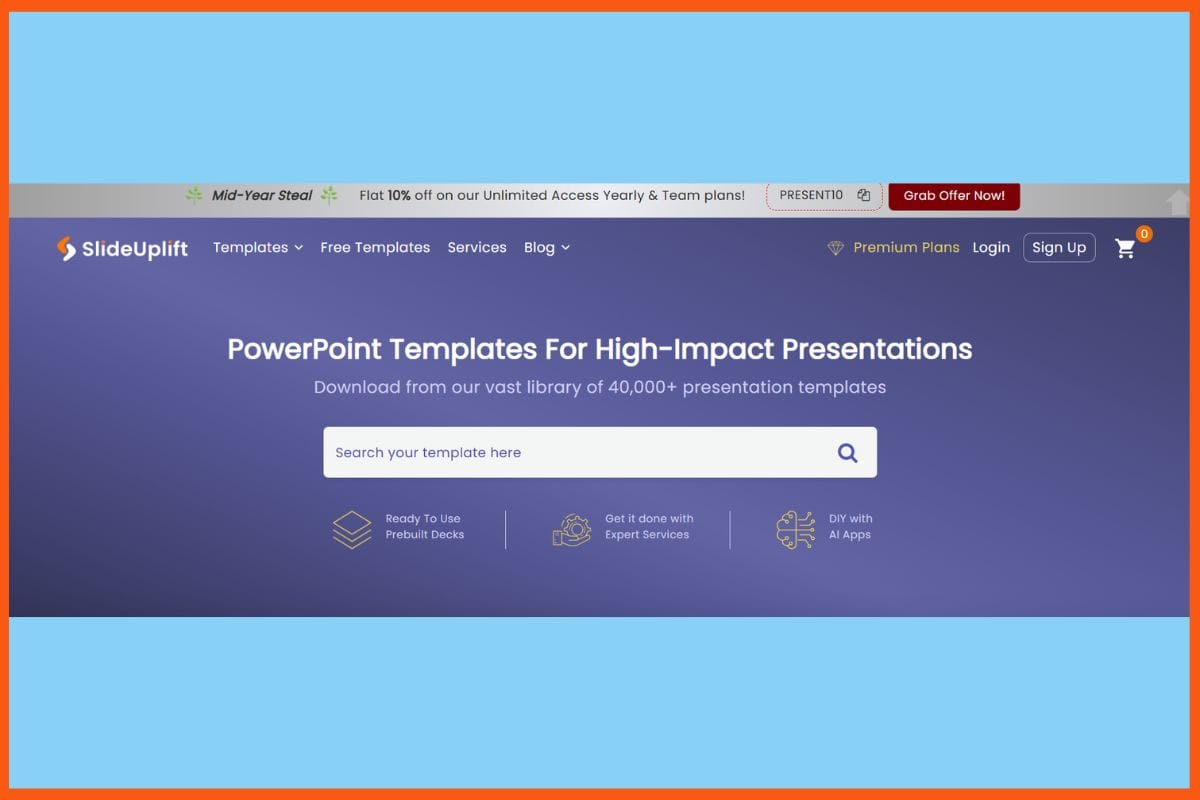
    • Integration with major business tools and platforms is seamless.
    • Team analytics and centralized style guides ensure consistency.

    Cons

    • Excessive suggestions may be overwhelming for some users.
    • Pricing might be an issue for some small businesses 

    Pricing

    Plan Pricing
    Pro $12/user/month
    Enterprise Contact Sales

    TryEllie

    WEBSITE www.tryellie.com
    Rating 4.0
    Free Trial Yes
    Best For Automating personalized email responses in your unique writing style.
    TryEllie - Top AI Tools For Business Communication
    TryEllie – Top AI Tools For Business Communication

    TryEllie is an AI email assistant that cuts through the tedium of work communication by learning your style and generating personalized, contextually aware replies in real-time inside the inbox. Key features permit advanced contextualization of threads, multilingual replies, customizable training using your past emails or uploaded documents, and role-switching for different communication tasks. As a browser extension for Chrome, Firefox, and Edge, it is supported on Gmail, Outlook web, and Fastmail, with pop-up support for other platforms. TryEllie protects your privacy, guarantees team sharing, and even trains its knowledge base, making it highly suitable for individuals and teams wishing to automate repetitive replies, fight reply anxiety, and remain professionally consistent with their email correspondence. 

    Pros

    • Authentic responses
    • Saves considerable time in email management
    • Language support with customizable training for accuracy

    Cons

    • The free plan is limited to 2–3 replies per day
    • replies generated are incorrect 

    Pricing

    Plan Pricing
    Casual $19/month
    Business $39/month
    Professional $79/month

    Best AI Business Idea Validation Tools to Test Your Startup Concept in 2025
    Validate your startup idea with the best AI-powered tools. Discover top platforms for market research, competitor analysis, and customer feedback to refine your business idea in 2025.


    Zendesk

    WEBSITE www.zendesk.com
    Rating 4.5
    Free Trial Yes
    Best For Multichannel customer support teams needing AI‑powered ticketing, live chat, and automation.
    Zendesk - Top AI Tools For Business Communication
    Zendesk – Top AI Tools For Business Communication

    Zendesk is, perhaps, the most recognizable name on the commercial AI customer services landscape, and improves business communication via omnichannel AI agents, intelligent triage, agent copilots, and generative AI tools. Key features enable automated ticket routing, real-time sentiment analysis, AI-compiling responses and summaries, voice and chat support, customizable bot personas for any kind of organization, and very detailed and well-done analytics dashboards. Platform is integrated with more than 1000 apps, supports multilingual dialogue, provides advanced workflow automation, and has a very comprehensive knowledge management area. Zendesk’s AI grows along with a company’s needs, delivering instant, individualized resolutions and actionable insights with which to capitalize on agent productivity and consumer satisfaction.

    Pros

    • Comprehensive support ecosystem and omnichannel AI agents
    • Workflow and bot persona customization are available
    • Excellent security and compliance features

    Cons

    • Steep learning curve and complicated UI for beginners
    • limited opportunity to test AI workflows before going live.

    Pricing

    Plan Pricing
    Support Team $19/agent/month
    Support Professional $55/agent/month
    Support Enterprise $115/agent/month

    Slack AI 

    WEBSITE www.slack.com/ai
    Rating 4.5
    Free Trial No
    Best For Teams wanting AI-powered summaries, search, workflows, and meeting assistance within Slack.
    Slack AI - Top AI Tools For Business Communication
    Slack AI – Top AI Tools For Business Communication

    Slack AI has a mix of set AI features within Slack to enhance business communication by automating conversation and thread summaries, generating huddle notes, providing daily channel recaps, and advanced search using natural language. Users, therefore, can effortlessly get on top of missed conversations, receive concise channel overviews, and query in natural language for answers complete with direct citations to messages and files. Other features under higher-tier plans include file summarization, generation of workflows, translations, and enterprise search. Slack AI strongly focuses on privacy, working on its secure infrastructure and not sharing any customer data with third-party models, while all its features are available across the paid Slack plans with varied levels of AI functionality.

    Pros

    • Automates note-taking during huddles and meetings
    • Integrates smoothly with other collaboration and workflow tools in Slack
    • No training is needed

    Cons

    • AI features work only with Slack data
    • Pricing can be high for small teams

    Pricing

    Plan Pricing
    Pro $4.38/user/month
    Business+ $9/user/month
    Enterprise Contact Sales

    Top AI Meeting Assistant Tools for Productive Meetings
    Discover the best AI meeting assistant tools for boosting productivity. Explore features, pros, cons, and pricing of top tools like ClickUp, Otter, Fireflies.ai, and more.


    RingCentral AI Receptionist

    WEBSITE www.ringcentral.com/ai-receptionist
    Rating 4.5
    Free Trial Yes
    Best For Businesses wanting AI-powered 24/7 call answering, routing, and follow-up within RingCentral
    RingCentral AI Receptionist - Top AI Tools For Business Communication
    RingCentral AI Receptionist – Top AI Tools For Business Communication

    RingCentral AI Receptionist is different from a regular AI calling agent. The powered AI virtual agent makes RingCentral’s business phone system capable of 24/7 call handling automation, call routing with intelligence, and natural conversational interaction without traditional phone trees. Some of the key features include instant call answering, understanding natural language, intelligent routing of calls to the right person or department, customizable voicemail greetings, multilingual support, knowledge base integration for routine inquiries, appointment booking with SMS confirmation, and providing call transcripts with detailed analytics. Quick to deploy, scalable for any size business, it reduces missed calls and wait times, allowing staff to concentrate on more complex tasks, all while rendering a consistent, professional customer experience.
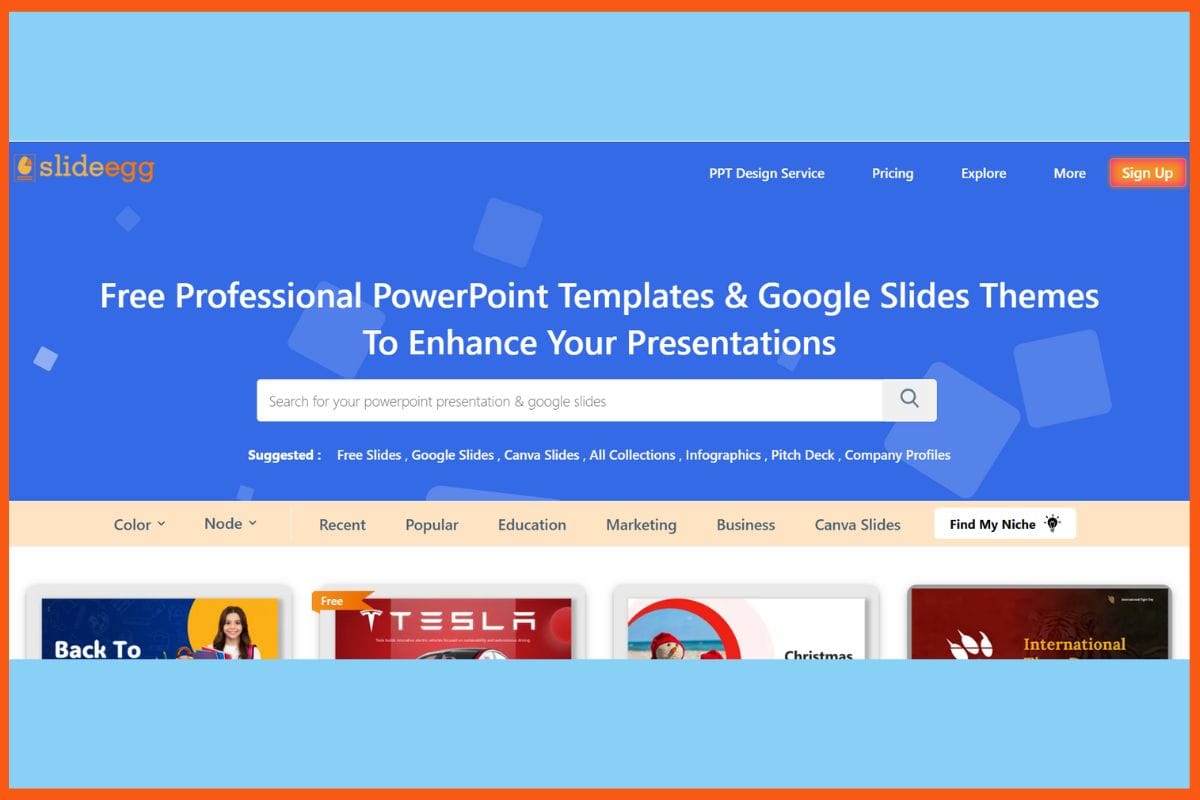
    Pros

    • 24/7 automated call handling and intelligent routing
    • Human-like conversations with a response to a caller’s commands
    • Fast, easy deployment

    Cons

    • Workflows have limited advanced customization abilities.
    • advanced features at a high-tier price

    Pricing

    RingCentral AI Receptionist offers custom pricing; contact them for a quote.

    Meltwater

    WEBSITE www.meltwater.com
    Rating 4.0
    Free Trial No
    Best For Enterprises needing AI-powered media monitoring, social listening, brand analytics, and PR insights.
    Meltwater - Top AI Tools For Business Communication
    Meltwater – Top AI Tools For Business Communication

    Meltwater is a full-spectrum media AI and business communication platform that converges media monitoring, social listening, and analytics across news, social, and owned channels with the latest AI enhancements such as Mira and Copilot. These enhancements mine a massive real-time dataset to afford actionable insights, sentiment analysis, competitive benchmarking, and predictive analytics. Other great features include customizable alerts, unlimited keyword monitoring, advanced reporting, influencer discovery, and generative AI for content creation and recommendations. Meltwater’s AI agents will bring in relevant context, buzz, and recommended action in seconds to PR, marketing, and crisis management, being widely scalable and integrated with key collaboration tools, plus all other known security and compliance measures necessary for enterprise use.
    Pros

    • Extraordinarily powerful media and sentiment analysis 
    • Customizable alerts and advanced analytics-delivering real-time insights.
    • Can be integrated into collaborative tools such as Microsoft Teams and Office.

    Cons

    • Steep learning curve for new users.
    • expensive for small ventures

    Pricing

    Meltwater offers custom pricing; contact them for a quote.

    Dialpad 

    WEBSITE www.dialpad.com
    Rating 4.2
    Free Trial Yes
    Best For Teams and businesses needing AI-powered voice, video, messaging, and contact center capabilities.
    Dialpad - Top AI Tools For Business Communication
    Dialpad – Top AI Tools For Business Communication

    Dialpad is a platform powered with an AI that extends communications to voice, video, messaging, and even a contact center, all bringing productivity and workflow improvement into an organization. Key features include real-time transcription, sentiment analysis, automatic call summary co-in-call coaching, and AI-based voice analysis, all supported by proprietary large models for language. Dialpad integrates into all major customer relationship management (CRMs) and creates an intricate analytics portfolio between its high-quality video conferencing services and team messaging. Its AI will keep learning from conversations for more accurate judgment, while the enterprise-grade security ensures compliance with SOC-II, ISO, HIPAA, and GDPR.

    Pros

    • Live transcription and sentiment analysis
    • No-friction integration with CRMs and collaboration tools.
    • Easy to use interface

    Cons

    • Customer care slow and inconsistent
    • Entry-level plans impose limits on features

    Pricing

    Plan Pricing
    Standard (Dialpad Connect) $27/user/month
    Pro (Dialpad Connect) $35/user/month
    Enterprise (Dialpad Connect) Contact Sales
    Essentials (Dialpad Support) $95/user/month
    Advanced (Dialpad Support) $135/user/month
    Premium (Dialpad Support) $170/user/month
    Essentials (Dialpad Sell) $49/user/month
    Advanced (Dialpad Sell) $110/user/month
    Premium (Dialpad Sell) $170/user/month

    Conclusion

    AI tools are new beasts rearing notions in businesses to communicate. From automating traditional mundane functions to making personal contact as well as improving internal and external collaboration, these technologies are taking over everything in their path. Workflows are made easier by doing repetitive functions such as scheduling, sorting through emails, and responding to customer queries. They allow employees to focus instead on strategic efforts and let AI do the rest. AI analytics tell where it is at in terms of communications with clients, how to read customer sentiment, and the performance of teams, devoting itself to data-based decision-making.


    Top AI Tools for Writing Cold Emails That Actually Convert
    Discover the best AI tools for writing high-converting cold emails. Automate personalization, improve open rates, and boost replies with smart email generators.


    FAQs

    What are best AI tools for business communication?

    Best AI tools for business communication are:

    • ClickUp AI 
    • Fireflies.ai
    • Glean
    • Grammarly
    • TryEllie
    • Zendesk
    • Slack AI 
    • RingCentral AI Receptionist
    • Meltwater
    • Dialpad

    How do AI tools improve team productivity?

    AI tools reduce time spent on repetitive tasks like scheduling, responding to emails, or note-taking during meetings.

    Are AI writing assistants useful for business communication?

    Absolutely, AI writing tools assist in drafting, summarizing, and improving the tone and clarity of emails, reports, and documents for more professional communication.

    Do AI tools support multilingual communication?

    Yes, several AI tools offer multilingual support, allowing businesses to communicate effectively with global teams and customers across different languages.