Tag: Getresponse

  • Top AI Tools for Writing Cold Emails That Actually Convert

    AI writing tools for cold emails that convert employ advanced personalization, automation, and data analysis to enhance engagement and response rates. These tools analyze recipient data, including profiles and past behavior, to tailor messages, optimize subject lines, and suggest the best times for sending, ensuring that emails feel relevant and timely. They automate mundane tasks such as follow-ups, lead filtering, and A/B testing, thereby allowing outreach in bulk without compromising on quality. Real-time analytics and feedback on performance help in fine-tuning the messages and getting even better results. While AI does simplify and take away a greater part of the time, it adds some human touch to the AI-created content.

    Tool Name A/B Testing CRM Integration Multi-channel Outreach Email Warm-up
    Persana.ai Yes Yes No No
    Mailshake Yes Yes Yes (Email, Phone, Social) No
    Woodpecker Yes Yes No Yes
    Instantly.ai Yes Basic No Yes
    Reply.io Yes Yes Yes (Email, LinkedIn, SMS, Call) Yes
    Saleshandy Yes Yes No Yes
    Smartwriter.ai Yes Yes No No
    Hunter.io Basic Yes No No
    Lavender Yes Yes No No

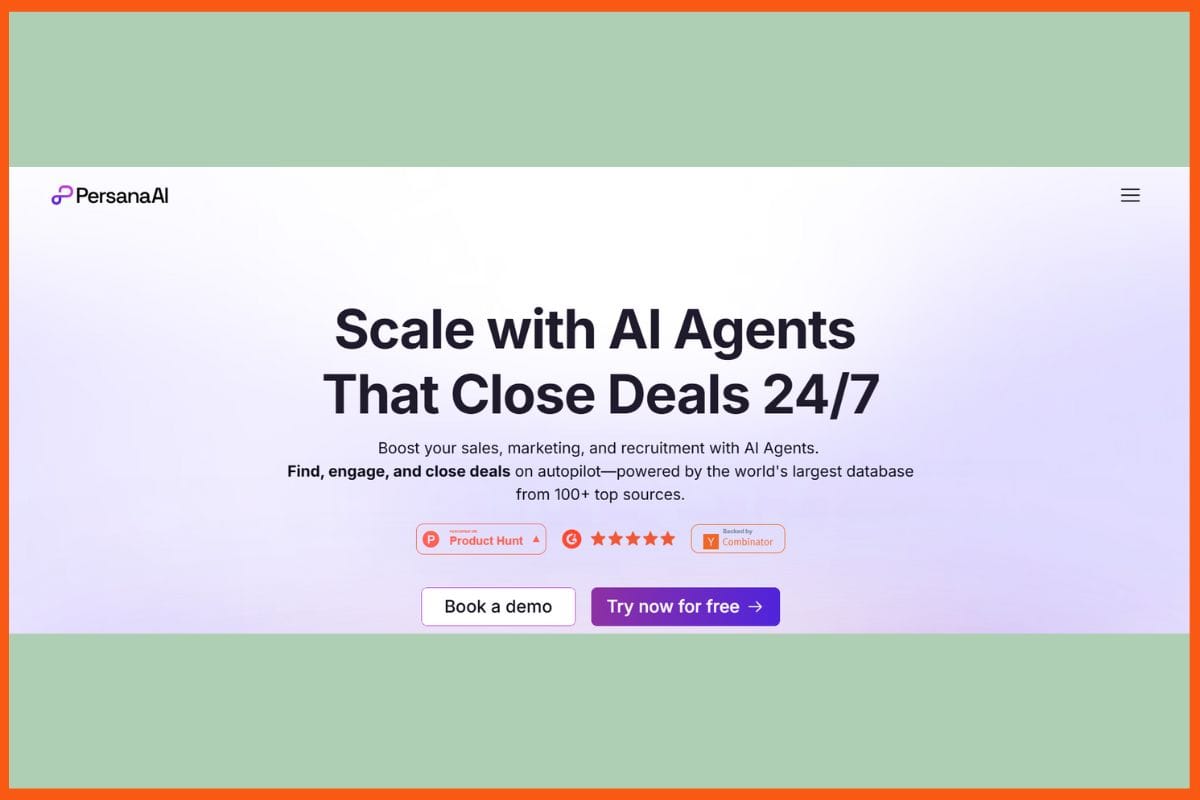
    Persana.ai

    WEBSITE www.persana.ai
    Rating 4.7
    Free Trial Yes
    Best For AI-powered sales prospecting and outreach automation.
    Persana.ai  - Top AI Tools for Writing Cold Emails
    Persana.ai – Top AI Tools for Writing Cold Emails

    Persana.ai is the top AI writing tool designed to produce highly converting cold emails, utilizing advanced AI for personalization, optimization of the subject line, and real-time analytics for performance tracking. This allows the automation of follow-ups and sequence management without integration with CRM and marketing tools, and provides a user-friendly interface for easily managing campaigns. Data-driven insights assist in refining targeting and messaging so that each email remains relevant and powerful. This is what combined features make cold emailing efficient, increase engagement, and enhance the response rates. Thus, this is why it is a great tool for scaling outreach in companies.

    Pros

    • Personalized email message content can be generated.
    • enhances engagement and response rates.
    • Easy integration with existing tools.

    Cons

    • learning curve for new users.
    • Data input quality for optimal results.

    Pricing

    Plan Pricing
    Starter $85/month
    Growth $189/month
    Pro $500/month
    Unlimited $750/month
    Enterprise Contact Sales

    Mailshake

    WEBSITE www.mailshake.com
    Rating 4.6
    Free Trial No
    Best For Sales teams automating email outreach, cold campaigns, and multichannel engagement.
    Mailshake - Top AI Tools for Writing Cold Emails
    Mailshake – Top AI Tools for Writing Cold Emails

    Mailshake is one of the foremost AI cold email writing tools that help in converting leads. With automated outreach sequences, personalized email templates, and built-in follow-up scheduling, it maximizes engagement. The AI feature of Mailshake lets you optimize subject lines, track responses, and receive actionable analytics for further improvement. Multi-channel outreach via Mailshake connects users through emails, phones, and social media via a single dashboard. The smooth integration with CRM and lead management tools facilitates easy process operations; at the same time, its A/B testing ensures that messaging is always optimized. Its user interface makes campaign setup and management easy; hence, it is a perfect choice for salespeople and marketers to efficiently scale their cold email campaigns.

    Pros

    • User-friendly Interface with Quick Setup
    • Automated Follow-Ups and Scheduling
    • Multi-Channel Outreach Options

    Cons

    • Pricing is Higher for Advanced Features
    • Advanced Analytics Are Lacking in Basic Plan

    Pricing

    Plan Pricing
    Starter $29/month
    Email Outreach $49/month
    Sales Engagement $99/month

    Best AI Tools For Email Assistance 2024
    Explore the best AI tools for email assistance in 2024. Learn about the AI email tools which can enhance the email experience and save time.


    Woodpecker

    WEBSITE www.woodpecker.co
    Rating 4.6
    Free Trial Yes
    Best For Sales teams, agencies, and B2B outreach automating cold emails, follow-ups, and deliverability.
    Woodpecker - Top AI Tools for Writing Cold Emails
    Woodpecker – Top AI Tools for Writing Cold Emails

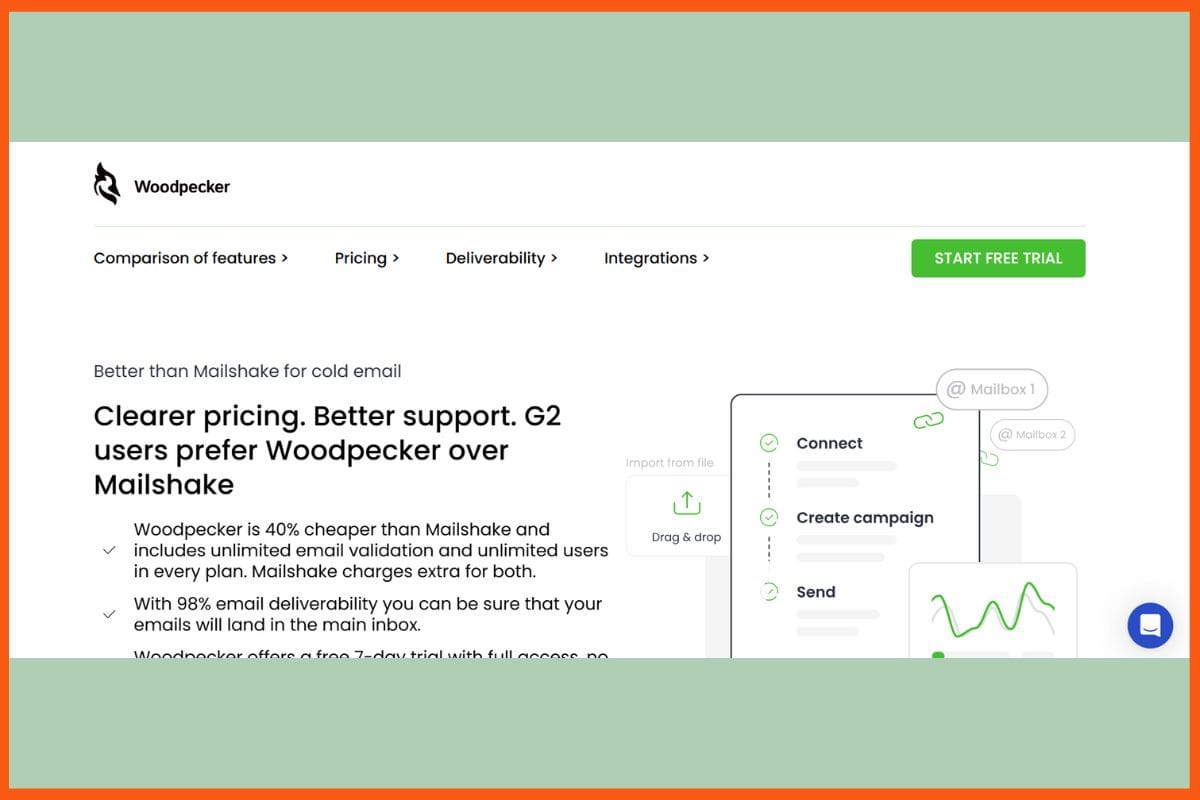
    Woodpecker is the most sought-after AI-enabled platform for its cold emailing writing, wherein the cold emailing sequence can automatically be generated, including smart personalization and programmed follow-up scheduling to elevate the likelihood of getting feedback. This platform delivers optimization, reply detection, and detailed analytics for fine-tuning outreach strategies. Woodpecker can also integrate seamlessly with famous CRMs, intended for real-time collaboration among team members while setting up several campaigns. Its ultimate AI characteristics ensure that every email is personalized according to the recipient, though A/B testing and performance tracking provide feedback for improvement. The intuitive interface and automated capabilities make Woodpecker a perfect go-to tool to scale cold email campaigns by sales teams and agencies.

    Pros

    • Improved delivery optimization
    • Perfect integration with CRMs
    • Thorough Analytics and A/B Testing

    Cons

    • Limited customization for complex workflows
    • Periodic syncing issues with some CRMs

    Pricing

    Plan Pricing
    Starter $29/month
    Growth $188/month
    Scale $1354/month
    Max $9999/month

    Instantly.ai 

    WEBSITE www.instantly.ai
    Rating 4.8
    Free Trial Yes
    Best For Automating cold email outreach for sales teams, agencies, and startups.
    Instantly.ai - Top AI Tools for Writing Cold Emails
    Instantly.ai – Top AI Tools for Writing Cold Emails

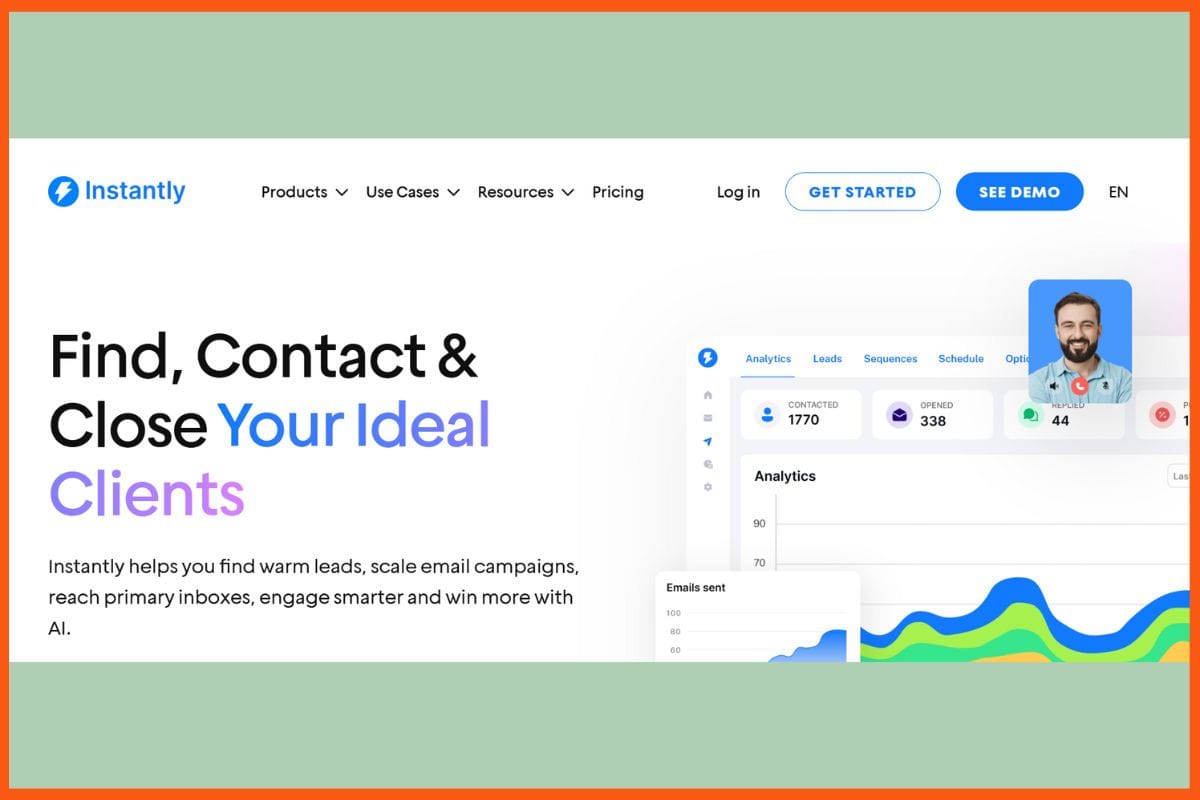
    Instantly.ai is an amazing cold email outreach platform for running high-volume campaigns and is configured with unlimited email account support, an AI-based lead database of more than 160 million B2B contacts, and automated email warm-up for maximized deliverability. Campaigns are built to execute personalized sequences on messages, perform A/Z testing on message optimization, and AI-generated follow-ups based on recipient actions. Instantly provides centralized reply management through a Unibox, and has built-in CRM features for tracking deals and managing pipelines. It proceeds to offer advanced analytics, spam score monitoring, and domain health checks, all designed to optimize inbox placement.

    Pros

    • AI-driven lead finder and enrichment.
    • Guarantees great deliverability
    • diagnostics based on spam and domain health.

    Cons

    • Limited integrations
    • Advanced features in top plans

    Pricing

    Plan Pricing
    Growth $47/month
    Supersonic $97/month
    Hypercredits $197/month

    10 Best AI Tools for Affiliate Marketing in 2025 to Maximize ROI
    Discover the top 10 AI tools for affiliate marketing in 2025 that can help you optimize campaigns, increase conversions, and boost your ROI like a pro.


    Reply.io

    WEBSITE www.reply.io
    Rating 4.6
    Free Trial Yes
    Best For Sales teams automating multichannel cold outreach and follow-ups.
    Reply.io - Top AI Tools for Writing Cold Emails
    Reply.io – Top AI Tools for Writing Cold Emails

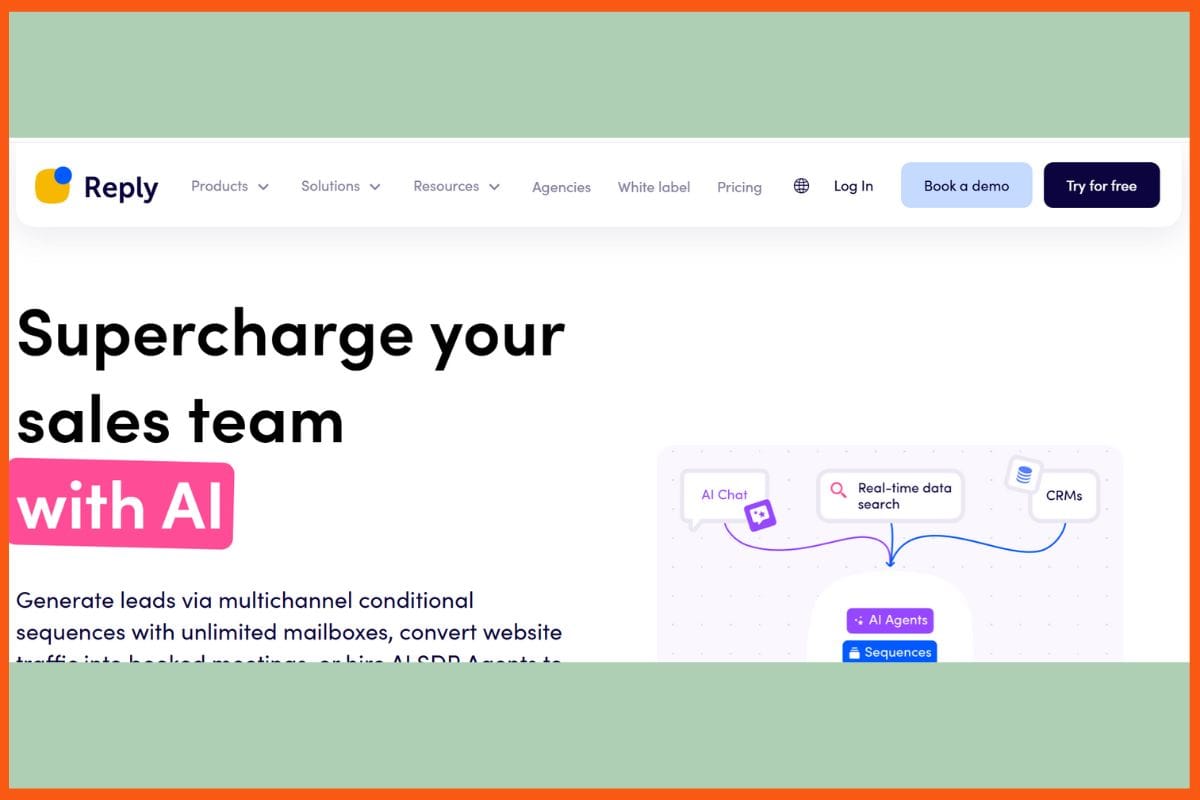
    Reply.io is an all-in-one platform designed for AI-powered cold email outreach, which possesses multi-channel inbound messaging from all industry lines (email, LinkedIn, calls, SMS), highly personalized automated follow-ups for upselling prospects, and the use of advanced artificial intelligence to increase conversion rates on each set of metrics performance. It also includes a virtual assistant to write/edit emails, handle email replies, and schedule meetings for users automatically. Its analytics, A/B testing, and deliverability functions help fine-tune campaigns to land in the right inbox. Reply.io comes integrated with direct partnerships with the best CRMs and sales tools, facilitates work within groups, and has lead scoring and tracking for efficient management of pipelines. 

    Pros

    • AI assistant for copywriting and response management
    • Excellent integration capabilities with CRM and other sales tools
    • Automated meeting booking and lead tracking

    Cons

    • Learning curve for beginners
    • Slow response to support queries

    Pricing

    Plan Pricing
    1000 contacts per month $59/user/month
    Multichannel $99/user/month

    Saleshandy

    WEBSITE www.saleshandy.com
    Rating 4.5
    Free Trial Yes
    Best For Sales teams automating cold email outreach and prospecting.
    Saleshandy - Top AI Tools for Writing Cold Emails
    Saleshandy – Top AI Tools for Writing Cold Emails

    Saleshandy is an advanced artificial intelligence-powered cold email tool for outreach at a massive scale with automated email sequences, extreme levels of personalization, and unlimited email accounts for carrying out high-volume campaigns. AI features include smart scheduling, deliverability optimization, and automated follow-ups to maximize response rates. Saleshandy offers detailed analytics, A/B testing, and reply detection to fine-tune messaging and optimize the performance of campaigns. The platform allows for collaborative work among teams, integrates seamlessly with CRMs, and offers lead management tools to make their workflow efficient. Its intuitive dashboard allows for easy setting up of campaigns, while the built-in email verification ensures great deliverability. 

    Pros

    • Added personalization and automated follow-ups.
    • Strong analytics and A/B testing features.
    • User-friendly interface.

    Cons

    • Advanced features are only available at higher tiers.
    • Occasional deliverability problems for new domains.

    Pricing

    Plan Pricing
    Outreach Starter $36/month
    Outreach Pro $99/month
    Outreach Scale $199/month
    Outreach Scale Plus 100 K $299/month

    Top 10 AI Cover Letter Generators to Boost Your Job Hunt in 2025
    Explore the best AI cover letter generators in 2025 to enhance your job applications. Create personalized, professional cover letters that increase your chances of landing your dream job.


    GetResponse

    WEBSITE www.getresponse.com
    Rating 4.5
    Free Trial Yes
    Best For Email marketing, landing pages, automation, webinars, and small-to-medium businesses.
    GetResponse - Top AI Tools for Writing Cold Emails
    GetResponse – Top AI Tools for Writing Cold Emails

    GetResponse has been launched as a sleek platform for all-in-one marketing through email, powered by AI, excelling especially in cold emailing campaigns with features such as advanced personalization and automated workflows, backed up by behavior-triggered response follow-ups to increase conversions. Subject lines got optimized from AI tools along with audience segments through recommended send times for maximum engagement. The platform also includes a built-in concept CRM, a landing page builder, and A/B testing, which can better refine messages and campaign performance. The analytics dashboard provides actionable insights along with integrations into popular apps for more streamlined workflows. Its intuitive drag-and-drop editor and pre-designed templates make setting up campaigns fast and simple.

    Pros

    • automation and personalization features
    • Highly intuitive drag-and-drop editor
    • Broad integrations

    Cons

    • New users may experience a slight learning curve
    • Less specialised cold email feature

    Pricing

    Plan Pricing
    Starter $10/month
    Marketer $29/month
    Creator $49/month
    Enterprise Custom Pricing

    Smartwriter.ai

    WEBSITE www.smartwriter.ai
    Rating 4.6
    Free Trial Yes
    Best For Sales and marketing teams automating personalized cold email outreach.
    Smartwriter.ai - Top AI Tools for Writing Cold Emails
    Smartwriter.ai – Top AI Tools for Writing Cold Emails

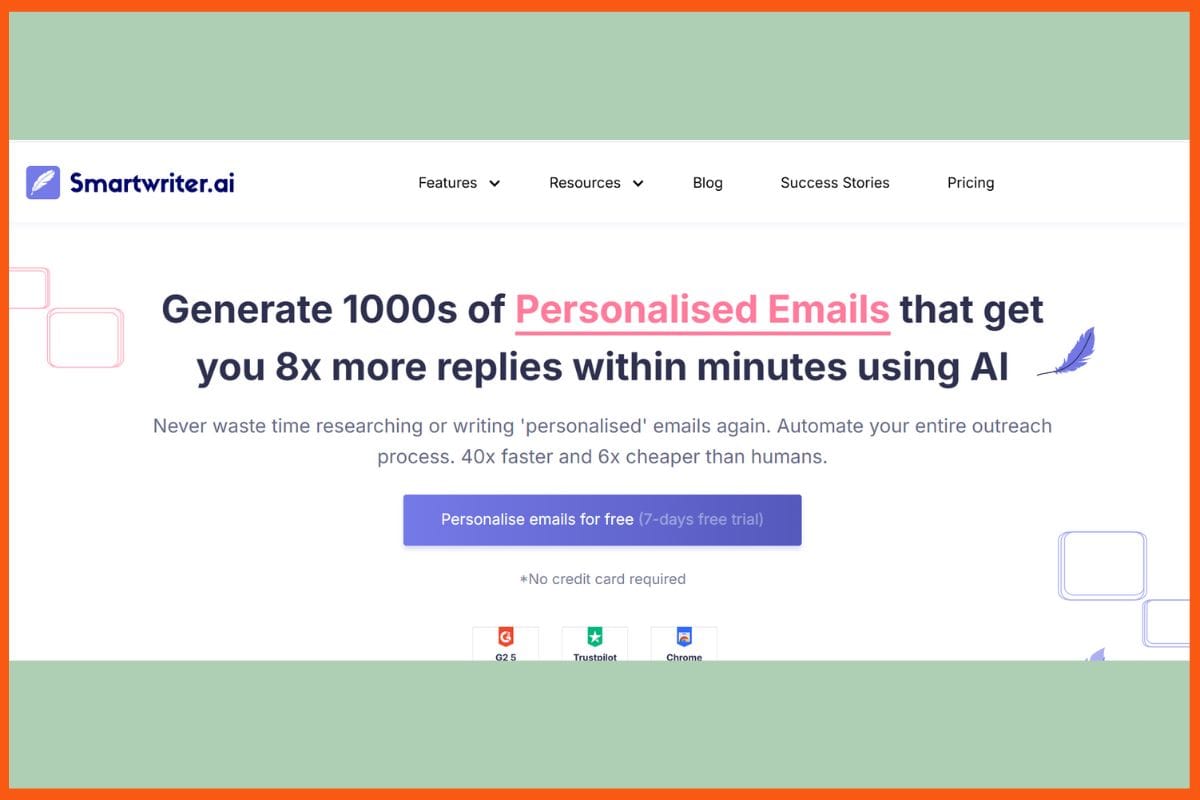
    Smartwriter.ai is an advanced artificial intelligence tool intended for cold email outreach. The specific focus of the tool is on hyper-personalization, as it finds the prospects automatically and generates personalized email texts using the information obtained from LinkedIn, company websites, and social profiles. It uses its internal AI engine to create very specific icebreakers and specific subject lines to increase open and reply rates, while follow-ups are also automated so that there is continuous engagement. Bulk personalization is supported, with integrations available for other popular CRMs and providing seamless analysis capabilities to track against campaigns. The interface is very user-friendly for fast diversion and large-scale expansion by sales and marketing units keen on increasing their conversions.

    Pros

    • Tailor-made emails
    • Bulk personalization for increasing campaign scalability
    • CRM integration and campaign analytics

    Cons

    • Limited multi-channel outreach features
    • Intermittent inconsistencies in data extraction

    Pricing

    Plan Pricing
    Basic $59/month
    Popular Plan $149/month
    Pro Plan $359/month

    Cold Emailing Strategies: Boost Response Rates by 50+%
    Discover cold emailing strategies to boost response rates by up to 50%. Learn effective ways to connect with your audience and increase your chances of success.


    Hunter.io

    WEBSITE www.hunter.io
    Rating 4.5
    Free Trial Yes
    Best For Finding and verifying professional email addresses, plus automating cold email outreach.
    Hunter.io - Top AI Tools for Writing Cold Emails
    Hunter.io – Top AI Tools for Writing Cold Emails

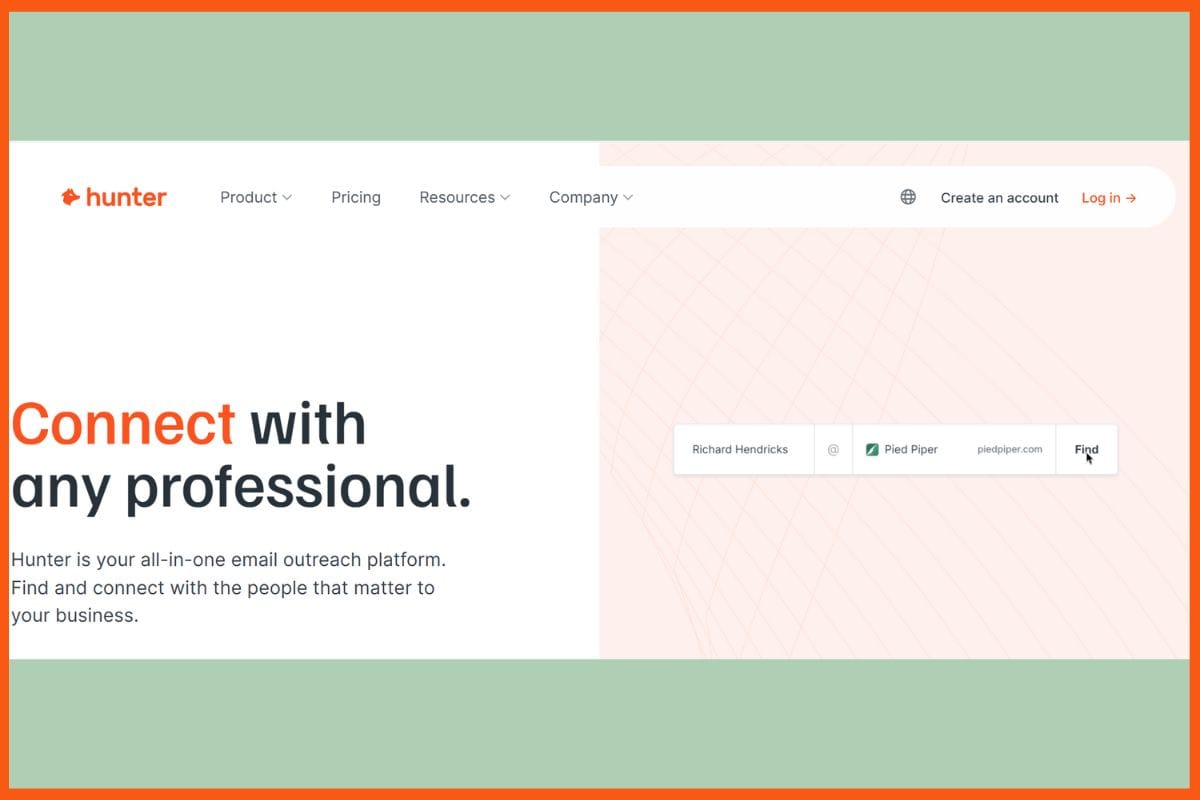
    Hunter.io is an AI-powered cold email campaign tool that prides itself in pinpointing and verifying business email addresses to ensure the email reaches the targeted recipient, while its Campaigns feature runs personalized email sequences having automated follow-ups that can be written using its AI efficiently. Hunter.io works very well with popular CRMs, and bulk tasks are all that are needed to make work easier. The valuable analytics of the platform include the reports on open, click, and reply rates that make refining strategies possible. These make Hunter.io the most suitable tool for businesses that require accurate contact data with effective and easy-to-use lead generation and domain search tools for cold emailing campaigns conversion.

    Pros

    • locates and verifies email addresses very accurately.
    • Automated follow-ups and personalized sequences.
    • In-depth campaign analytics.

    Cons

    • Email-sending limits on lower-tier plans.
    • Simple email templates and basic customization.

    Pricing

    Plan Pricing
    Starter $49/month
    Growth $149/month
    Scale $299/month

    Lavender

    WEBSITE www.lavender.ai
    Rating 4.6
    Free Trial Yes
    Best For Sales teams optimizing cold email writing and outreach.
    Lavender - Top AI Tools for Writing Cold Emails
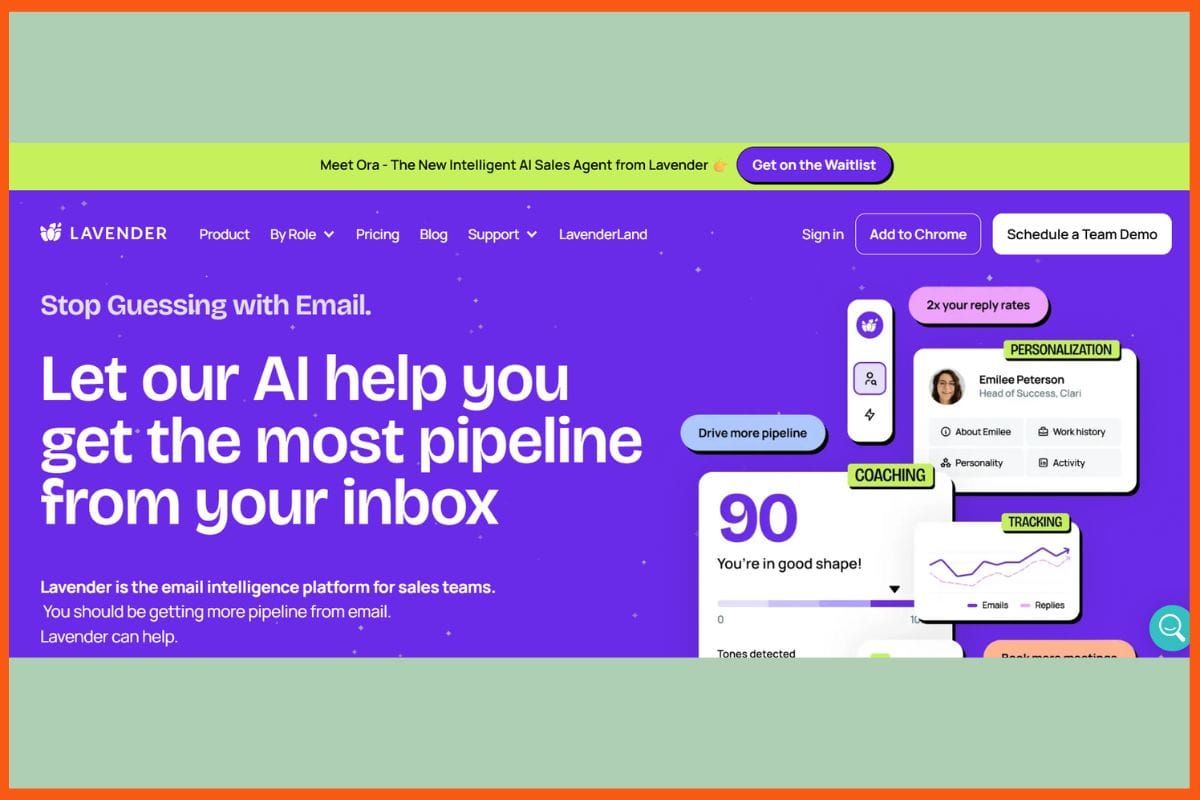
    Lavender – Top AI Tools for Writing Cold Emails

    Lavender is an AI email assistive app that helps its users compose cold emails that convert through real-time feedback, suggestions on personalization, and data-based tips on writing. The tool analyzes tone, clarity, and length of the email content while delivering actionable suggestions for raising deliverability and engagement. Lavender integrates with popular email clients and CRMs, thus establishing a smooth workflow and common ground for different teams. Its AI engine checks the emails against the best-performing templates and suggests improvements, while the analytics assess open and reply rates for continuous enhancement. With an intuitive interface and a Chrome extension, it is handy to use directly from your inbox, making Lavender the tool of choice.

    Pros

    • Perfect synthesis with e-mailing platforms and CRMs.
    • Analytics to check performance.
    • Simple and easy to install Chrome extension.

    Cons

    • Follow-up automation tends to be minimal.
    • Requires personal proofreading for some high-nuanced edits.

    Pricing

    Plan Pricing
    Starters $29/month
    Individual Pro $49/month
    Team Plan $99/seat/month

    Conclusion

    The selection of the best artificial intelligence writing tool is likely to maximize the outreach, ease the workflow since there is much involved, and skyrocket the conversion ratio. Advanced personalization, automated follow-ups, deliverability optimization, and analytics are the defining traits of the best solutions available since they allow the user to create engaging messages for every single target prospect. Easy integration with CRMs and freelance interfaces helps the management of the campaign; A/B testing, coupled with real-time feedback, allows for constant enhancement. This itself becomes a way to scale the outreach of sales and marketing teams and, therefore, garner better engagement and response rates-in short, bring better business outcomes in a competitive digital world.


    AI Blog Writers in 2025: How They’re Shaping the Future of Content
    Explore the role of AI blog writers in 2025. Discover how artificial intelligence is transforming content creation, boosting productivity, and redefining the blogging landscape.


    FAQs

    Can AI tools automate cold email follow-ups?

    Absolutely. Tools like Woodpecker, Saleshandy, and Persana.ai automate follow-up emails based on recipient behavior, ensuring timely and personalized responses to increase the chances of conversion.

    Are AI cold email tools worth the investment for small businesses?

    Yes, many AI cold email tools offer affordable pricing tiers with powerful automation and personalization features. They help small businesses save time, scale outreach, and improve conversions without requiring large teams.

    What are the best AI tools for writing cold emails that convert?

    Top AI tools for writing cold emails that convert include Persana.ai, Mailshake, Woodpecker, Instantly.ai, Reply.io, Saleshandy, GetResponse, Smartwriter.ai, Hunter.io, and Lavender.

  • 10 Best Landing Page Builders To Increase Conversions In 2023

    As we’re now in the digital age, it’s essential to keep up with the modern times. Digital marketing is surging globally, and it’s hard to go online without seeing different digital marketing campaigns.

    A landing page is a standalone web page, created specifically for the purpose of a marketing or advertising campaign. It is designed to direct the visitor to take a specific action, such as making a purchase or filling out a form for more information.

    In digital marketing, landing pages are an important tool for converting website visitors into leads or customers. They typically have a specific focus or theme and are designed to be simple and clear, with a strong call to action.

    Landing pages have become one integral part of digital marketing campaigns, and if you are an expert digital marketer, you know how important startup landing pages can be, and how much they can help in boosting a digital campaign. As important and effective, as they can be, one must be careful while building a landing page. A good landing page typically has a specific focus or theme and is designed to be simple and clear, with strong CTAs (Calls to Action) that help convert website visitors into leads or customers.

    What Is a Landing Page?
    Key elements that make up an effective landing page
    Steps to Create an Impressive Landing Page
    Top Landing Page Builders

    1. HubSpot
    2. Unbounce
    3. Instapage
    4. Leadpages
    5. GetResponse
    6. ConvertKit
    7. Swipe Pages
    8. ClickFunnels
    9. Landingi
    10. Lander

    What Is a Landing Page?

    Before diving deep into the tools used for building landing pages, let us first talk about what landing pages are. Landing pages, by definition, are standalone pages that are built for advertising or a marketing campaign. Landing pages are essential components of a successful website. They provide viewers with the first glimpse of your company and often serve as the primary source for conversions. Landing pages are important for capturing leads, explaining product features, and describing the key advantages of using products or services. For any business, creating an effective landing page should be a top priority. With the right strategies in place, businesses can use well-designed landing pages to drive relevant traffic and convert visitors into customers or at least newsletter signups. Creating a clear call-to-action on the landing page and emphasizing visuals is critical; it’s also important to make sure the message resonates with conversion goals.

    There are two different types of Landing pages, namely Lead Generation Landing pages and Clickthrough Landing pages.

    Lead Generation Landing pages: These are mostly used by B2B marketing companies to collect the user data such as email and names, which can be further used to build a list of emails as their prospective clients.

    Clickthrough pages: These pages are much more direct as their main objective is to sell a product or a subscription-based service, and these pages are mostly used by E-Commerce websites and SaaS services.

    Key elements that make up an effective landing page

    5 Crucial Things Every Landing Page Should Have

    1. A clear and specific call to action: The main goal of a landing page is to get the visitor to take a specific action, such as filling out a form or making a purchase. The call to action should be clear and prominent on the page.
    2. A compelling headline: The headline of the landing page should grab the visitor’s attention and clearly communicate the value or benefit of the product or service being offered.
    3. Relevant and compelling content: The content of the landing page should be relevant to the visitor and should clearly communicate the benefits and value of the product or service being offered.
    4. A visually appealing design: The design of the landing page should be visually appealing and should effectively communicate the message and value of the product or service being offered.
    5. Social proof: Including testimonials, reviews, or other forms of social proof can help build trust and credibility with the visitor and increase the chances of conversion.

    Steps to Create an Impressive Landing Page

    Having an excellent landing page is vital to ensure that consumers receive the right information quickly when exploring potential business opportunities online. Here are a few essential steps to create an impressive landing page:

    1. A good landing page should have a clear and concise headline that tells visitors what they can expect to find on the page.

    2. The headline should be followed by a short and descriptive subheadline that elaborates on the main headline.

    3. The page should then have a strong and attention-grabbing image that helps to visually communicate the message of the page.

    4. The copy on the page should be well-written and free of grammar or spelling errors. It should also be persuasive and convince the reader to take action.

    5. The page should have a clear call-to-action (CTA) that tells the reader what they need to do next. The CTA should be prominently displayed and easy to find.

    6. The page should also have social proof in the form of testimonials or customer reviews to show that others have had success with the product or service being offered.

    7. The page should be designed in a way that is visually appealing and easy to navigate. All of the elements on the page should be placed in an intuitive way.

    8. The page should load quickly and be optimized for mobile devices

    Top Landing Page Builders

    There are several landing page software tools that are used by businesses for their digital marketing campaigns. In this article, we will talk about the top 10 landing page builders that help elevate website conversions in 2023. So, let’s take a look at them.

    HubSpot

    Rating 4.4/5
    Price Range in $ (Monthly) 14 to 3600 for Marketing, 45 to 1200 for Sales, 45 to 1200 for Customer Service, 23 to 1200 for CMS, and 45 to 2000 for Operations.
    HubSpot Website
    HubSpot – landing page builder

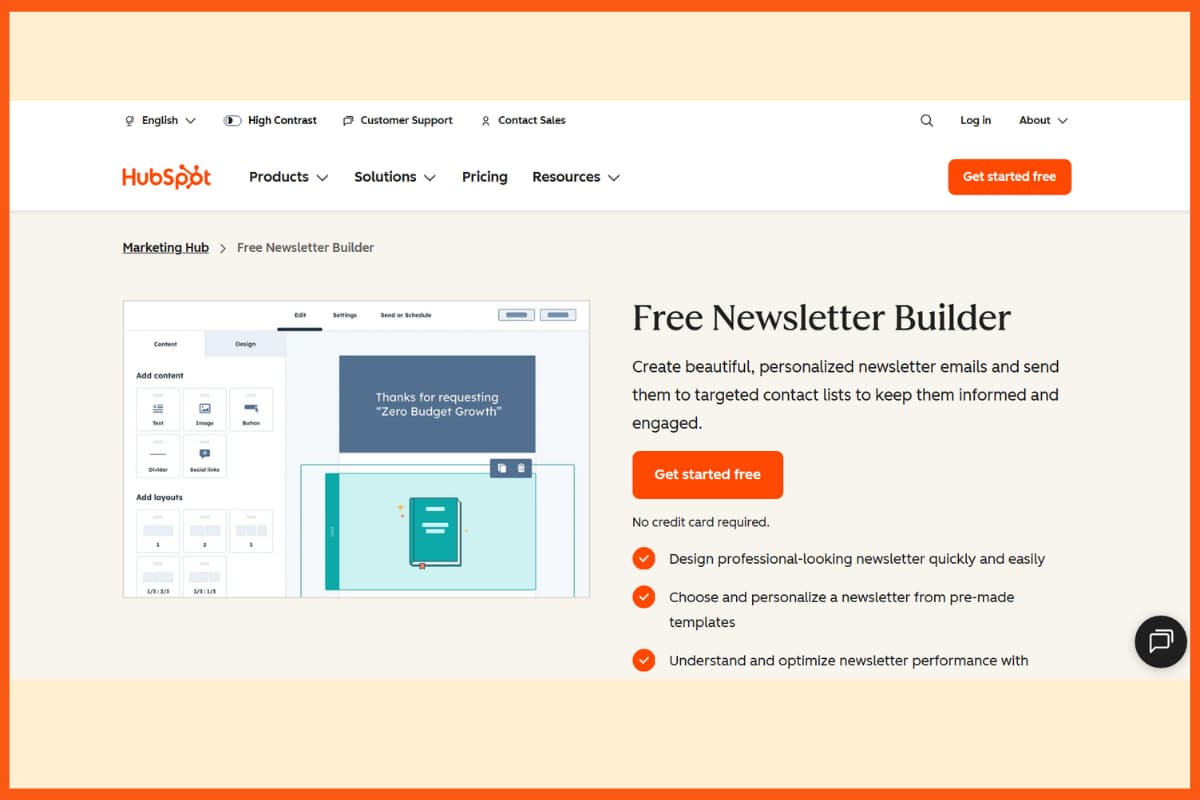
    HubSpot is an all-in-one software platform that helps businesses with web hosting, analytics, content optimization, landing page building, and more. It allows users to create a landing page quickly and easily. With embedded forms and automation systems, it allows for an efficient way to collect customer data and convert leads into customers or sales with ease. Hubspot’s landing page builder gives you the tools you need to create effective landing pages that keep your target audience engaged, whether you use one of the many customizable templates or design and code each landing page from scratch using their innovative drag-and-drop tools. They also offer other features like A/B testing to help maximize potential conversions from landing pages.

    Features offered by Hubspot:

    • Hubspot is an international leader in marketing automation and offers valuable services such as analytics, landing page builders, SEO optimization, and content creation.
    • The landing page building feature is especially beneficial for businesses of all sizes, as it allows users to build stunning landing pages for lead generation within minutes.
    • It’s incredibly user-friendly due to its drag-and-drop interface, customizable templates, photo library, and a plethora of other features that help people create websites that are attractive and optimized for conversions.
    • All landing pages can also be modified to look good across multiple devices such as PC/browser or mobile device.
    • Hubspot also offers to track and report on landing page performance so businesses have detailed insights on what works and what doesn’t.

    Pros:

    • One of the primary pros of using HubSpot is its landing page builder, which is designed to make customizing landing pages easy and efficient.
    • This landing page builder allows users to quickly and easily create their desired landing page without the need for any coding knowledge or experience.
    • It includes multiple options, such as a library of free page templates and layouts that are easily customizable.
    • It provides an intuitive drag-and-drop interface so users can move elements around on the landing page as they desire.
    • Optimizing landing pages with HubSpot’s landing page builder is an effective way to improve organic search ranking since this platform is both small-business friendly and SEO-friendly.

    Cons:

    • If you need customization of more detailed landing pages with specific technology stacks or larger landing pages designed for search engine optimization purposes, Hubspot may not be the right option.
    • While there is a large variety of templates available within Hubspot, they could look somewhat generic compared to landing pages built outside of the platform.
    • Hubspot is supported by multiple third-party apps and integrations, some users may find themselves overwhelmed by the vast number of choices available and feel constrained by what their subscription plan allows them access to.

    Pricing Model for HubSpot

    Software Starter Professional Enterprise
    Marketing Costs $50 per month, and offers tools such as landing pages, email marketing, and ad retargeting Costs $890 per month and offers marketing automation, SEO recommendations, and custom reports with campaign reporting Costs $3200 per month and offers services such as team management and advanced reporting with predictive leads
    CRM and Sales Costs $50 per month and comes with customizable sales properties, meeting scheduling, and other basic features Costs $500 per month and offers sales analytics, custom reporting, eSignature, and some personalization features Costs $1200 per month and offers webhooks, custom objects, scalability, and reporting dashboard
    Customer Service Costs $50 per month and comes with live chats, conversational bots, and simple automation Costs $400 per month and comes with ticket status and routing, and offers better customer service with custom reporting and an insight dashboard Costs $1200 per month and helps users manage multiple teams’ slack integration along with webhooks

    Unbounce

    Rating 4.4/5
    Price Range in $ (Monthly) 90 to 575
    Unbounce Website
    Unbounce – best landing page builder

    Unbounce is a landing page builder with an easy-to-use drag-and-drop interface, that helps you seamlessly build landing pages, lead marketing campaigns for eCommerce, and run social ads, and email marketing. It helps users build one goal-focused and dedicated landing page, without an ounce of coding, to convert traffic into revenue.

    With over 100 different landing page templates to choose from and an easy drag-and-drop interface, Unbounce landing page software offers to build an interactive landing page with customizable JavaScript and CSS, which can be used to make the page all the more responsive and fit for both, a mobile device or a desktop. Also, the built-in AI support helps you test your landing page design to see exactly how it works and what else is needed.

    Unbounce Landing page Tutorial: An Absolute Beginners Guide

    Features Offered by Unbounce

    • Seamless account management allows users to deal with multiple clients, and store records efficiently.
    • The single sign-on (SSO) feature makes it easy to manage usernames and permissions, while you can also choose who gets access.
    • Unbounce offers the re-usability of templates which works effectively while also allowing you to share templates among other Unbounce users.
    • Shaped to load pages quicker than usual, Unbounce pages are designed to load swiftly, without any time delay.
    • With utmost care for privacy, the pages also display a green padlock on the URL bar, assuring the user of complete privacy.

    Pros

    • It provides an intuitive platform that makes it easy to build landing pages quickly and without any coding knowledge needed.
    • This revolutionary drag-and-drop landing page builder also allows non-technical users to customize landing pages without any assistance, making Unbounce a great time saver.
    • Another massive benefit is the wide range of features that allow for deep customization and integration with third party apps like MailChimp, SalesForce, and more.
    • The analytics feature is another must have for companies looking to track performance over time so they make the most of their investment.
    • All in all, Unbounce presents an easy-to-use landing page solution with plenty of custom options that can help businesses get up and running fast with short-term success and long-term growth potential.

    Cons

    • One of the main cons of using Unbounce landing page builder is the cost. It is not an inexpensive service, and some businesses may find it too expensive for their budget.
    • Additionally, because it offers a lot of features, there is a steep learning curve for those who are new to landing page building and web design.
    • These features also require significant technical know-how from experienced users.
    • The A/B testing feature is quite basic and customer service is extremely poor.

    The pricing model for Unbounce

    Launch plan Optimize plan Accelerate plan Scale plan
    Costs $81 per month and is built for small businesses starting with digital marketing and landing pages Costs $122 per month and is built for businesses ready to optimize landing pages Costs $203 per month and is built for fast-growing businesses that need to boost traffic Costs $300 per month and is built for huge enterprises looking for greater traffic and conversion rate
    Offers up to 20000 visitors and 500 conversions with 1 connected domain Offers up to 30000 visitors and 1000 conversions with 1 connected domain Offers up to 50000 visitors and 2500 conversions with 7 connected domain Offers up to 50000 visitors and 3000 conversions with 15 connected domain

    Instapage

    Rating 4.3/5
    Price Range in $ (Monthly) Starts from 199 and has Versatile prices.
    Instapage Website
    Instapage landing page builder

    Instapage is more than just a landing page software tool; it is an advertising conversion cloud, with the ability to automate a personalized post-click page creation through conversion intelligence. Instapage helps users to integrate post-click landing pages and ads through marketing campaign visualization, which helps create a personalized experience for the customer.

    Furthermore, Instablocks offers its users a variety of page blocks comprising CTA forms, overviews, and more so you can manipulate the content of your page, globally. The conversion-optimized templates help you pump up the conversion rate, and with the availability of quick mobile pages, it reduces bounce rates and does not let mobile browsing hinder your marketing campaign.

    Features Offered by Instapage

    • Offers personalized experience to users with the use of specific keywords to maximize conversions.
    • Allows users to feature their own images with an Image Asset Manager.
    • Instapage allows users to add custom coding through JavaScript, CSS, and other scripts, to enhance the functionality of the page.
    • Modern design features such as Parallax scrolling also come in handy in the design of a landing page.
    • Overwrite protection makes sure two different users working on the same template do not make a fuss.

    Pros

    • It offers an array of tools for personalizing landing pages for an optimal user experience and greater conversions, features A/B testing to compare different landing page versions and measure performance, and gives users plenty of customization options to be creative in designing their landing pages.
    • Additionally, the landing pages are mobile-ready right out of the box since they are automatically optimized for all device types so that no one misses out on crucial information while browsing your website.
    • With Instapage, you can easily create beautiful landing pages with lots of great features — making it one of the best landing page building options available on the market.

    Cons

    • It can be difficult for beginner website builders to learn how to navigate Instapage due to its complexity and high price point.
    • Since Instapage is marketed for landing pages, it lacks the complexities necessary for building full-scale e-commerce webspaces.
    • It probably isn’t the ideal solution if you are looking to build a fully integrated webstore; instead, you might try researching another landing page builder better suited for your needs.

    The pricing model for Instapage

    Business plan Enterprise plan
    Costs $149 per month Cost is variable depending on your usage and needs
    Offers features such as no conversion limit, post-click score conversion analytics, and many more features All features of the Business plan with 1:1-ad-to-page personalization, visual collaboration, and editable blocks
    Integrations for Zapier, HubSpot, Salesforce, and Marketo All integrations offered by Business Plan along with page migration and customer manager

    Leadpages

    Rating 4.2/5
    Price Range in $ (Monthly) Starts from 42
    Leadpages Website
    Leadpages landing page software tool

    Leadpages is one of the first choices for small businesses and online enterprises, that are trying to build a brand and make an online presence. It lets users build websites, landing pages, pop-up alerts, and much more without using any code. Leadpages helps you choose from over 200 different templates to create websites and landing pages with a high conversion rate, connect CRM and email, and build traffic with leads, guidance, and increase conversions.

    Leadpages has a simple and seamless set of tools making it effortless to create, update and deploy your landing pages, quick and accurate, ridding you of extra costs of freelancers and time delays. You also get to make mobile responsive pages and deploy them in a matter of minutes, using state-of-the-art templates and an easy drag-and-drop interface.

    Features Offered by Leadpages

    • Leadpages allows you to view your page across different screen sizes hence, identifying if something needs to be rectified.
    • Hidden form fields allow you to pass data to your CRM, through prepopulated fields.
    • Leadpages makes a backup of all opt-in data in case any of the integrations experience downtime.
    • Offers checkout with Stripe, allowing users to accept payments and deliver products from any page.
    • Offers an image library where you can add and remove images to use in your page designs, the way you deem fit.

    Pros

    • Its intuitive UI and drag-and-drop feature make landing page creation a breeze even for novice users.
    • Leadpages offers multiple pre-made templates to reduce design time and flaunt your content on professionally designed landing pages.
    • It integrates with over 500 services, so you can connect it with your email marketing service or landing page tracking system.
    • You can quickly design web forms and calculate A/B testing to measure and optimize landing page success.
    • These features help businesses skyrocket their conversion rate, bringing in more leads and sales over time.

    Cons

    • One issue with Leadpages is that its landing pages are very limited in terms of design and customizability.
    • Additionally, because Leadpages is a third-party service, there may be delayed support from the company if any maintenance issues or bugs arise.
    • Businesses creating landing pages must also keep in mind that using Leadpages can become expensive over time due to the amount of landing pages needed for campaigns and marketing efforts.

    The pricing model for Leadpages

    Advanced plan Pro plan Standard plan
    Costs $299 per month billed annually Costs $74 per month billed annually Costs $37 per month billed annually
    Can be used to build up to 50 sites and including landing pages, traffic leads, and hosting Can be used to build up to 3 sites and including landing pages, traffic leads, and hosting Can be used to build up to 1 site and include landing pages, traffic leads, and hosting
    Priority phone tech support with over 40 integrations and online sales and payment Chat and email tech support with over 40 standard integrations and email trigger links Email tech support with no email triggers or online sales and payments

    GetResponse

    Rating 4.2/5
    Price Range in $ (Monthly) Starts from 13
    GetResponse Website
    GetResponse – Top Landing Page Builder

    GetResponse helps you to create high-converting, mobile-responsive landing pages, but it’s also a digital marketing platform used for sending emails, creating web and startup landing pages, and automating marketing. It offers to grow your audience with lead generation and targeted online communication that helps users boost their conversion rates. Moreover, GetResponse helps you deploy your skillset into an asset that you can use to grow revenue with about a thousand daily webinars and deliver an amazing customer experience to create a loyal following.

    Whether you wish to propel your business online, or you are in need of personalized tools to cater to your needs for scalability, GetResponse helps you communicate with your potential clients and increase return on investment. Moreover, with the help of sales funnels, popup forms, and marketing automation, GetResponse helps in online marketing and generating revenue from anywhere in the world.

    How to Create a Landing Page from Scratch in GetResponse

    Features Offered by GetResponse

    • With images from Shutterstock and gifs from Giphy, GetResponse helps create mobile-responsive pages for a high conversion rate.
    • Popup forms for signups and data collection, GetResponse helps you send targeted emails to prospective clients and customers.
    • Ready-made sales funnel helps you display your products and services to your customers, helping you sell more.
    • Drag and drop interface helps customize your page, so it suits both, the desktop view as well as the mobile device view.
    • GetResponse also offers insights into the pages along with conversion rate and other details. This allows you to choose the best designs and achieve high conversion rates.

    Pros

    • It offers powerful integrations with online store builders and social media platforms, making it easier than ever to have multiple touchpoints with your customers.
    • GetResponse also provides world-class analytics tools, so marketers can see exactly how their campaigns are doing, as well as access to cutting-edge automation capabilities designed to maximize ROI with minimal time investment.
    • They offer responsive customer support when you need help. With its comprehensive suite of features, GetResponse makes it easy for businesses of all sizes to take full advantage of the power of email marketing.

    Cons

    • One major issue is that their landing page builder is not as feature-rich as similar platforms on the market.
    • While GetResponse landing pages look great, they lack important features such as the ability to split test landing pages or ads. This makes it difficult to accurately measure ROI or use A/B testing to optimize campaigns.
    • GetResponse’s landing pages can only link to external URLs rather than being able to contain internal content, which makes for an awkward user experience when transitioning from the landing page to the checkout page.
    • GetResponse may be good for basic marketing tasks like email campaigns, but lacks features that are necessary for more advanced customers looking to scale up their businesses.

    The pricing model for GetResponse

    Basic plan Plus plan Professional plan Max plan
    Costs $19 per month and is used for sending emails and building a contact base Costs $59 per month and is used for generating leads Costs $119 per month and is used for marketing automation and integrations Used for evolving marketing strategy and comes with a variable pricing
    Comes with tools for email marketing, unlimited marketing pages, templates, and lead funds Offers everything that comes with a basic plan along with automation builder and sales and webinar funnels Offers everything that comes with a plus plan along with unlimited sales and webinar funnels and work together for 5 users Offers everything that comes with a professional plan along with dedicated support and IP and Microsoft Dynamic Integration

    ConvertKit

    Rating 4.4/5
    Price Range in $ (Monthly) Starts from 15
    Convertkit – landing page builder

    Convertkit is an all-in-one email marketing software specially designed for bloggers and small businesses. Whether you’re a solo entrepreneur or a business team, this platform helps to efficiently manage all your email automation needs in one place. Features such as landing page builder, automation builder, reporting dashboard, and rich segmentation allow users to create fully customized landing pages and automate their entire subscriber journey. Convertkit makes it easy to create stunning landing pages and publications quickly and optimize them for better performance. With its drag-and-drop page builder, customizable popup forms, landing page templates, and automatic publishing capabilities of landing pages, Convertkit will take your website visitors to the next level of engagement. It supports A/B testing with its optimization suite so that users can track the conversion rates of landing pages with ease.

    Features offered by Convertkit

    • It has powerful automation tools designed specifically for content creators and bloggers, allowing them to create landing pages and build segmented email lists quickly and easily.
    • Automation can be daunting at first, but ConvertKit simplifies the process with helpful tools like landing page builder that enable users to quickly construct highly customizable landing pages without the need for complex skills.
    • The platform offers direct integration with popular payment gateways, including Stripe and PayPal, making it easier than ever to build landing pages and capture subscribers that are ready to buy.
    • With comprehensive analytics all in one place, ConvertKit provides the perfect platform for managing email campaigns of any size.

    Pros

    • One of the most attractive features is the landing page builder which helps make any promotional activities easier to execute.
    • This landing page builder has a simple user interface and allows for customizable designs that enable users to customize their landing pages according to the needs of their campaigns.
    • The amazing flexibility of the landing page builder along with other features such as audience segmentation, automatic emails, analytics, and automation workflows provide Convertkit users with everything they need to build their business.

    Cons

    • One such drawback is the landing page builder which, while easy to use and intuitive, lacks some of the customization options of other solutions on the market.
    • It can be difficult to create high-converting landing pages because there are limited templates and design options available.
    • Testing landing pages and optimizing them for conversions can be challenging due to the lack of features in Convertkit’s landing page building suite.

    The pricing model for Convertkit

    Creator plan Creator Pro plan
    Costs $15/month, For up to 300 subscribers Costs $29/month, For up to 300 subscribers
    Best for growing creators automating their work Best for established creators scaling their business

    Swipe Pages

    Rating 4.8/5
    Price Range in $ (Monthly) Starts from 39
    Creating Landing Page with Swipe Pages

    Swipe Pages is a landing page builder designed to help businesses create their desired web presence. With a landing page builder, they can make their website experience more user-friendly, modern, and engaging. Swipe Pages have proven to be incredibly effective at allowing businesses to acquire customers quickly. To sum up, Swipe Pages are an efficient way for businesses to easily capture leads and maximize user engagement with landing page builders.

    Features offered by Swipe Pages

    • Swipe Pages offer an attractive landing page-building service that provides users with an intuitive and easy-to-manage platform.
    • The builder has a simple drag-and-drop interface and comes with a variety of templates, fonts, illustrations, hero images, video blocks, and more to choose from.
    • By using Swipe Pages’ landing page creator you can quickly create landing pages that resonate with your audience while allowing you to customize the look and feel of your landing page without the need for coding skills.
    • With the landing page included in the Swipe Pages suite of services, you can easily set up automated marketing campaigns, split test different landing pages or start collecting leads for your business.

    Pros

    • Swipe Pages are incredibly useful landing page builders that make creating web pages simple and straightforward.
    • Not only are they cost-efficient, but they also provide users with impressive design templates that can be customized quickly and easily.
    • They allow entrepreneurs to design landing pages with maximum conversions in the shortest possible time – no coding required!
    • Swipe Pages also feature analytics tools so users can examine user behavior which allows them to optimize their landing pages for the best results in terms of sales and returns.
    • Swipe Pages support error-free A/B testing, allowing entrepreneurs to compare landing page variants for optimal performance.

    Cons

    • As the builder is limited in its design options, landing pages often end up looking very similar or generic; this can have a negative impact on conversions as it may not reflect the unique attributes of your product or service.
    • Because Swipe Pages builders lack flexibility and customization, you may find yourself unable to make them fit precisely with your brand’s message or visual aesthetic.
    • It’s important to note that editing these landing pages can be tricky since there is no code-level access – meaning any changes you do make are limited by the builder’s capabilities.

    The pricing model for Swipe Pages

    Startup plan Marketer plan Agency plan
    Costs $39/month Costs $89/month Costs $199/month
    Offer 1 Custom Domain, 20,000 Traffic, Analytics & Conversion Tracking and more Offer 5 Custom Domains, 50,000 Traffic, Smart Pages, 5 Client Subaccounts, and more Offer Unlimited Custom Domains, 500,000 Traffic, Smart Pages, Unlimited Client Subaccounts, and more

    ClickFunnels

    Rating 4.7/5
    Price Range in $ (Monthly) Starts from 147
    ClickFunnels – online landing page builder 

    ClickFunnels is an online landing page builder that simplifies the process of creating websites, making them easier than ever. With drag-and-drop technology, point-and-click design, and automated tools, it provides users with the freedom to customize landing pages that are tailored to their business needs. The launch of this program has made it easier for those who may not necessarily have coding skills to create effective websites quickly and easily. Beyond landing pages, ClickFunnels also offers funnel-building and hosting solutions. Whether you’re an online store or a service provider, there’s no limit to the ways you can use Clickfunnels for your business needs.

    Features offered by ClickFunnels

    • ClickFunnels is an intuitive and powerful landing page builder that provides small-business owners with the tools they need to create high-quality landing pages quickly and easily.
    • With ClickFunnels, users have access to templates designed to look professional while making it easy to customize how their page looks and feels.
    • These landing pages can be created in minutes instead of hours or days. Other features include drag-and-drop elements, A/B testing capabilities, automation features, and even eCommerce setup assistance.

    How to Create a Landing Page With ClickFunnels

    Pros

    • ClickFunnels is an incredibly useful tool for businesses looking to drive sales and improve their visibility on the web. It’s an all-in-one suite of products that includes a landing page builder, funnel templates, email autoresponders, analytics, and more.
    • ClickFunnels allows businesses to quickly create landing pages and other key elements for an optimized online presence.
    • It automatically builds a sales funnel meaning less work for marketers who are already strapped for time.
    • With its intuitive and user-friendly interface, even those with no coding experience can create engaging pages within a matter of minutes.
    • It’s accompanied by great customer service so users have helped every step of the way.
    • ClickFunnels offers businesses a simple yet powerful platform to build beautiful landing pages and generate leads without having deep technical knowledge.

    Cons

    • There are some drawbacks to using this builder, such as the high monthly costs associated with certain subscription packages.
    • The builder can be complicated and overwhelming for those who are new to website development, making it difficult for beginners to navigate.
    • There is also a limited range of customization options available which can be limiting for experienced web designers who may want more complex landing pages.
    • ClickFunnels is a useful landing page-building program but comes with its downsides that one should consider before subscribing.

    The pricing model for ClickFunnels

    Basic plan Pro plan
    Costs $147/month Costs $197/month
    Offer 1 Website, 20 Funnels, Unlimited Workflows, Basic Analytics, and more Offer 1 Website, 100 Funnels, Unlimited Workflows, Basic Analytics, Liquid Theme Editor, and more

    Landingi

    Rating 4.4/5
    Price Range in $ (Monthly) Starts from 29
    Landingi – Top Landing Page Builder

    Landingi is an intuitive landing page builder that promotes customization and ease of use for all types of users. With its straightforward drag-and-drop interface, Landingi helps you quickly create landing pages that make an impression. You can customize the landing pages with high-converting widgets like countdown timers and surveys, or add layers of complexity with CSS code editing. It’s even compatible with marketing automation tools like MailChimp and Active Campaign so that you can start delivering tailored messages right away. Landingi also offers templates so you can build upon existing landing page ideas, making it easy to get started building your perfect web page in no time.

    Features offered by Landingi

    • Landingi is an efficient landing page builder that can help anyone create captivating landing pages in a snap.
    • Its no-coding feature ensures that you don’t need to be a developer to create stunning landing pages which makes it perfect for everyone, especially non-technical folk.
    • Landingi offers plenty of customizable page templates and subscription optimization features that are designed to deliver positive ROI and maximum conversions.
    • All landing pages created with Landingi come with detailed performance analytics as well as email automation features and A/B testing options.

    Pros

    • Landingi is a landing page builder that makes it simple to create stunning, high-converting landing pages that increase conversions and generate leads.
    • With an easy-to-use interface and drag-and-drop features, landing pages can be designed quickly without having any technical coding knowledge.
    • Landingi has many advanced features that make it suitable for marketers with all levels of expertise: from basic functionalities like A/B testing, to more complex options like creating pop-ups or integrating with eCommerce APIs.
    • The platform offers enough analytic data so users can track landing page performance and identify areas for improvement.

    Cons

    • Its landing pages lack customization options and can’t be integrated with other applications or platforms.
    • The landing page designs are limited in number and none of them offer visually striking elements that would help set them apart from the competition.
    • Landingi falls short when it comes to performance optimization—the platform does not support A/B testing nor does it have analytics capabilities to measure landing page performance.
    • Its platform complexity makes Landingi less beginner-friendly compared to alternative landing page builders.

    The pricing model for Landingi

    Core plan Create plan Automate plan Agency plan
    Costs $29/month Costs $65/month Costs $89/month Costs $109/month
    Best for starters looking for an easy-to-use and responsive editor. Best for business owners and smaller companies looking to build high-converting campaigns that increase sales Best for marketing pros to automate processes and boost conversions at all levels of the customer journey Best for agencies, integrators, and resellers to launch offers and scale customer service

    Lander

    Rating 3.0/5
    Price Range in $ (Monthly) Starts from 49
    Lander – landing page building platform

    Lander is a landing page building platform that makes creating effective landing pages incredibly simple. With its intuitive drag-and-drop interface and customizable templates, Lander has revolutionized the landing page building experience. And with features like A/B testing, heatmaps, and mobile optimization- it’s never been easier to create stunning landing pages that are guaranteed to capture the attention of your audience. Whether you’re a marketer, influencer, or business owner, Lander has something for everyone!

    Features offered by Lander

    • Lander is a landing page builder that offers users the ability to quickly and easily create landing pages with modern-day design sensibilities.
    • From its intuitive drag-and-drop interface to templates and customizable functionality, Lander is a powerful option for creating landing pages in minutes.
    • With layouts optimized for different devices and a plethora of features such as A/B testing, automated emails, and more, it makes it easy for marketers to get the most out of their landing pages.
    • It also provides designers with several page elements such as video backgrounds and custom fonts that can give their web pages that extra “wow” factor.

    Pros

    • Building landing pages with Lander can be extremely beneficial to businesses and entrepreneurs alike.
    • Not only is it incredibly easy to use, but it also offers a wide range of attractive templates that don’t require any coding knowledge.
    • Users can also customize each landing page with images, colors, fonts, and HTML code to fit their brand needs.
    • It even provides useful analytics so businesses can track the success of their landing page campaigns.
    • Lander’s landing page builder is a great tool for those looking to build professional landing pages without spending money on a web designer or spending a lot of time learning how to code.

    Cons

    • One of the biggest cons of using Lander landing page builder is that it has limited design templates. This can be restrictive for those looking to create landing pages with more customized visuals and layouts, as they are often forced to settle with one of the templates even if it doesn’t suit their needs perfectly.
    • The customer support provided by Lander leaves something to be desired.
    • Though help is available, response times tend to be slow compared to other landing page builders, which can make troubleshooting difficult for users who require assistance quickly.

    The pricing model for Lander

    Basic plan Professional plan
    Costs $49/month Costs $99/month
    Includes A/B Testing, Facebook Landing Pages, Auto-Fill Forms, Email Support and more. Includes Dynamic Text Replacement, Facebook Landing Pages, Custom Code Editing, Technical Support, Chat & Email Support and more.

    Conclusion

    The landing page helps you in boosting your ad campaign. In fact, it is an important step in a digital marketing campaign. Landing page builders help in building the perfect web page that will help your potential customer or customers to take an action by buying the products of your business. With the increase in digital marketing, landing page builder tools are also getting popular.

    FAQs

    What is a landing page?

    Landing pages, by definition, are web pages that are built for advertising or a marketing campaign.

    What are the two different types of Landing pages?

    The two different types of landing pages are lead-generation landing pages and Clickthrough landing pages.

    What are the top landing page builders to use in 2023?

    Some of the popular landing page builders to use in 2023 are listed below:

    • HubSpot
    • Unbounce
    • Instapage
    • Leadpages
    • GetResponse

    What is a landing page builder?

    A landing page builder is a tool that allows users to create and design a landing page without the need for coding or design skills.

    How many hours does it take to create a landing page?

    On average, it may take anywhere from a few hours to several days to create a landing page, depending on the complexity of the design, the amount of content that needs to be included, and the level of customization required.

    What is the purpose of creating a landing page?

    The purpose of creating a landing page is to drive targeted traffic to a specific webpage and convert that traffic into leads or customers.

    What are the uses of the landing page?

    Some common uses for landing pages include:

    1. Generating leads
    2. Promoting a product or service
    3. Running a promotion or contest
    4. Facilitating event registration

    What are the essential elements of the landing page?

    The essential elements of a landing page are as follows:

    • Clear unique selling proposition (USP)
    • Engaging hero shot.
    • Compelling benefits.
    • Inspirational social proof.
    • Strong call to action (CTA)

    Do I need to have design or coding skills to use a landing page builder software tool?

    No, most landing page builders offer a user-friendly interface and pre-designed templates that allow you to create and customize landing pages without any design or coding knowledge.

    Can I A/B test my landing pages with a landing page builder?

    Yes, many landing page builders offer A/B testing features that allow you to test different versions of your landing page and see which one performs better.